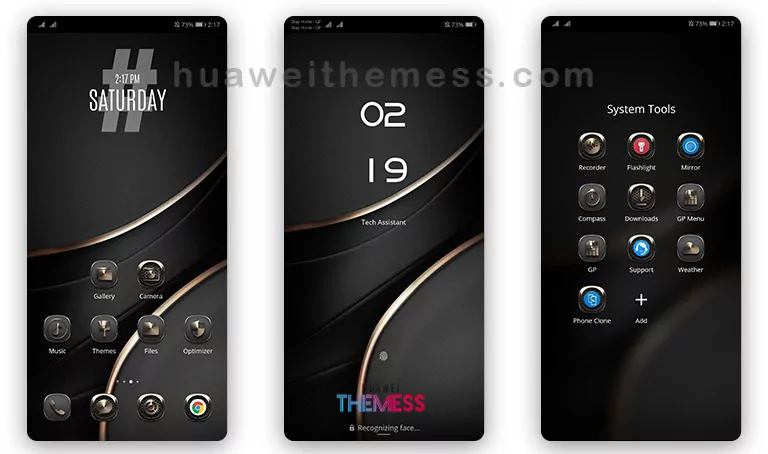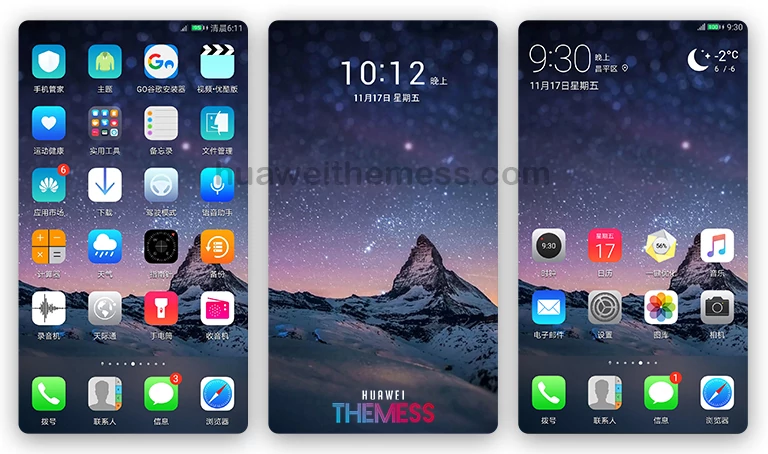
The Dazzling Theme for EMUI 5.0/5.1/8.0 is a stunning UI makeover that brings a burst of color and energy to your Huawei device. With its vibrant and playful aesthetic, this theme is perfect for those who want to add a pop of personality to their phone’s look.
Aesthetic UI Setup: Exploring the Dazzling Theme
- New Colorful Splash Wallpapers
- Changed RGB Icons
- Changed Fonts
- New Navbars
- Feeling Colorful looking
- New Lockscreen
- and more
Compatibility and System Requirements
The Dazzling Theme is compatible with EMUI 5.0, 5.1, and 8.0, making it a great choice for Huawei users looking to customize their device’s UI. Ensure that your phone meets the minimum system requirements before installing the theme.
Frequently Asked Questions
What devices is the Dazzling Theme compatible with?
The Dazzling Theme is compatible with Huawei devices running EMUI 5.0, 5.1, and 8.0.
How do I add a theme to my Huawei device?
First, download the .hwt file and move it to the Huawei/Themes folder, then apply it via the Themes app. Click here to learn in detail

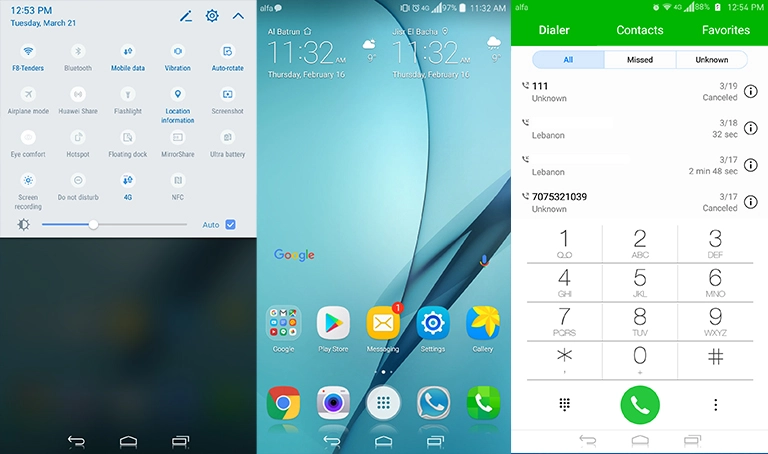
The Dazzling Theme offers a unique and refreshing look for your Huawei device. With its vibrant colors, new icons, and lockscreen design, this theme is perfect for those who want to add a bit of personality to their phone’s UI. The installation process is straightforward, and the compatibility with EMUI 5.0, 5.1, and 8.0 makes it a great choice for Huawei users.