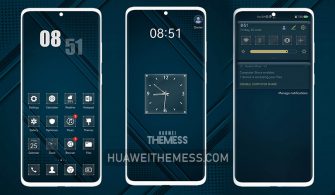
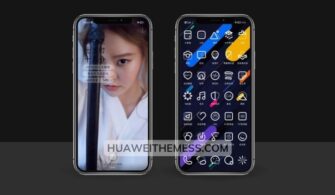
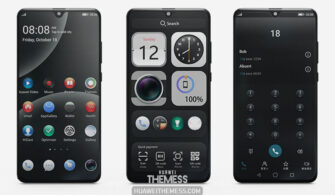
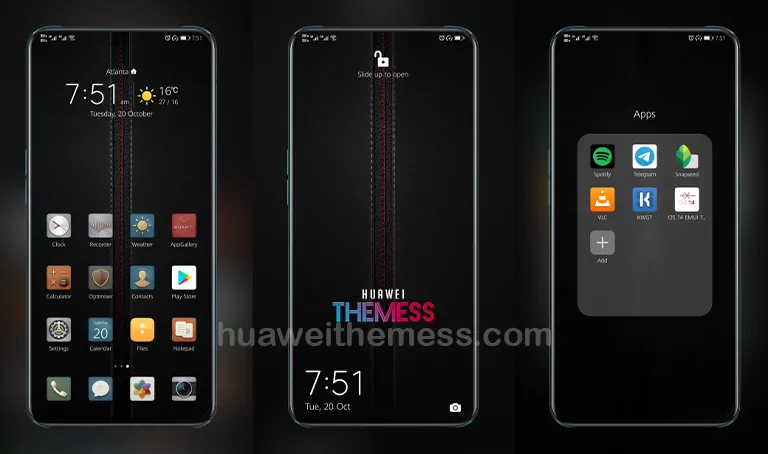
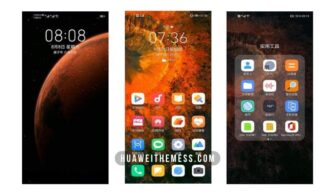
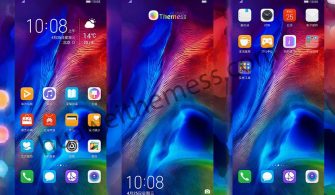
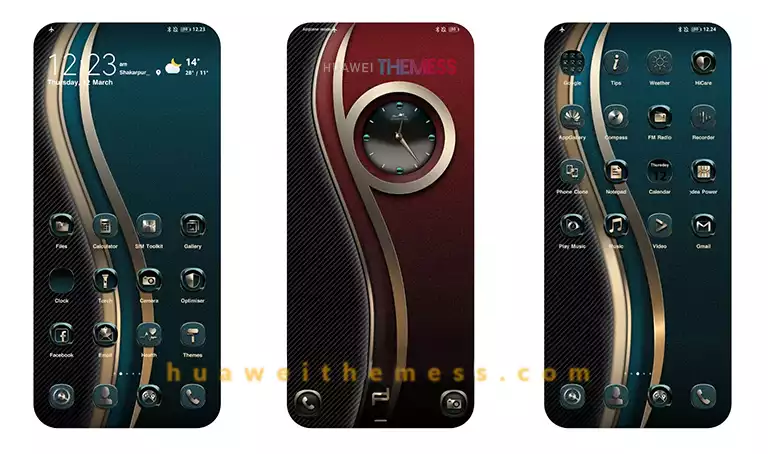
This stunning Huicheng theme is a must-have for Huawei and Honor device owners, offering a sleek and harmonious design that elevates the overall user experience. With its impressive array of features and seamless integration with EMUI, MagicUI, and HarmonyOS, this theme is a game-changer for those seeking a premium look and feel.
Unlock the Full Potential of Huicheng Theme
The Huicheng theme is a masterclass in design and functionality, boasting vibrant new wallpapers, stylish app icons, and a dynamic cool lockscreen that sets it apart from other themes. The theme’s sleek design and smooth interface make it a joy to use, and the numerous bug fixes ensure a seamless experience.
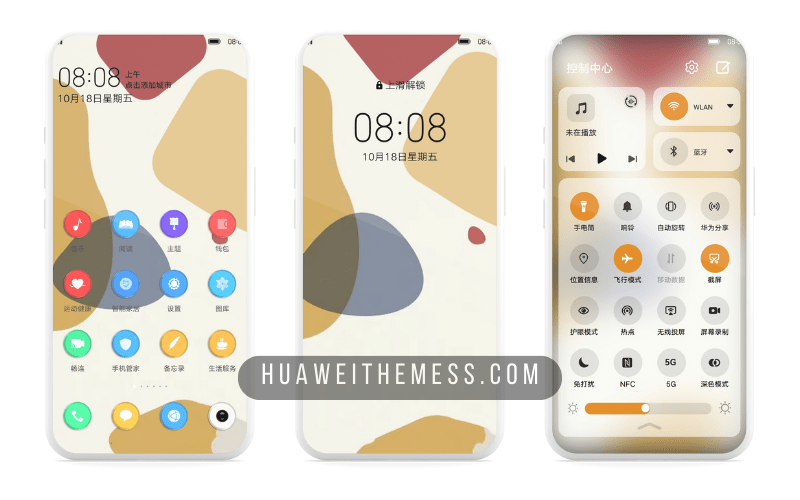
Whether you’re running EMUI, MagicUI, or HarmonyOS, the Huicheng theme is designed to work seamlessly with your device’s operating system, ensuring that you can enjoy its features without any fuss.
Compatibility and System Requirements
The Huicheng theme is compatible with EMUI 12/11/10/9, HarmonyOS, and Magic UI 6/5/4/3/2, making it a suitable choice for a wide range of Huawei and Honor devices. To ensure a smooth experience, users should ensure that their device meets the minimum system requirements.



Frequently Asked Questions (FAQ)
What devices is the Huicheng theme compatible with?
The Huicheng theme is compatible with Huawei and Honor devices running EMUI 12/11/10/9, HarmonyOS, and Magic UI 6/5/4/3/2.
How to install the Huicheng theme?
First, download the .hwt file and move it to the Huawei/Themes folder, then apply it via the Themes app. Click here to learn in detail
What features does the Huicheng theme offer?
The Huicheng theme offers a range of features, including vibrant new wallpapers, stylish app icons, and a dynamic cool lockscreen.
How do I download the Huicheng theme?
Click on the download button below to download the Huicheng theme. You can also visit the Huawei Themes website for more information.
How to install this theme?
First, download the .hwt file and move it to the Huawei/Themes folder, then apply it via the Themes app. Click here to learn in detail
The Huicheng theme is a masterclass in design and functionality, offering a sleek and harmonious design that elevates the overall user experience. With its impressive array of features and seamless integration with EMUI, MagicUI, and HarmonyOS, this theme is a must-try for anyone seeking a premium look and feel.