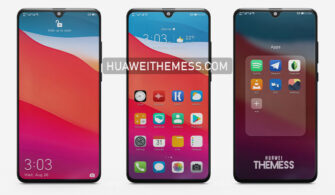
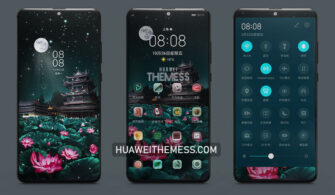
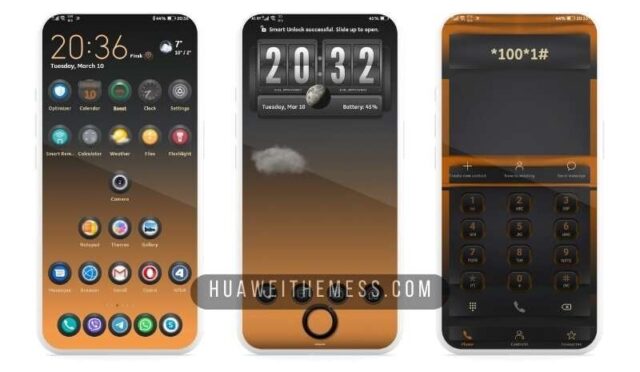
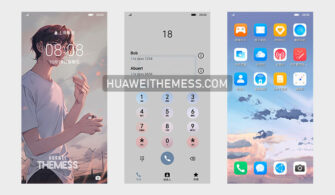
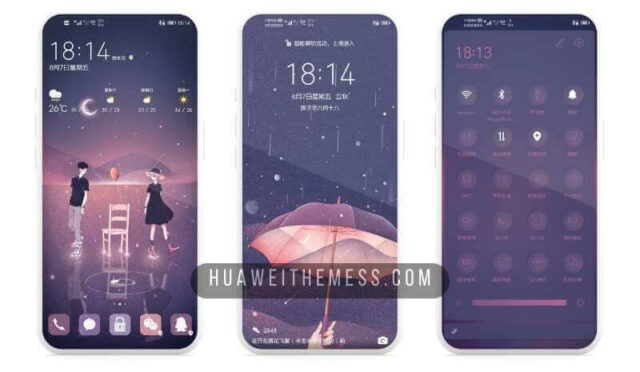
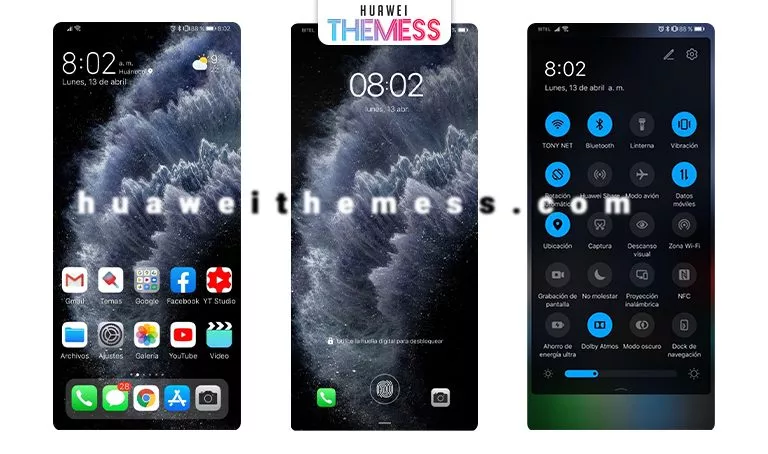
This Imprint theme for HarmonyOS 2/1 and EMUI 12/11/10/9 users offers a premium look and style, allowing you to personalize your phone according to your taste. With its attractive design and revamped UI, this theme is a must-try for those seeking an awesome aesthetic.
Imprint EMUI Theme: Where Function Meets Sophisticated Design
This theme boasts an array of features that set it apart from others, including new wallpapers, changed app icons, a dynamic cool lockscreen, and a smooth interface. The seamless integration of the theme’s design elements creates a cohesive and visually appealing experience.
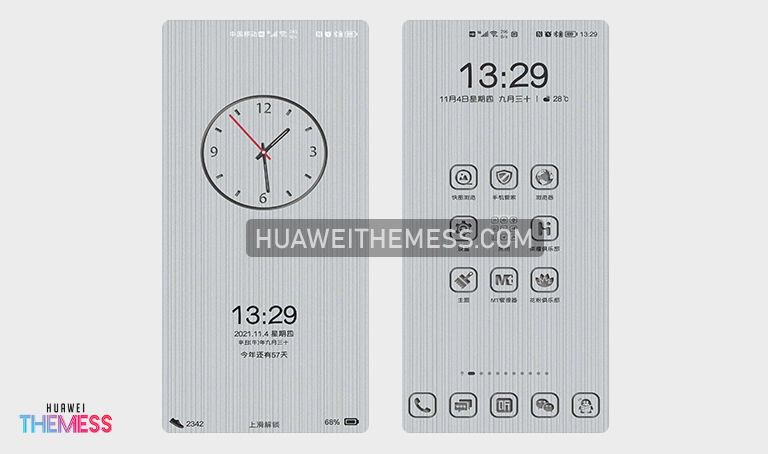
Compatibility: Seamlessly Integrating with Your Huawei Device
This Imprint theme is compatible with EMUI 12/11/10/9 and MagicUI 5/4/3/2, ensuring a smooth and glitch-free experience on your Huawei device. The theme’s developers have meticulously crafted it to work seamlessly with your phone’s operating system, guaranteeing a premium experience.



Frequently Asked Questions (FAQ)
What makes the Imprint theme stand out from other themes?
[The Imprint theme’s unique blend of design elements, including new wallpapers, changed app icons, and a dynamic cool lockscreen, sets it apart from other themes. Its seamless integration of design elements creates a cohesive and visually appealing experience.]
Is the Imprint theme compatible with my Huawei device?
[Yes, the Imprint theme is compatible with EMUI 12/11/10/9 and MagicUI 5/4/3/2, ensuring a smooth and glitch-free experience on your Huawei device.]
How do I install this theme?
First, download the .hwt file and move it to the Huawei/Themes folder, then apply it via the Themes app. Click here to learn in detail.
The Imprint theme is a masterclass in design, seamlessly blending functionality with a sophisticated aesthetic. With its impressive array of features and compatibility with various Huawei devices, this theme is a must-try for anyone seeking to elevate their phone’s visual appeal.