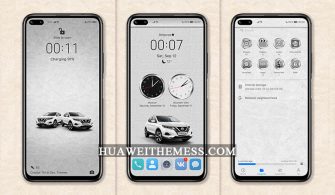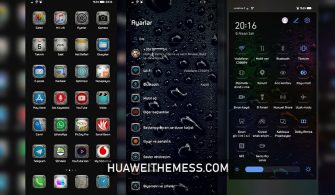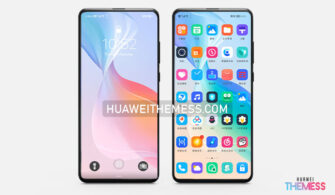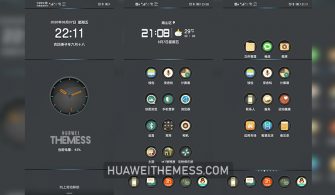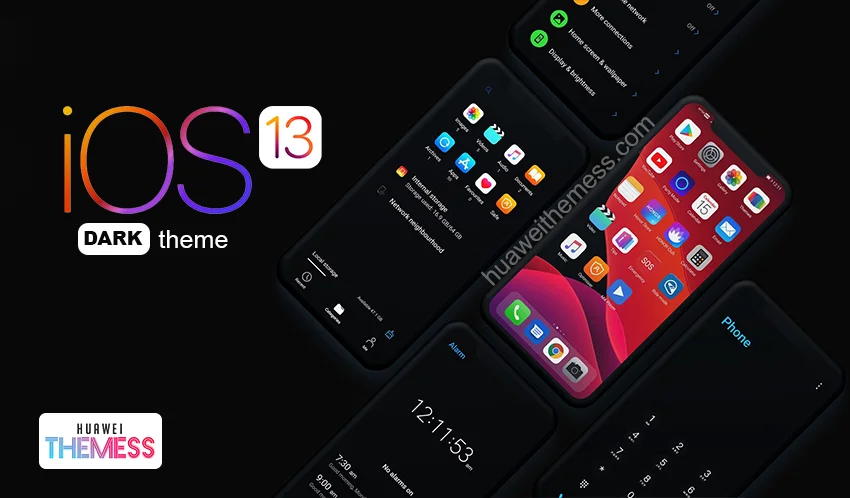
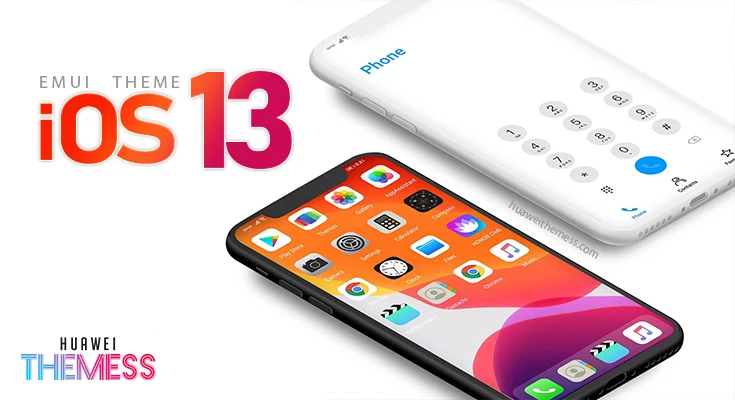
Get ready to immerse yourself in the sleek and sophisticated world of iOS 13 Dark, now available for EMUI 10 users. This stunning theme brings the best of Apple‘s dark mode to your Huawei device, elevating your user experience to new heights.
A Dark Mode that Sets the Standard: iOS 13 EMUI Theme Features
The iOS 13 Dark EMUI theme is a masterclass in minimalism, with a palette of dark blues and grays that exude a sense of calm sophistication. The 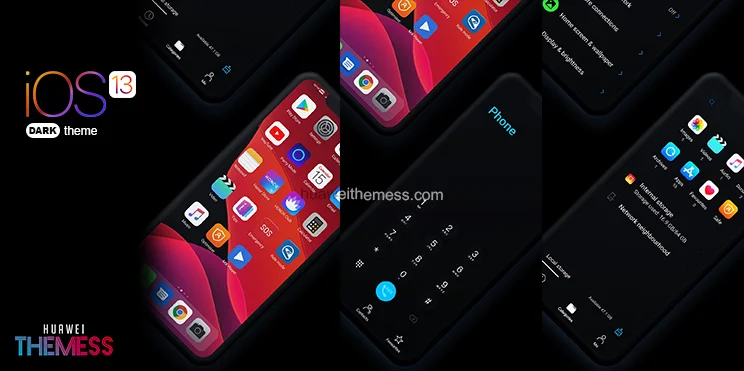 theme’s dark mode is truly a work of art, with a seamless blend of dark and light elements that create a visually stunning experience.
- Dark Icons that Shine – Our iOS 13 Dark theme features a range of icons that are both stylish and functional, ensuring that your device looks as great as it performs.
- Wallpapers that Wow – Our theme includes a selection of stunning wallpapers that are sure to catch your eye, from the subtle textures of the night mode to the bold, geometric patterns of the light mode.
- Fonts that Pop – Our theme features a range of fonts that are both elegant and easy to read, ensuring that your device’s text looks as great as the rest of the design.
- Night Mode that Shines – Our theme includes a range of night mode options that are designed to reduce eye strain and make your device easier to use in low-light environments.
Compatibility: Where Function Meets Form
The iOS 13 Dark EMUI theme is designed to work seamlessly with EMUI 10/Magic Ui 2.1, ensuring that you can enjoy the full range of features and benefits without any hassle or fuss. Whether you’re using a Huawei or Honor device, our theme is sure to impress.
Frequently Asked Questions
What is the minimum EMUI version required to use this theme?
This theme is designed to work with EMUI 10/9/Magic Ui 2.1, so please check your device’s EMUI version before installing it to ensure compatibility.
Are there any bugs or issues with the theme?
We’ve tested our theme thoroughly to ensure that it’s free from bugs and issues, but if you do encounter any problems, please don’t hesitate to contact us for support.
How to install this theme?
First, download the .hwt file and move it to the Huawei/Themes folder, then apply it via the Themes app. Click here to learn in detail
The iOS 13 Dark EMUI theme is more than just a skin – it’s a complete overhaul of your user experience, designed to make your device look and feel like new. With its sleek design, stunning wallpapers, and seamless functionality, this theme is the perfect way to take your Huawei device to the next level.