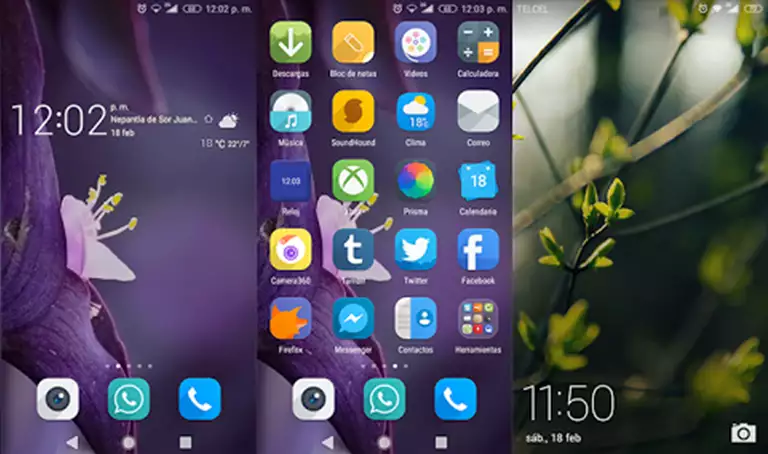
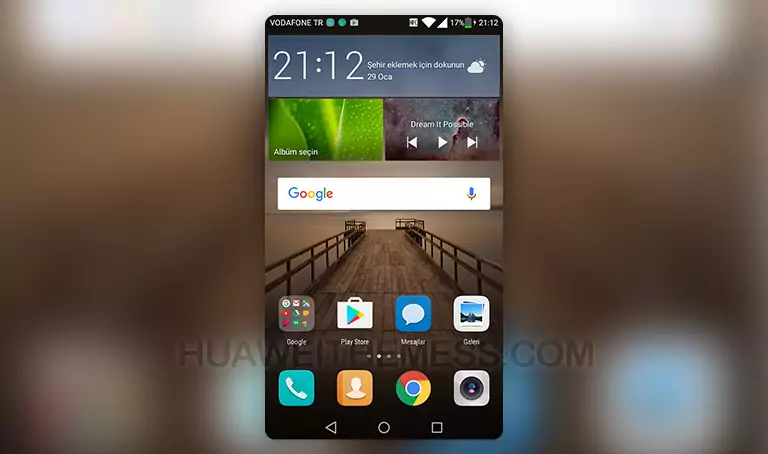
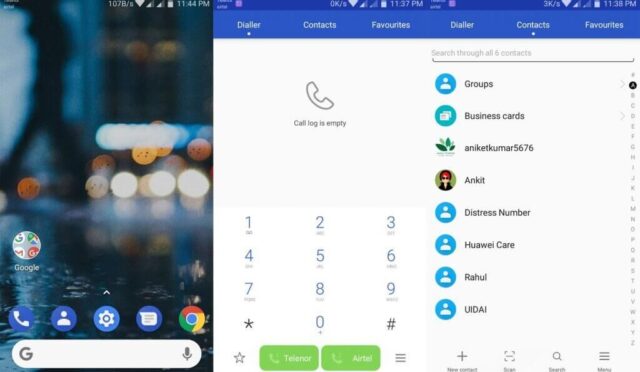
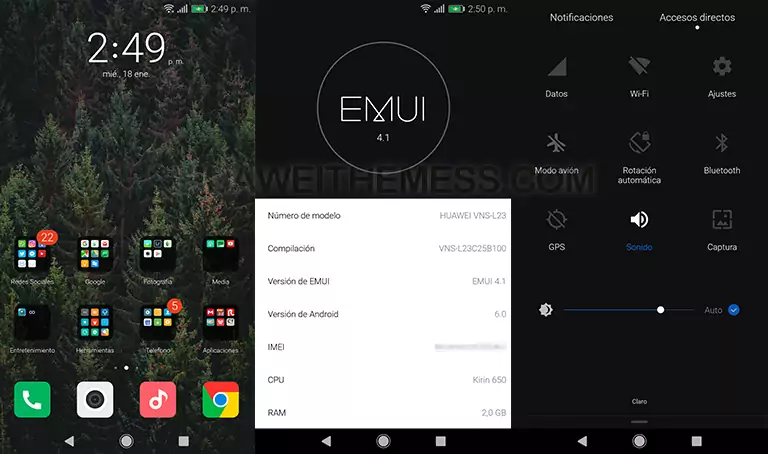
Get ready to transform your EMUI 4.0/4.1 device with the sleek and modern LineagOS Theme, a perfect blend of style and functionality. This theme is designed to give your device a premium look and feel, complete with cool app looks, LineageOS icons, and a cool lockscreen. With its minimalist approach, you can personalize your phone according to your taste, making it stand out from the crowd.
The Ultimate Minimalist Dark Mode Goals with LineagOS on your Huawei Device
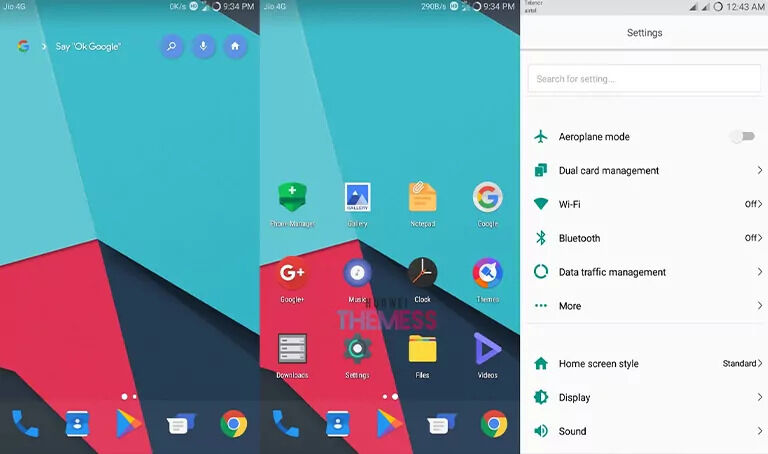
- Cool App Looking
- LineageOS Icons
- Like Material App Lookings
- Cool Lockscreen
- and more..
Compatibility: LineagOS Theme for EMUI 4.0/4.1
Frequently Asked Questions
What are the system requirements for the LineagOS Theme?
The LineagOS Theme is compatible with EMUI 4.0/4.1 devices only. Please ensure that your device meets the minimum system requirements before installing the theme.
How do I apply the LineagOS Theme?
To apply the LineagOS Theme, download the .hwt file and move it to the Huawei/Themes folder, then apply it via the Themes app. For detailed instructions, please click here.



Can I customize the LineagOS Theme?
Yes, you can customize the LineagOS Theme to suit your preferences. The theme offers a range of options to personalize your device’s look and feel.
How to install this theme?
First, download the .hwt file and move it to the Huawei/Themes folder, then apply it via the Themes app. Click here to learn in detail.
The LineagOS Theme is a game-changer for EMUI 4.0/4.1 users who crave a premium look and feel. With its minimalist approach, cool app looks, and LineageOS icons, this theme is sure to elevate your device’s style. Whether you’re looking to personalize your phone or simply want a sleek new look, the LineagOS Theme is an excellent choice.