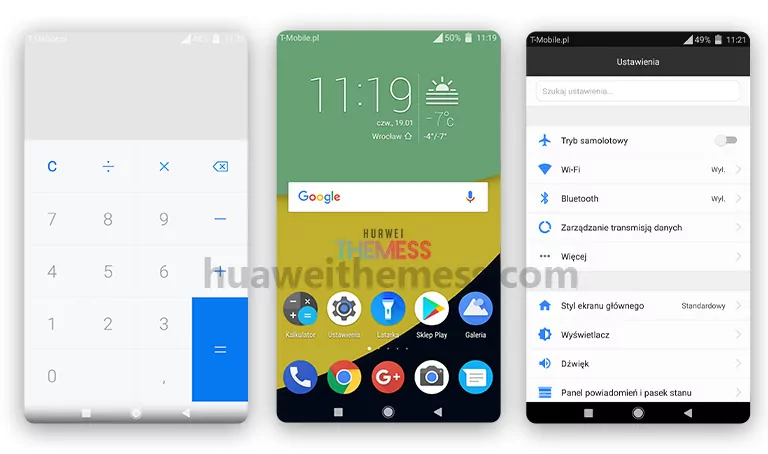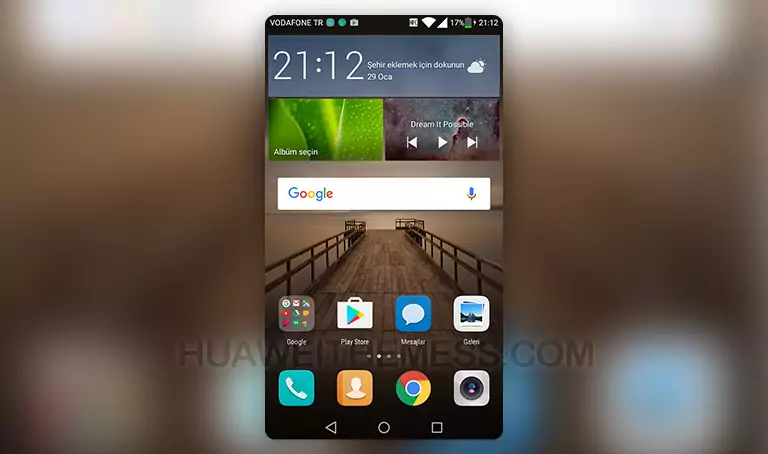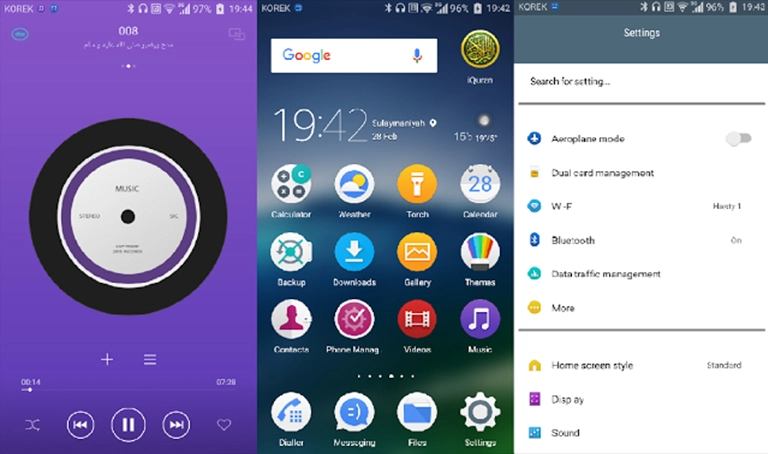
Get ready to immerse yourself in the lush, vibrant world of the Rainforest Theme for your Huawei device running EMUI 4.0/4.1! This stunning theme promises to transport you to an oasis of tranquility, complete with breathtaking forest wallpapers, sleek new icons, and a fresh lockscreen design that will make your device stand out from the crowd. Whether you’re a nature lover or just someone who appreciates a good aesthetic, this theme is sure to captivate your senses and elevate your mobile experience.
Unlock the Secrets of a Lush Rainforest on Your Huawei Device
With the Rainforest Theme, you’ll be surrounded by the sights and sounds of a thriving ecosystem. The included forest wallpapers will transport you to a world of towering trees, sparkling waterfalls, and exotic wildlife, while the new icons will add a touch of sophistication to your home screen. But that’s not all – the theme also includes a fresh new lockscreen design that will keep your device looking sleek and modern.
Here are some of the key features of the Rainforest Theme:
- Forest Wallpapers: Immerse yourself in the beauty of a lush forest with our stunning wallpapers.
- New Icons: Add a touch of sophistication to your home screen with our sleek, modern icons.
- New Lockscreen: Keep your device looking fresh and modern with our unique lockscreen design.
Compatibility and Installation
The Rainforest Theme is designed to work seamlessly with Huawei devices running EMUI 4.0/4.1. Simply download the .hwt file and follow the installation instructions below to get started.
Frequently Asked Questions
What devices is this theme compatible with?
The Rainforest Theme is compatible with Huawei devices running EMUI 4.0/4.1.
How do I know if this theme will work on my device?
If you’re unsure whether this theme will work on your Huawei device, please check the EMUI version listed above to ensure compatibility.
How to install this theme?
First, download the .hwt file and move it to the Huawei/Themes folder, then apply it via the Themes app. Click here to learn in detail.
Get ready to immerse yourself in the beauty of the Rainforest Theme on your Huawei device. With its stunning forest wallpapers, sleek new icons, and fresh lockscreen design, this theme is the perfect way to add some excitement to your mobile experience. Whether you’re a nature lover or just someone who appreciates a good aesthetic, the Rainforest Theme is sure to captivate your senses and leave you wanting more.