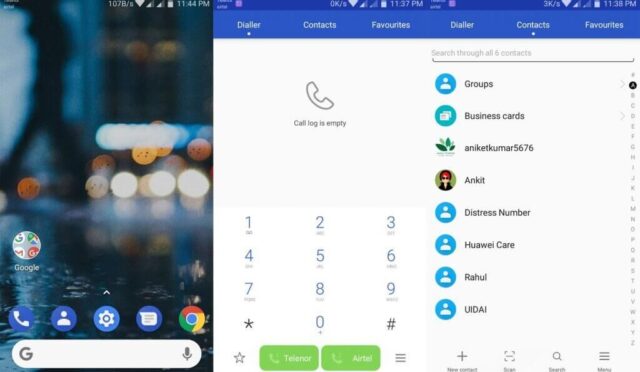
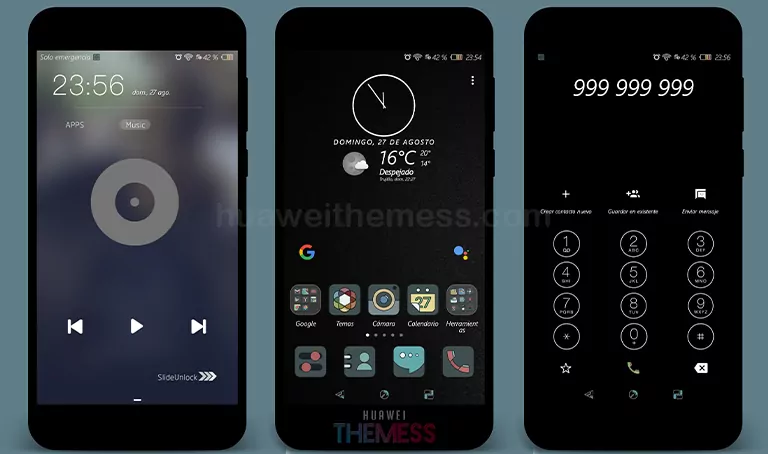
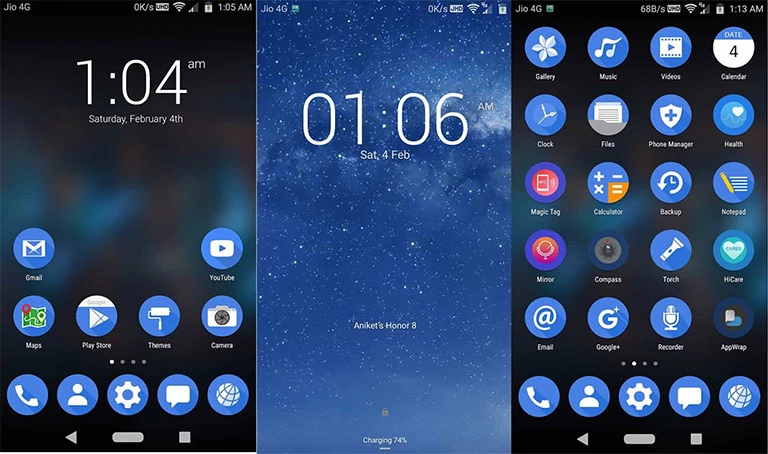
Get ready to elevate your Huawei device to a whole new level with the stunning Bridge theme, designed specifically for EMUI 4.0/4.1 users. This theme offers a wide range of customization options to personalize your phone according to your unique taste and style. Whether you’re a fan of minimalism or bold statements, the Bridge theme has got you covered. Say goodbye to a dull and boring interface and hello to a vibrant, visually appealing experience that will make your friends jealous.
Aesthetic OneUI Setup: Exploring the Sleek Bridge EMUI Theme for Huawei
The Bridge theme boasts a fresh and modern look, complete with new EMUI icons, stunning wallpapers, and a revamped lockscreen style that will leave you breathless. Whether you’re lounging at home or on-the-go, this theme ensures your device stands out from the crowd. Plus, with bugs fixed, you can enjoy a seamless and hassle-free experience.
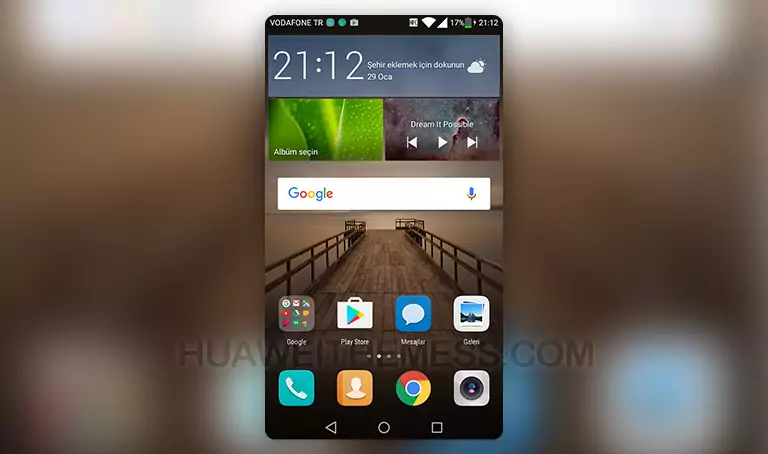
- New EMUI Icons
- Bridge Wallpapers
- Changed Lockscreen Style
- Bugs Fixed
Compatibility: Make Sure Your Device is Ready for the Bridge Theme
Before you install the Bridge theme, ensure your device meets the compatibility requirements. This theme is specifically designed for EMUI 4.0/4.1 users, so make sure your software is up-to-date to get the most out of this stunning theme.



Frequently Asked Questions
What devices are compatible with the Bridge theme?
The Bridge theme is designed for EMUI 4.0/4.1 users, so make sure your device meets the compatibility requirements to get the most out of this stunning theme.
How do I install the Bridge theme?
First, download the .hwt file and move it to the Huawei/Themes folder, then apply it via the Themes app. Click here to learn in detail.
Is the Bridge theme free to download?
Yes, you can download the Bridge theme for free from our website. Make sure to check out our site for more themes and updates.
How to install this theme?
First, download the .hwt file and move it to the Huawei/Themes folder, then apply it via the Themes app. Click here to learn in detail.
With the Bridge theme, you’ll be treated to a visually stunning experience that’s sure to turn heads. Whether you’re a fan of minimalism or bold statements, this theme has got you covered. So why wait? Download the Bridge theme today and transform your EMUI 4.0/4.1 phone into a work of art that showcases your unique style and personality.