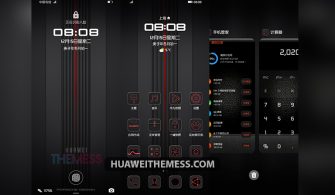
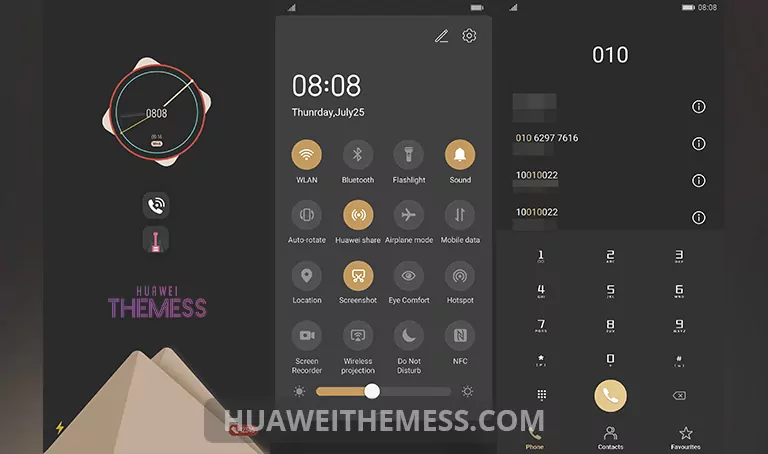
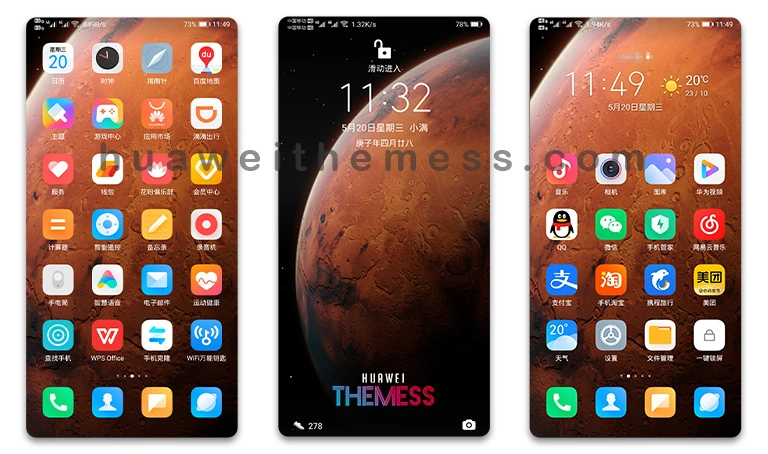
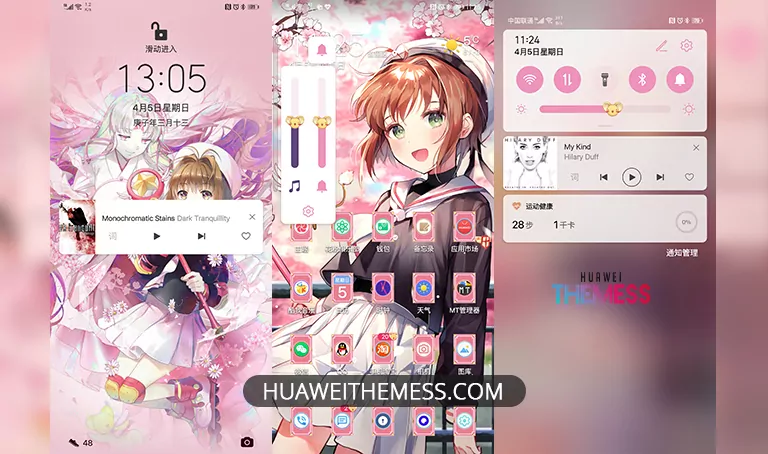
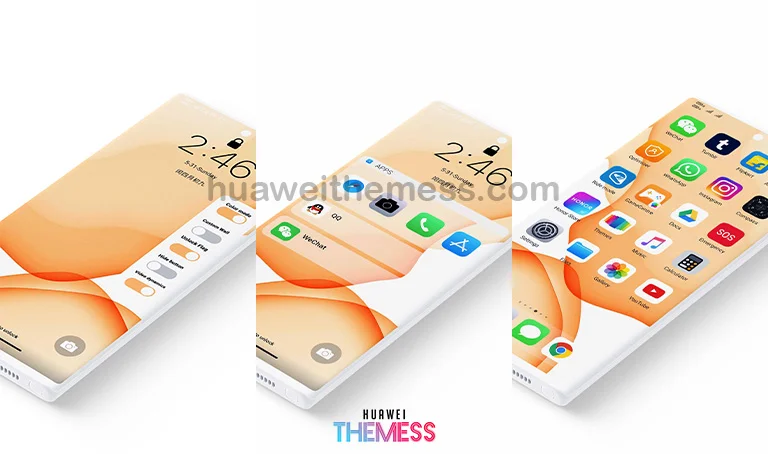
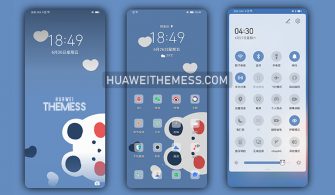
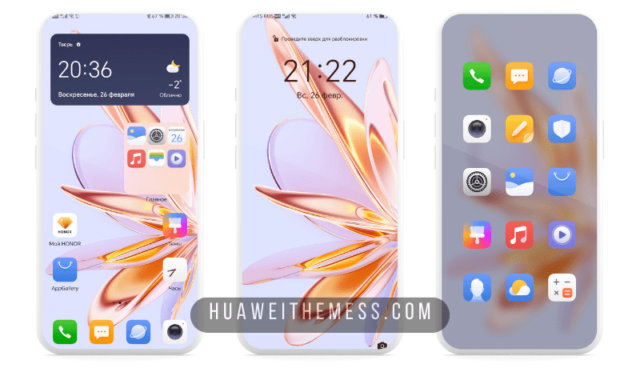
This Phantom EMUI theme is the perfect blend of style and functionality, elevating your Huawei device to a whole new level. With its sleek and modern design, you can personalize your phone to suit your unique taste and preferences.
Phantom EMUI Theme Features: A Symphony of Style and Functionality
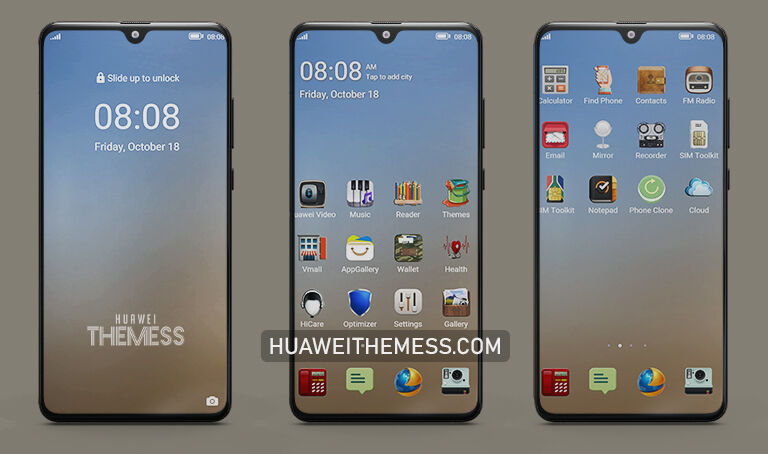
The Phantom EMUI theme is packed with an array of features that will make your phone stand out from the crowd. From its sleek and modern design to its intuitive interface, this theme is designed to provide a seamless user experience.
- New and stylish wallpapers to give your home screen a fresh look
- Customizable app icons to match your persona
- Dynamic and cool lockscreen animations to keep you engaged
- Smooth and responsive interface for effortless navigation
- Bugs fixed for a hassle-free experience
- And many more exciting features to explore!
Compatibility: Supporting a Wide Range of EMUI and MagicUI Versions
The Phantom EMUI theme is designed to be compatible with a wide range of EMUI and MagicUI versions, ensuring that you can enjoy its features on your Huawei device regardless of the operating system version you’re running.



Supported EMUI versions: 12, 11, 10, 9
Supported MagicUI versions: 5, 4, 3, 2
Frequently Asked Questions (FAQ)
What is the Phantom EMUI theme?
[The Phantom EMUI theme is a sleek and modern theme designed to provide a seamless user experience on Huawei devices. It features a range of stylish wallpapers, customizable app icons, and dynamic lockscreen animations.]
Is the Phantom EMUI theme free to use?
[Yes, the Phantom EMUI theme is completely free to use. You can download and install it on your Huawei device without any additional costs.]
How do I install this theme?
[First, download the .hwt file and move it to the Huawei/Themes folder, then apply it via the Themes app. Click here to learn in detail.]
The Phantom EMUI theme is the perfect blend of style and functionality, elevating your Huawei device to a whole new level. With its sleek and modern design, you can personalize your phone to suit your unique taste and preferences. Whether you’re looking for a fresh new look or a seamless user experience, the Phantom EMUI theme is the perfect choice for you.