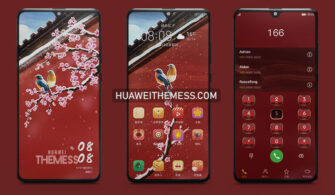
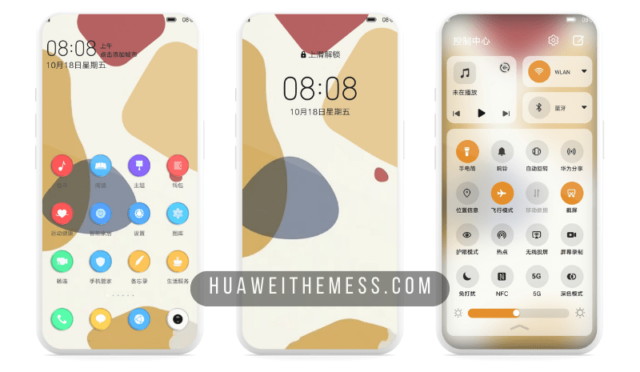
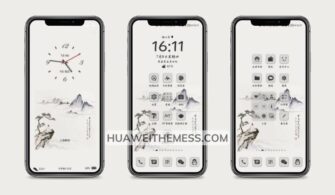
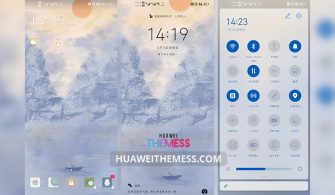
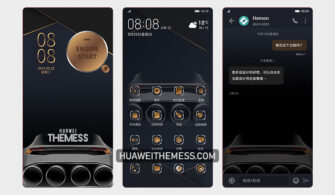
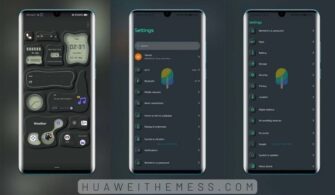
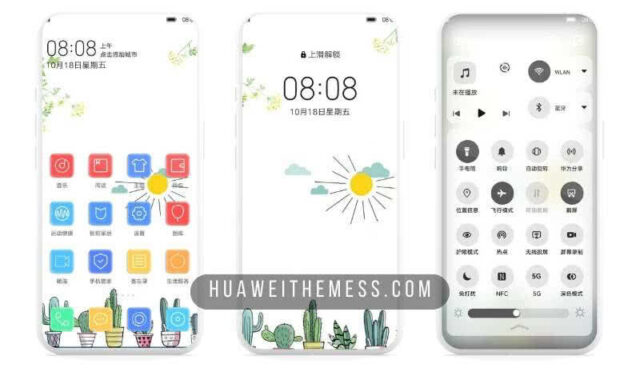
The Sujian theme is a breath of fresh air for Huawei device users, bringing a sleek and modern aesthetic to the EMUI interface. Its clean design and smooth performance make it an excellent choice for those seeking a premium look and feel.
Sujian on EMUI: A Symphony of Clean Design and Smooth Performance
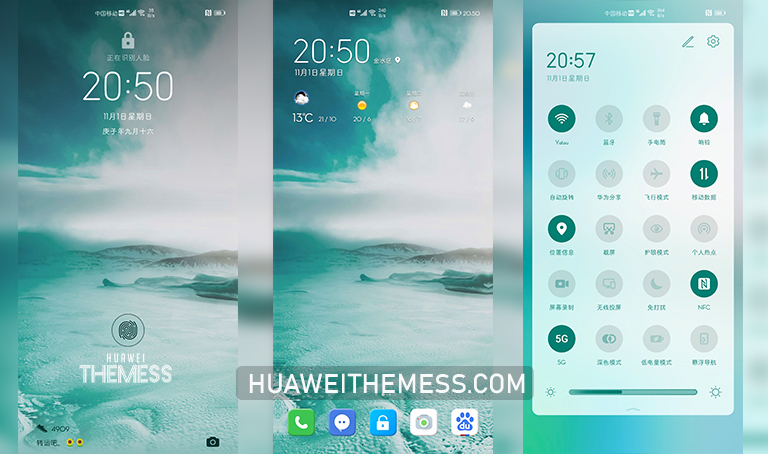
The Sujian theme boasts an array of impressive features, including a revamped lockscreen, eye-catching app icons, and innovative widgets. Its streamlined design ensures a seamless and hassle-free experience for users, making it an ideal choice for those who value simplicity and functionality.
Compatibility: Supporting EMUI 11/10 and MagicUI 4/3
The Sujian theme is carefully designed to work seamlessly with EMUI 11/10 and MagicUI 4/3, providing users with a unified and stylish experience across their devices. Its compatibility ensures that users can enjoy a premium look and feel regardless of their device model or specifications.



FAQs: Your Questions Answered
What are the minimum system requirements to run the Sujian theme?
The Sujian theme is compatible with EMUI 11/10 and MagicUI 4/3, ensuring a smooth performance and seamless user experience.
Does the Sujian theme offer customization options?
Yes, the Sujian theme offers a range of customization options, allowing you to personalize your device to suit your unique style.
How to install this theme?
First, download the .hwt file and move it to the Huawei/Themes folder, then apply it via the Themes app. Click here to learn in detail.
The Sujian theme is a masterclass in clean design and functionality, elevating the user experience to new heights. With its sleek interface, innovative features, and seamless performance, this theme is a must-have for any EMUI user looking to take their device to the next level.