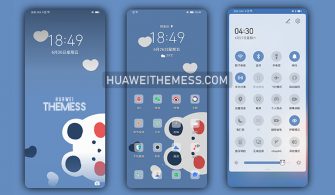
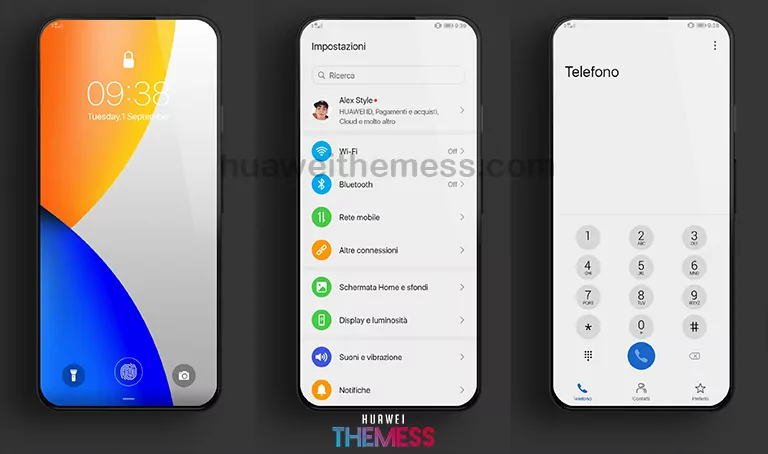
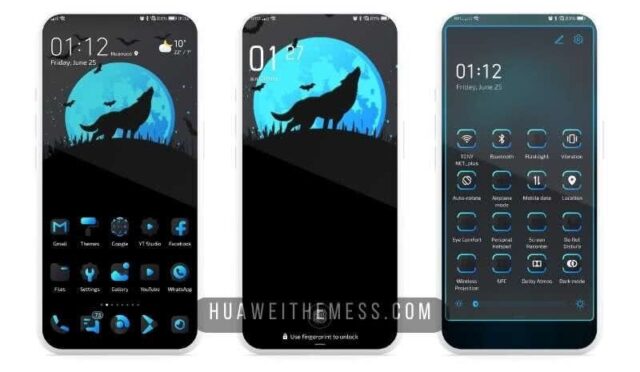
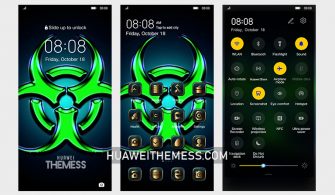
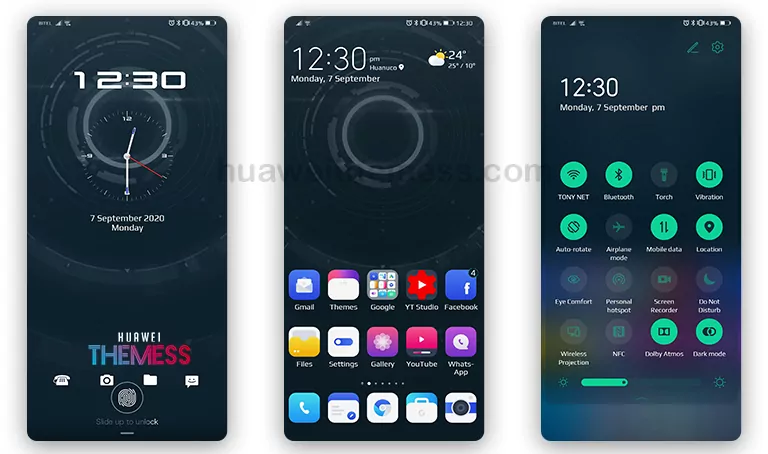
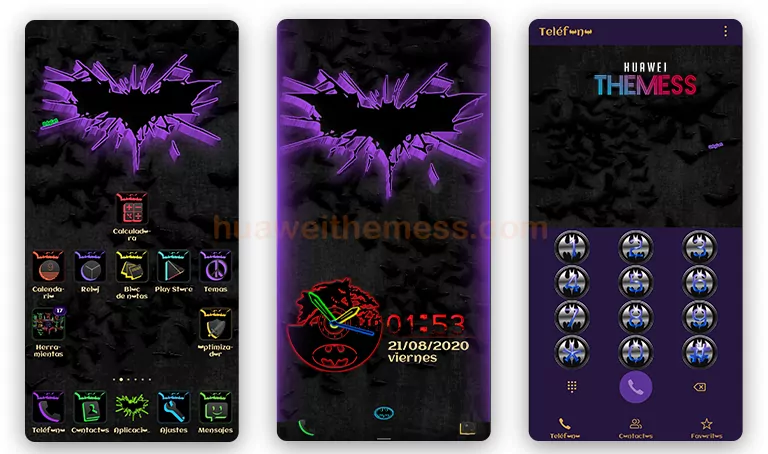
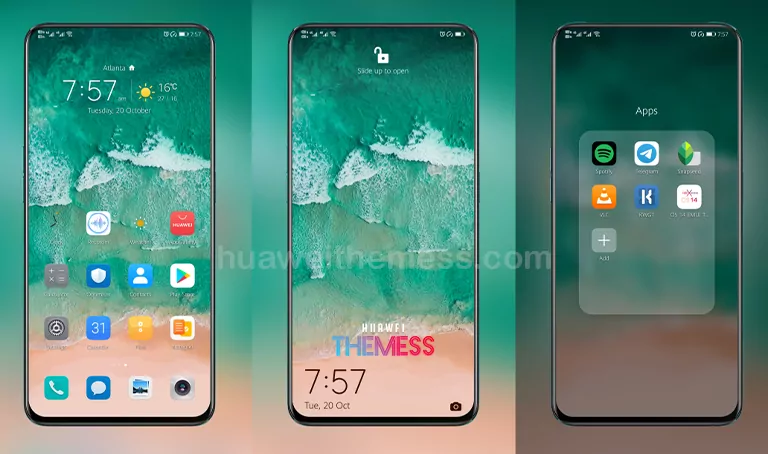
This Phantom theme is an absolute game-changer for Huawei device users, offering a sleek and stylish UI experience that will elevate your phone’s aesthetic to the next level. With its clean and minimalist design, this theme is perfect for those who want to personalize their device without sacrificing functionality.
Phantom EMUI Theme: A Symphony of Style and Functionality
Restart the device after applying the theme.
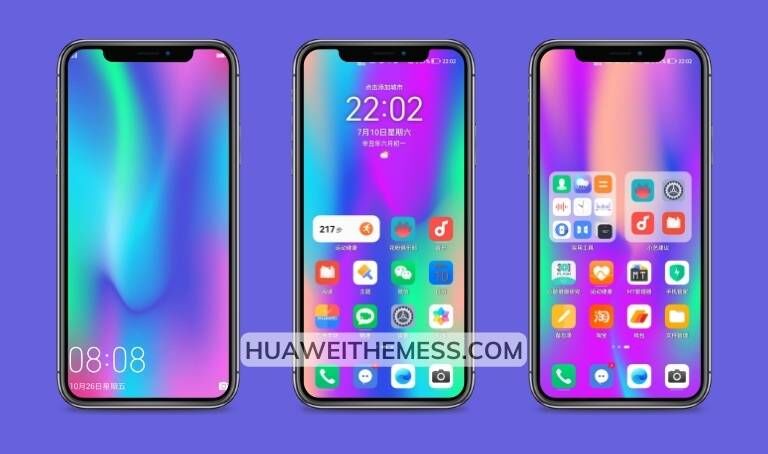
Phantom EMUI Theme Compatibility
Phantom EMUI Theme is compatible with HarmonyOS 2/1, EMUI 12/11/10/9, and MagicUI 5/4/3/2, ensuring that you can enjoy this stunning UI experience on a wide range of Huawei devices.
Frequently Asked Questions
What are the key features of the Phantom EMUI Theme?
Phantom EMUI Theme offers a range of exciting features, including new wallpapers, changed app icons, a stylish app look, a dynamic cool lockscreen, and a smooth interface. It also includes bug fixes and more features to enhance your UI experience.
Is the Phantom EMUI Theme free to use?
Yes, the Phantom EMUI Theme is completely free to use, making it an excellent choice for those who want to personalize their device without spending a dime.



How to install this theme?
First, download the .hwt file and move it to the Huawei/Themes folder, then apply it via the Themes app. Click here to learn in detail
With its sleek and stylish UI experience, Phantom EMUI Theme is an absolute must-have for Huawei device users. Whether you’re looking to elevate your phone’s aesthetic or simply want to personalize your device, this theme has got you covered.