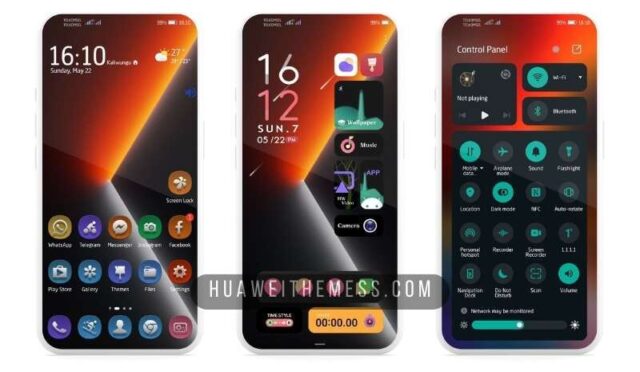
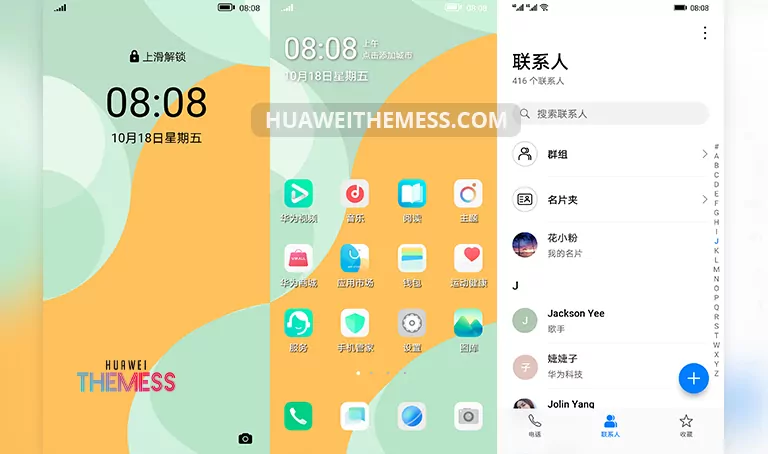
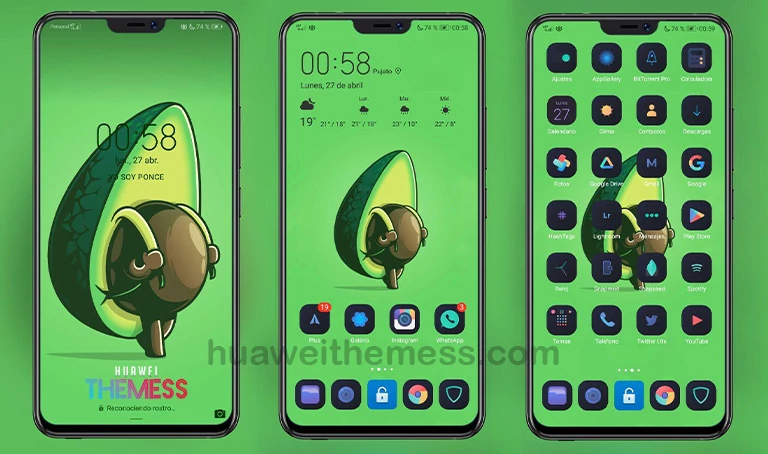
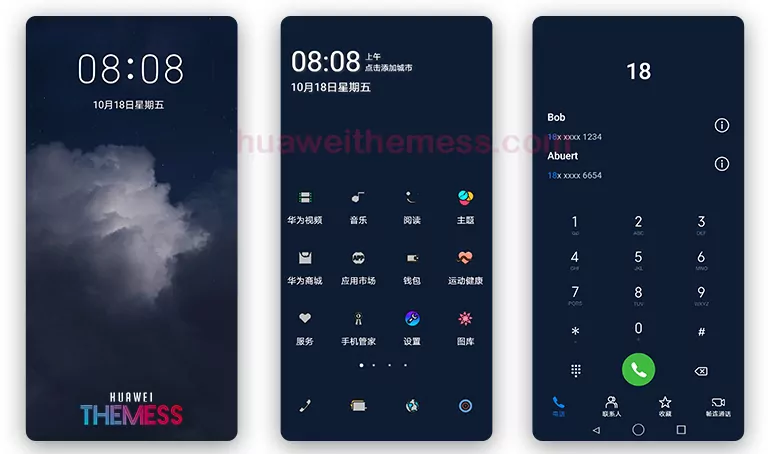
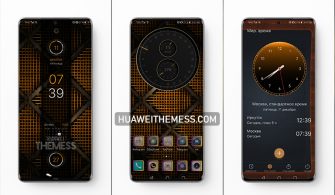
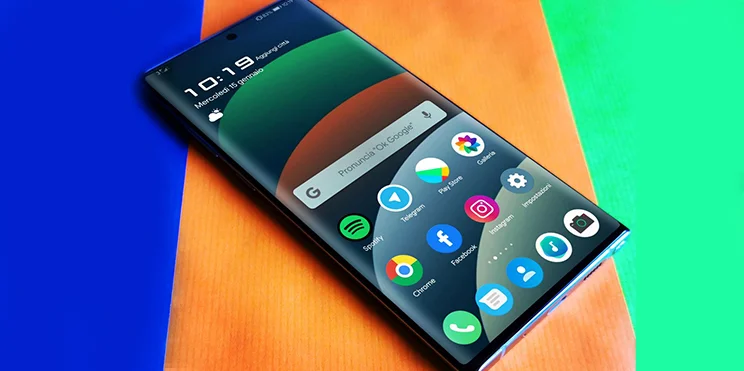
Get ready to immerse yourself in the serene beauty of Amethyst Lake, a stunning EMUI theme that brings a touch of elegance to your Huawei device. With its captivating visuals and premium feel, this theme is a must-try for anyone looking to elevate their mobile experience.
Unveiling the Premium Aesthetic of Amethyst Lake on EMUI
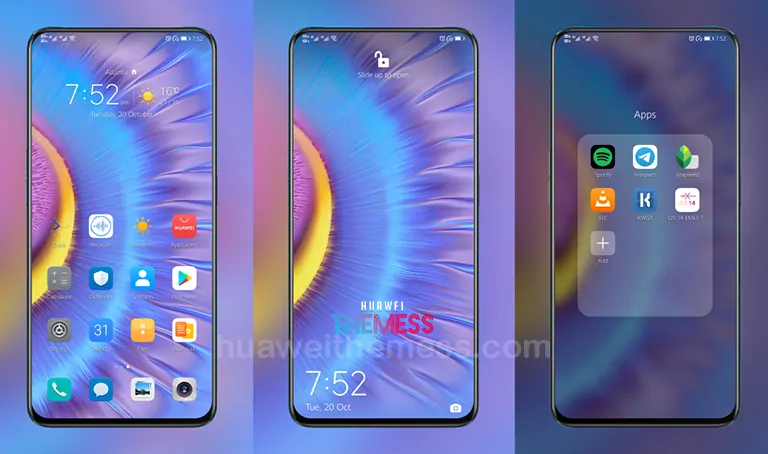
The Amethyst Lake theme is a masterclass in design, boasting a refined and sophisticated look that’s reminiscent of the Huawei Mate 40 Stock Theme. With its unique blend of cool lake wallpapers, exclusive Huawei icons, and stylish lockscreen designs, this theme is a cut above the rest. Whether you’re a fan of minimalism or prefer a more vibrant aesthetic, Amethyst Lake has something to offer.
Compatibility: Seamlessly Integrating with Your Huawei Device
The Amethyst Lake theme is compatible with a wide range of EMUI and MagicUI versions, ensuring that you can enjoy its stunning visuals on your Huawei Mate 40 device or other supported devices. Whether you’re running EMUI 10.1, 10, 9.1, or 9.0, or MagicUI 3 or 2, this theme is designed to work seamlessly with your device’s software.



Frequently Asked Questions (FAQ)
What devices is the Amethyst Lake theme compatible with?
The Amethyst Lake theme is compatible with Huawei Mate 40 devices running EMUI 10.1/10/9.1/9.0 and MagicUI 3/2.
How do I apply the Amethyst Lake theme?
To apply the Amethyst Lake theme, download the .hwt file and move it to the Huawei/Themes folder, then apply it via the Themes app. Click here to learn in detail.
Does the Amethyst Lake theme have any bugs?
The Amethyst Lake theme has been thoroughly tested and does not have any known bugs. However, if you encounter any issues, please contact our support team for assistance.
How to install this theme?
First, download the .hwt file and move it to the Huawei/Themes folder, then apply it via the Themes app. Click here to learn in detail.
The Amethyst Lake theme is a true masterpiece of design, offering a unique and captivating visual experience that’s sure to elevate your mobile experience. Whether you’re a fan of the Huawei Mate 40 Stock Theme or simply looking to try something new, this theme is a must-try for anyone seeking a premium aesthetic.