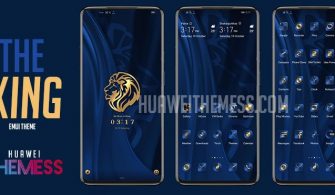
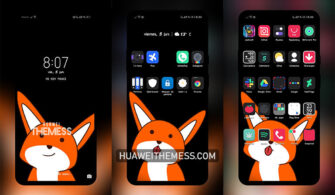
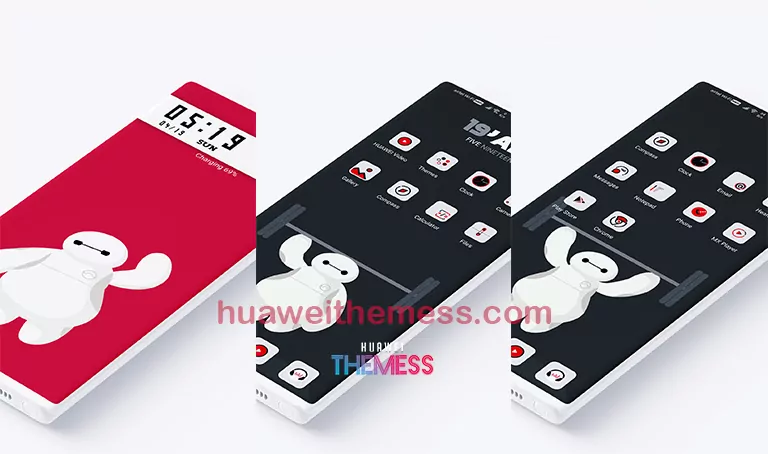
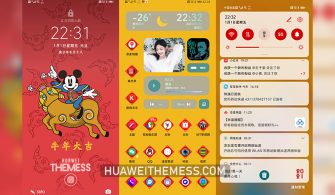
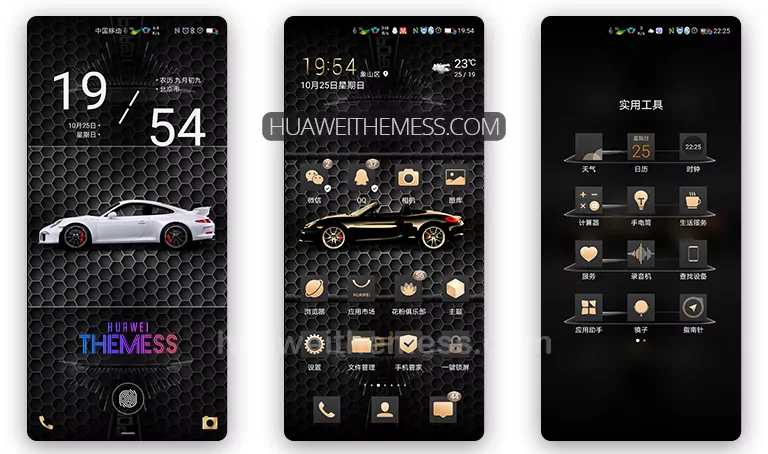
This sleek and stylish EMUI theme is a game-changer for Huawei fans out there. With its seamless blend of HarmonyOS and Magic UI elements, CustomaR Theme is sure to elevate your device’s aesthetic and user experience. Whether you’re a fan of the premium Apple vibe or just want a unique look for your Huawei device, this theme is the perfect choice.
CustomaR Huawei Theme Features
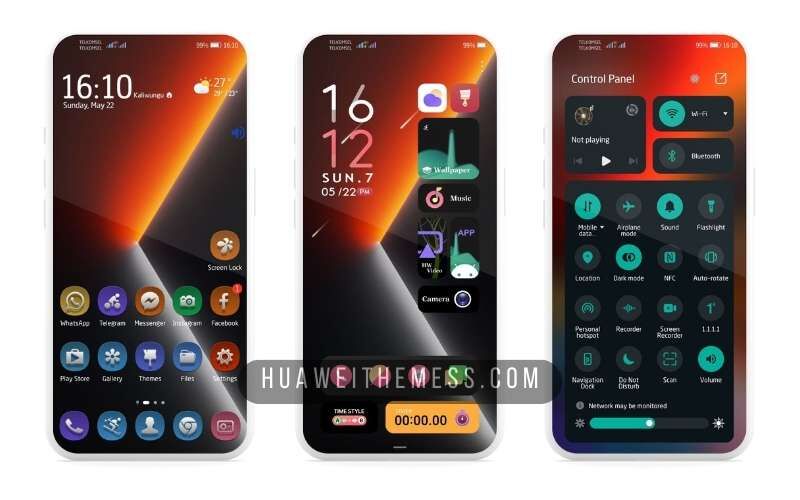
From its stunning wallpapers to its dynamic lockscreen and smooth interface, CustomaR Theme offers a wide range of features that will make your Huawei device stand out from the crowd. With its stylish app icons and new design elements, you’ll be able to personalize your device according to your unique taste and style.
- New Wallpapers Added
- Changed App Icons
- Stylish App Looking
- Dynamic Cool Lockscreen
- Smooth Interface
- Bugs Fixed
- and more features…
Compatibility
CustomaR Theme is compatible with EMUI 12/11/10/9, HarmonyOS, and Magic UI 6/5/4/3/2, making it a great choice for a wide range of Huawei devices. With its seamless compatibility, you can enjoy this theme on your Huawei or Honor device without any issues.



Frequently Asked Questions (FAQ)
What devices is CustomaR Theme compatible with?
CustomaR Theme is compatible with EMUI 12/11/10/9, HarmonyOS, and Magic UI 6/5/4/3/2, making it a great choice for a wide range of Huawei devices.
Is CustomaR Theme free to download?
No, CustomaR Theme is a paid theme, but it’s definitely worth the investment if you’re looking for a unique and stylish EMUI theme.
How do I install CustomaR Theme?
First, download the .hwt file and move it to the Huawei/Themes folder, then apply it via the Themes app. Click here to learn in detail
How to install this theme?
First, download the .hwt file and move it to the Huawei/Themes folder, then apply it via the Themes app. Click here to learn in detail
CustomaR Theme is a game-changer for Huawei fans out there, offering a unique blend of HarmonyOS and Magic UI elements that will elevate your device’s aesthetic and user experience. With its seamless compatibility and wide range of features, this theme is the perfect choice for anyone looking to personalize their Huawei device.