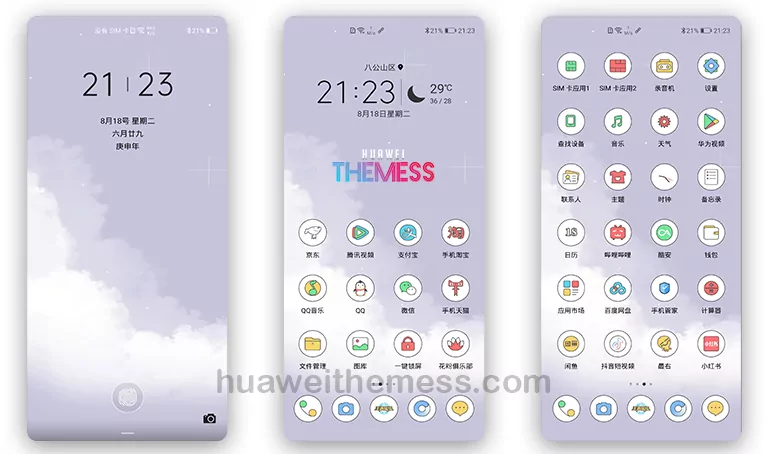
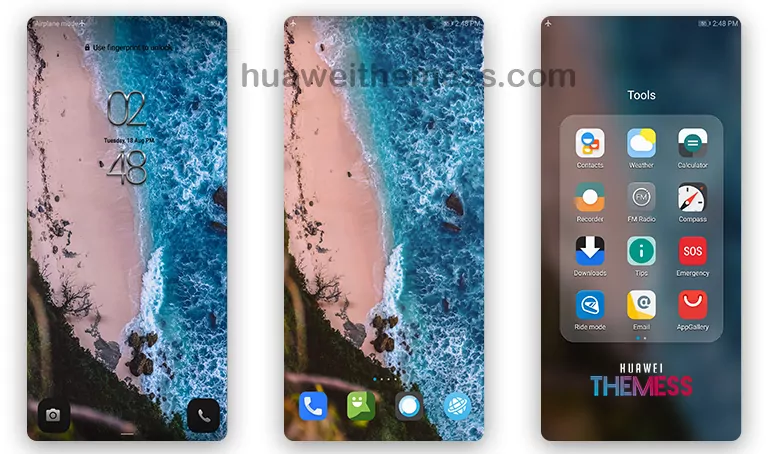
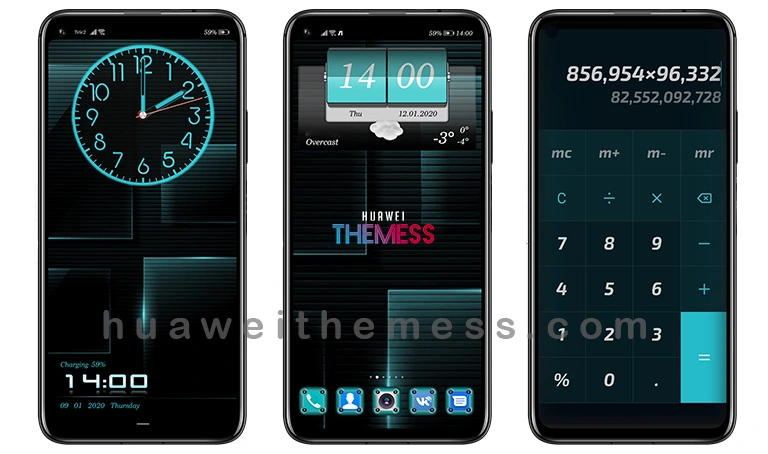
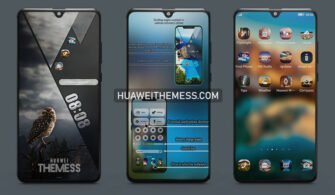
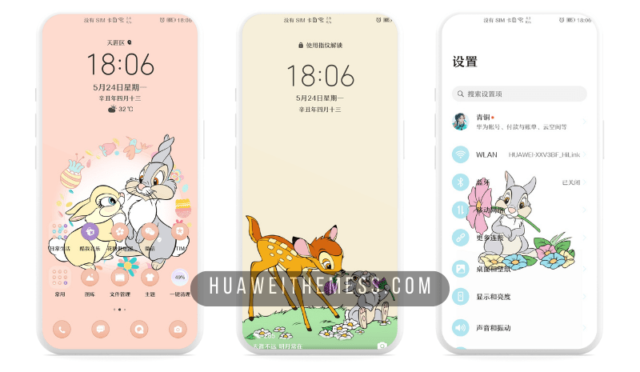
Get ready to unleash the power of your Huawei device with the stunning Red Devil Black Shark theme, designed for EMUI 12/11/10/9 and MagicUI 5/4/3/2 users. This theme is the perfect blend of style and functionality, allowing you to personalize your phone to suit your unique taste and preferences.
Red Devil Black Shark EMUI Theme: Elevating Your Device’s Aesthetic
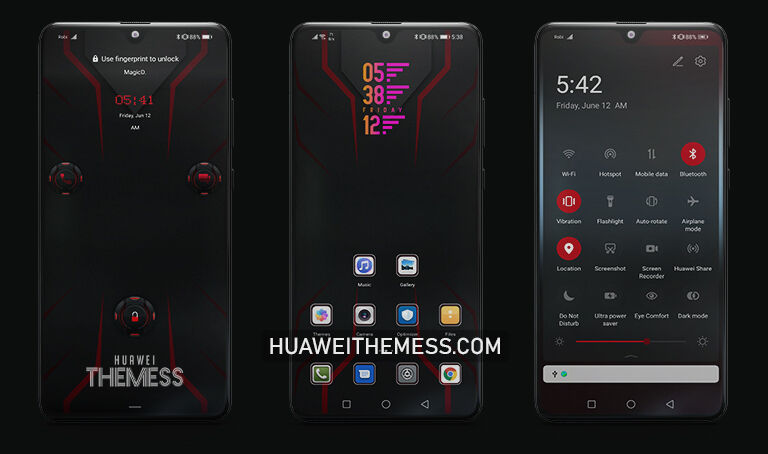
This theme boasts an attractive Red Devil Black Shark design, complete with a revamped UI, new wallpapers, and stylish app icons. The smooth interface and dynamic cool lockscreen ensure that your device looks and feels sleek and modern. With this theme, you’ll experience a premium Apple vibe on your Huawei device, complete with a vibrant OneUI elegance.
Compatibility: Red Devil Black Shark Theme for EMUI and MagicUI
The Red Devil Black Shark theme is designed to work seamlessly with EMUI 12/11/10/9 and MagicUI 5/4/3/2, ensuring that you can enjoy a stunning and modern look on your Huawei device. With this theme, you’ll be able to personalize your phone to suit your unique style and preferences, while also experiencing a premium and sleek user interface.



Frequently Asked Questions
What devices are compatible with the Red Devil Black Shark theme?
The Red Devil Black Shark theme is designed for EMUI 12/11/10/9 and MagicUI 5/4/3/2 devices, ensuring that you can enjoy a stunning and modern look on your Huawei device.
How do I install the Red Devil Black Shark theme?
First, download the .hwt file and move it to the Huawei/Themes folder, then apply it via the Themes app. Click here to learn in detail.
Is the Red Devil Black Shark theme free to use?
Yes, the Red Devil Black Shark theme is completely free to use, offering a premium and sleek user interface without any cost.
How do I add a theme to my Huawei device?
To add a theme to your Huawei device, follow these steps: click on the download button below, find the “HWT” extension (blabla.hwt) you downloaded from the download site, copy or move the theme file you find in the file manager, and copy or move the folder HWThemes.
How to install this theme?
First, download the .hwt file and move it to the Huawei/Themes folder, then apply it via the Themes app. Click here to learn in detail.
The Red Devil Black Shark theme is a game-changer for EMUI and MagicUI users, offering a stunning and modern look that’s sure to turn heads. With its sleek and smooth interface, dynamic cool lockscreen, and premium Apple vibe, this theme is the perfect way to elevate your device’s aesthetic and experience a vibrant OneUI elegance. So why wait? Download the Red Devil Black Shark theme today and unlock a world of possibilities on your Huawei device!