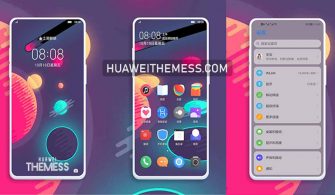
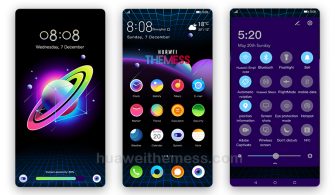
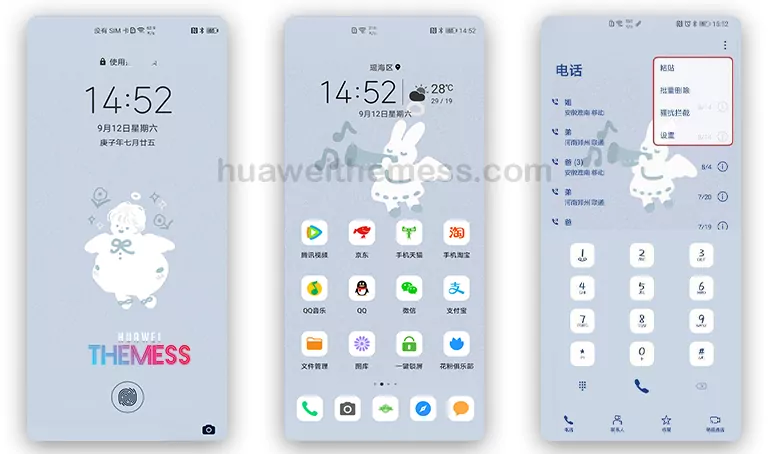
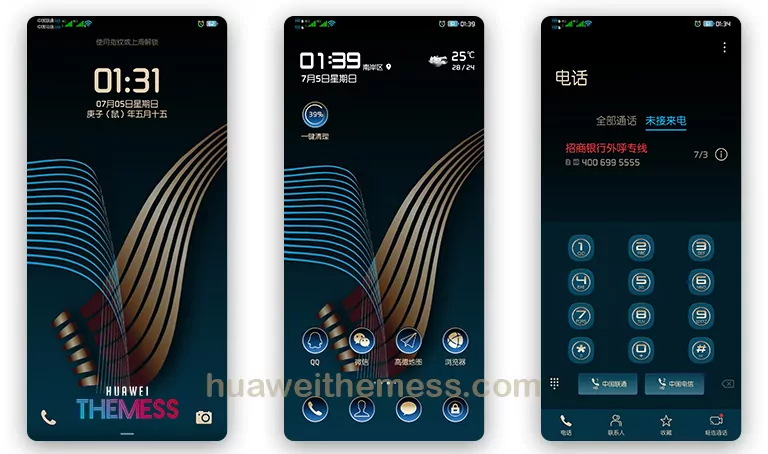
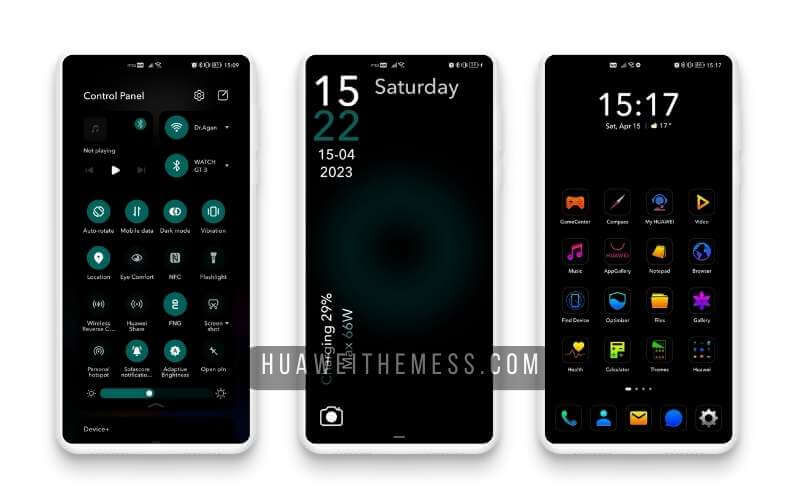
This Blue Cosmos Theme is a game-changing aesthetic for Huawei devices, offering a unique and visually stunning experience that’s sure to turn heads. By applying this theme, users can give their Huawei device a sleek, modern look that’s perfect for those who crave something fresh and exciting.
Unleashing the Cosmic Vibe on Your Huawei Device
With its mesmerizing wallpapers and dynamic lockscreen, this Blue Cosmos Huawei Theme is a true standout. The theme’s sophisticated and elegant design adds a touch of sophistication to your device’s UI, making it perfect for users who want to express their individuality and shine.
Compatibility Across Various EMUI and MagicUI Versions
This Blue Cosmos Theme is designed to work seamlessly on EMUI 12, 11, 10, and 9.0, as well as MagicUI 6, 5, 4, 3, and 2. With such a wide range of compatibility, users can enjoy the cosmic makeover on their device, regardless of its version.
Frequently Asked Questions (FAQ)
What features does the Blue Cosmos Theme include?
This theme offers a range of features, including new wallpapers, changed app icons, a stylish app look, a dynamic cool lockscreen, and a smooth interface. It also includes bug fixes and additional features to enhance the user experience.



Is the Blue Cosmos Theme compatible with my device?
Yes, this Blue Cosmos Theme is compatible with EMUI 12, 11, 10, and 9.0, as well as MagicUI 6, 5, 4, 3, and 2.
How do I install the Blue Cosmos Theme?
First, download the .hwt file and move it to the Huawei/Themes folder, then apply it via the Themes app. Click here to learn in detail.
How do I download the Blue Cosmos Theme?
You can download this theme by clicking on the link provided below. The file is available on MediaFire, and you can download it by following the instructions.
How do I install the Blue Cosmos Theme?
First, download the .hwt file and move it to the Huawei/Themes folder, then apply it via the Themes app. Click here to learn in detail.
This Blue Cosmos Theme is a must-try for anyone looking to give their Huawei device a fresh and modern look. With its wide range of features and compatibility across various EMUI and MagicUI versions, this theme is sure to impress. So why wait? Get ready to unleash the cosmic vibe on your Huawei device and experience the magic for yourself!