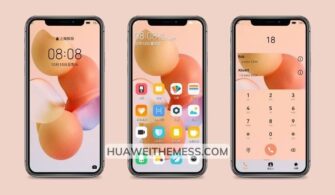
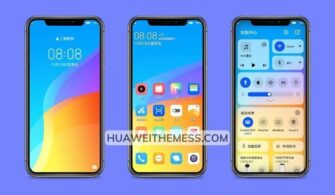
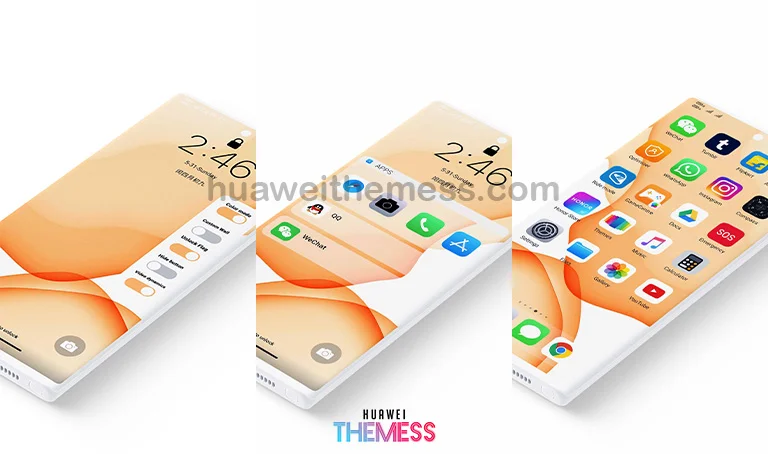
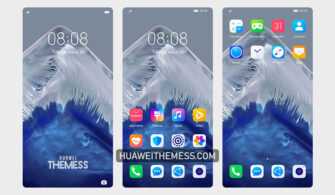
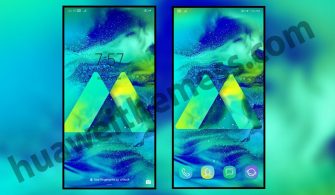
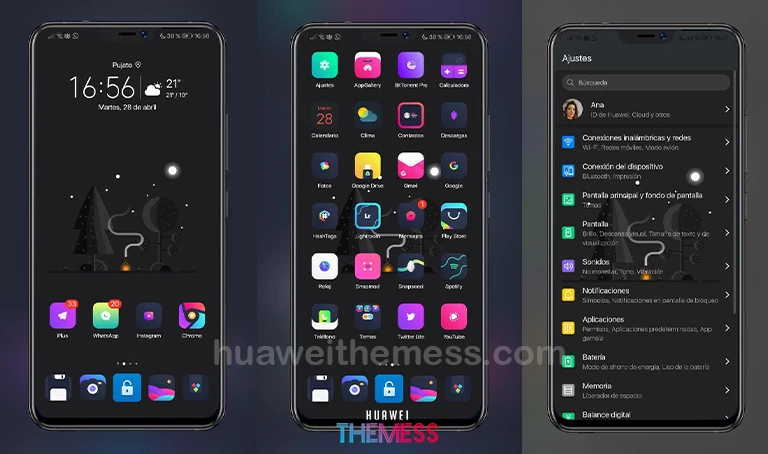
This innovative “Hearth Blue” theme is the perfect solution for those seeking a unique, high-end look for their HarmonyOS and EMUI devices. With its sophisticated design, this theme lets you personalize your phone to perfection, adding a touch of elegance to your daily life.
HarmonyOS in Blue: Elevate Your Device’s Visual Appeal
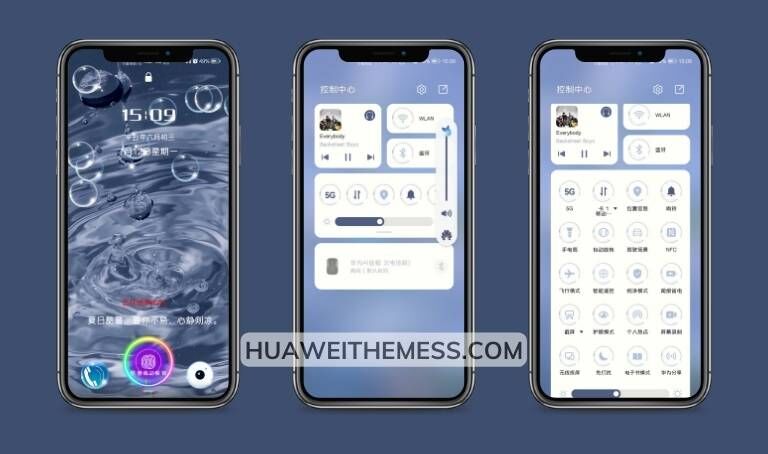
This expertly crafted theme boasts an array of impressive features, including new wallpapers, stylish app icons, and a dynamic lockscreen that will leave you mesmerized. With its sleek interface and attention to detail, the Hearth Blue EMUI Theme is a must-have for anyone looking to elevate their phone’s visual appeal.
Compatibility: HarmonyOS, EMUI, and MagicUI
The Hearth Blue EMUI Theme is designed to work seamlessly with HarmonyOS, EMUI 12/11/10/9, and MagicUI 5/4/3/2 devices, ensuring a smooth and hassle-free experience. Whether you’re using a flagship model or a budget-friendly option, this theme is sure to impress with its versatility and elegance.
Frequently Asked Questions (FAQ)
What devices are compatible with the Hearth Blue EMUI Theme?
The Hearth Blue EMUI Theme is compatible with HarmonyOS, EMUI, and MagicUI devices. It is essential to ensure that your device is running the latest software version for the best experience.



How do I download the Hearth Blue EMUI Theme?
You can download the Hearth Blue EMUI Theme by clicking the link provided in the article or by searching for it on our website. Make sure to check the compatibility of the theme with your device before downloading.
How do I install the Hearth Blue EMUI Theme?
First, download the .hwt file and move it to the Huawei/Themes folder, then apply it via the Themes app. For a step-by-step guide, click here to learn in detail.
In conclusion, the Hearth Blue EMUI Theme is a stunning addition to your HarmonyOS and EMUI device, offering a unique blend of style and functionality. With its sleek design, attention to detail, and seamless compatibility, this theme is sure to impress even the most discerning users.