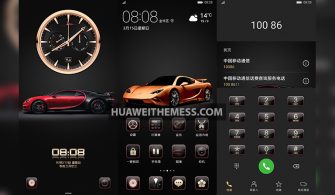
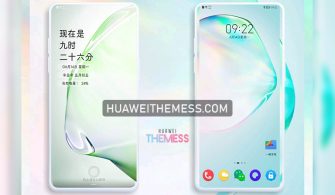
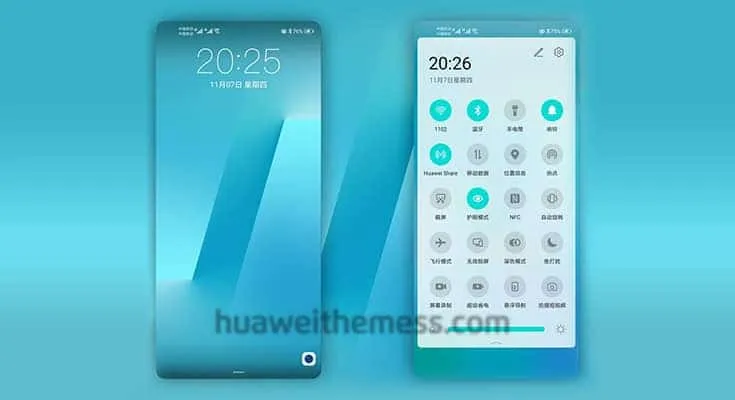
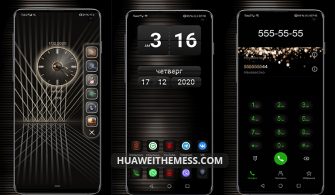
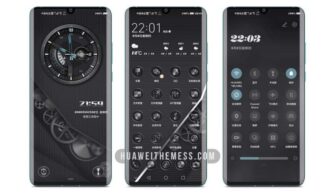
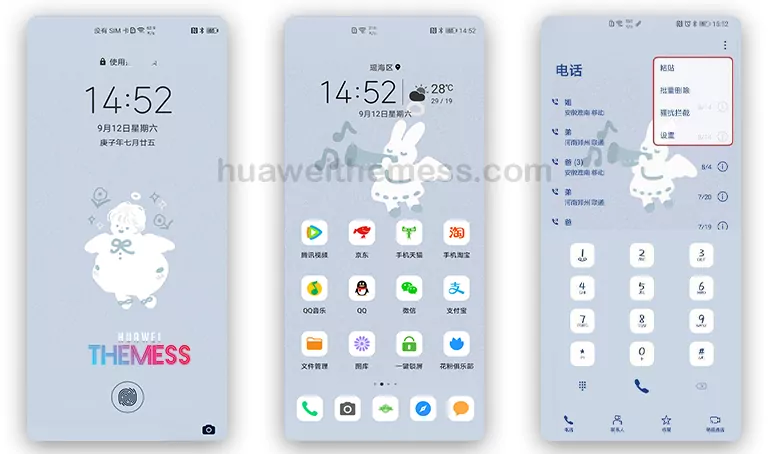
Get ready to elevate your Huawei device’s look with the Radio Tech theme, designed specifically for EMUI 11.1/11/10.1/10 and Magic UI 3 users. This theme is perfect for those who want to personalize their phone with an awesome look and style that reflects their unique taste.
Radio Tech on Your Huawei Device: A Symphony of Style
The Radio Tech theme brings a fresh and modern design to your Huawei device, complete with stylish wallpapers, cool icons, a changed lockscreen look, and new app appearances. The theme is designed to provide a seamless and immersive user experience, making it a perfect choice for those who want to enhance their device’s look without compromising on functionality.
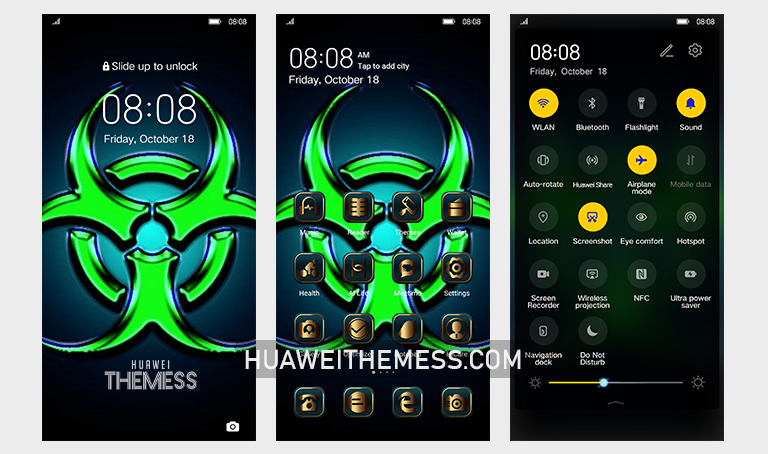
The Radio Tech theme is a perfect blend of style and functionality, making it a great choice for those who want to take their Huawei device to the next level. With its sleek and modern design, this theme is sure to impress anyone who lays eyes on it.
Compatibility: EMUI 10/9 and Magic UI 3 Supported
The Radio Tech theme is designed to work seamlessly with EMUI 11.1/11/10.1/10 and Magic UI 3, ensuring that users can enjoy the full range of features and functionality without any issues. This theme is perfect for those who want to upgrade their device’s look without worrying about compatibility.



Frequently Asked Questions
What is the Radio Tech theme all about?
The Radio Tech theme is a stylish and modern design for Huawei devices, featuring a range of features such as stylish wallpapers, cool icons, and a changed lockscreen look.
Is the Radio Tech theme compatible with my device?
Yes, the Radio Tech theme is designed to work seamlessly with EMUI 11.1/11/10.1/10 and Magic UI 3 devices.
How do I install this theme?
First, download the .hwt file and move it to the Huawei/Themes folder, then apply it via the Themes app. Click here to learn in detail.
The Radio Tech theme is a must-have for anyone who wants to take their Huawei device to the next level. With its sleek and modern design, this theme is sure to impress anyone who lays eyes on it. Whether you’re looking for a fresh new look or just want to enhance your device’s functionality, the Radio Tech theme is the perfect choice.