
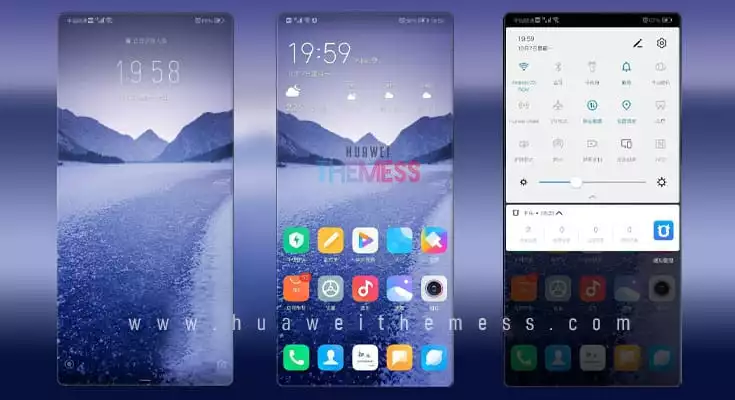
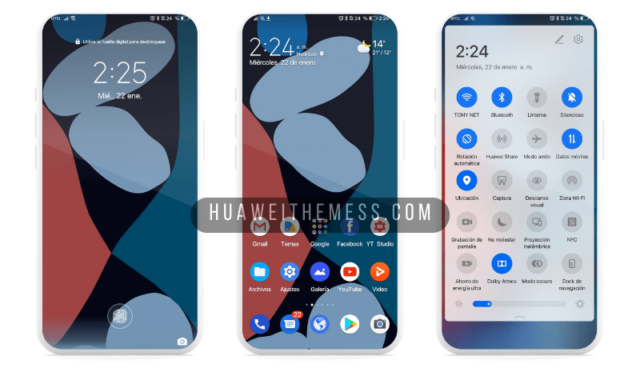
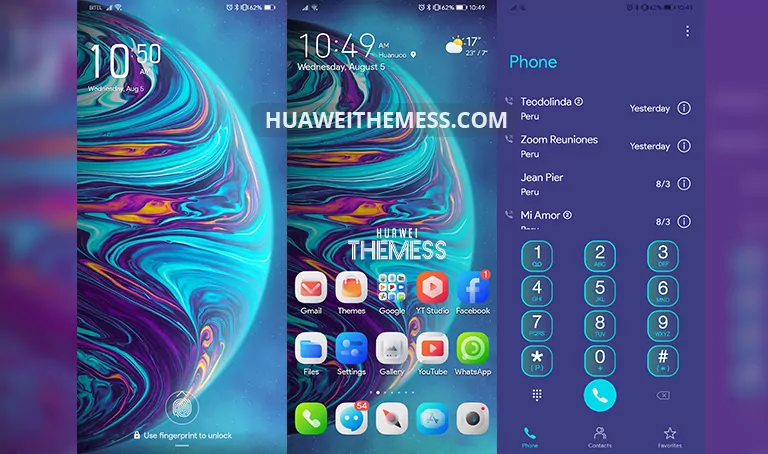
A fresh and exciting twist on traditional EMUI design, Bucin theme brings a captivating purple hue to your Huawei device, elevating it to a whole new level of aesthetic appeal. Whether you’re a fan of bold, vibrant colors or a minimalist approach, this theme is sure to captivate your senses and leave you wanting more.
Unlock the Bucin EMUI Theme’s Premium Features
The Bucin theme boasts an array of impressive features, including:
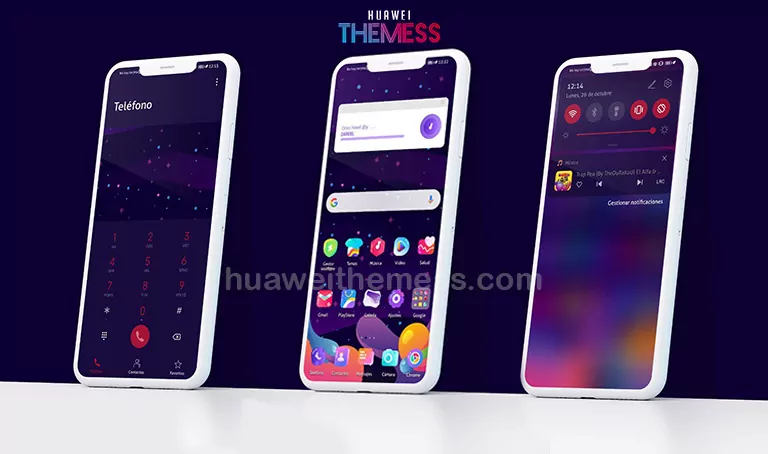
- Purple Flat App Lookings that add a touch of elegance to your device
- Changed Widgets that provide a unique and personalized touch
- Bugs Fixed for a seamless user experience
- And more!
Compatibility and System Requirements
The Bucin theme is designed to work seamlessly with EMUI 10.1/10/9.1/9.0 and MagicUI 3/2 devices, ensuring that you get the most out of your device’s features and functionality. Whether you’re running the latest software or a previous version, this theme has got you covered.
Frequently Asked Questions
What devices are compatible with the Bucin EMUI theme?
The Bucin theme is compatible with EMUI 10.1/10/9.1/9.0 and MagicUI 3/2 devices, making it a great option for users looking to personalize their Huawei or Honor device.
Can I customize the theme to suit my preferences?
Yes, the Bucin theme offers a range of customization options, allowing you to personalize your device to suit your unique style and preferences.



How to install this theme?
First, download the .hwt file and move it to the Huawei/Themes folder, then apply it via the Themes app. Click here to learn in detail.
The Bucin EMUI theme is a game-changer for Huawei device owners, offering a fresh and exciting take on traditional EMUI design. With its vibrant purple hue, purple flat app lookings, and changed widgets, this theme is sure to captivate your senses and leave you wanting more. Whether you’re a fan of bold, vibrant colors or a minimalist approach, the Bucin theme has something for everyone.



Thank you for providing the opportunity of a new experience. I really appreciate your work 😊🙏