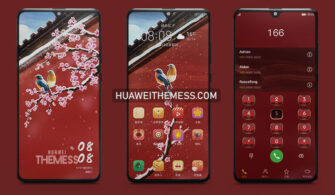
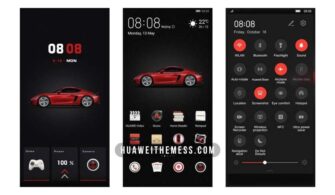
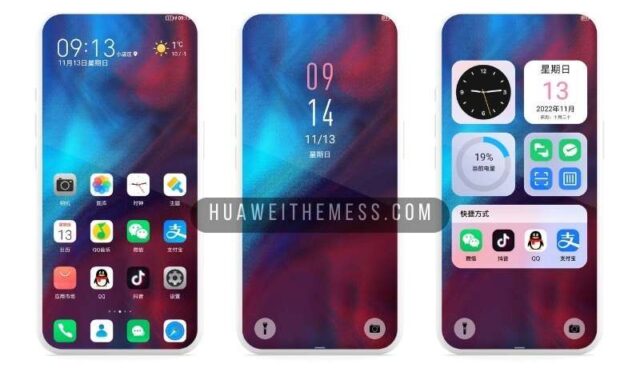
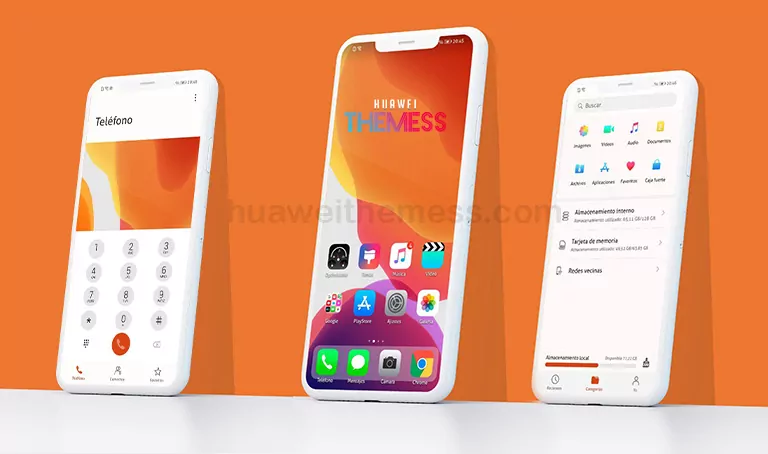
This Spiderman Red Theme is a game-changer for Huawei enthusiasts. Its striking design and seamless integration with EMUI/MagicUI make it a must-try for anyone looking to elevate their device’s visual appeal.
Unleash the Power of Spiderman Red Theme Features
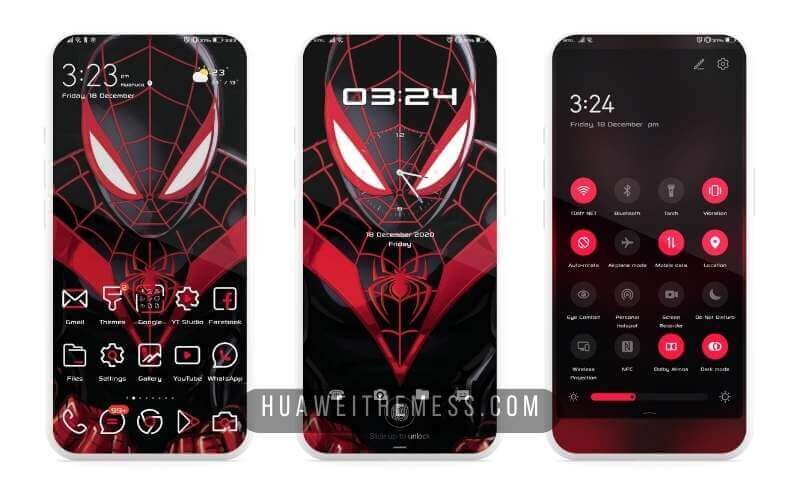
This theme is packed with features that will make your Huawei device stand out. From new, high-resolution wallpapers to meticulously designed app icons and a dynamic lockscreen, every element has been crafted to create a cohesive and visually stunning experience.
Compatibility and Installation
The Spiderman Red Theme is designed to work seamlessly with EMUI 12/11/10/9 and MagicUI 6/5/4/3/2. With its user-friendly interface, you can easily install and apply the theme on your Huawei device. Simply download the .hwt file, move it to the Huawei/Themes folder, and apply it via the Themes app.
Frequently Asked Questions
What devices is the Spiderman Red Theme compatible with?
The Spiderman Red Theme is compatible with Huawei devices running EMUI 12/11/10/9 and MagicUI 6/5/4/3/2.



How do I install the Spiderman Red Theme?
First, download the .hwt file and move it to the Huawei/Themes folder, then apply it via the Themes app. Click here to learn in detail.
Is the Spiderman Red Theme free to download?
Yes, the Spiderman Red Theme is free to download from our website.
How to install this theme?
First, download the .hwt file and move it to the Huawei/Themes folder, then apply it via the Themes app. Click here to learn in detail.
The Spiderman Red Theme is a testament to the power of customization on your Huawei device. With its bold design and seamless integration, it’s a must-try for anyone looking to elevate their device’s visual appeal. Whether you’re a fan of the web-slinging hero or just looking for a fresh new look, this theme is sure to deliver.