Premium Apple Vibe on Your Huawei Device: GH Material Theme Review
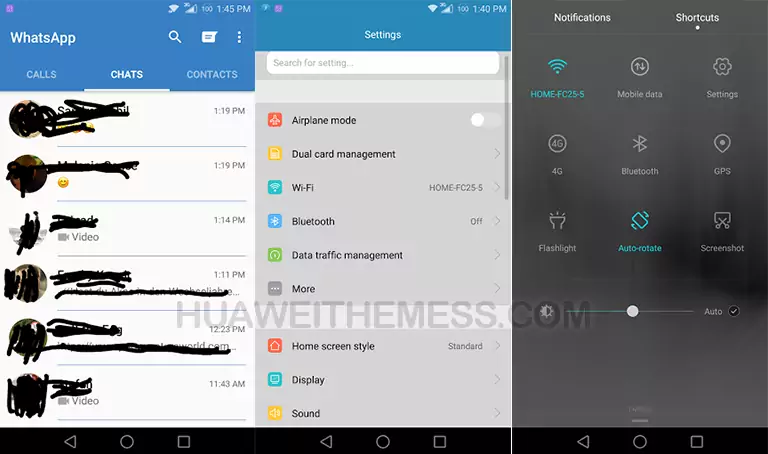
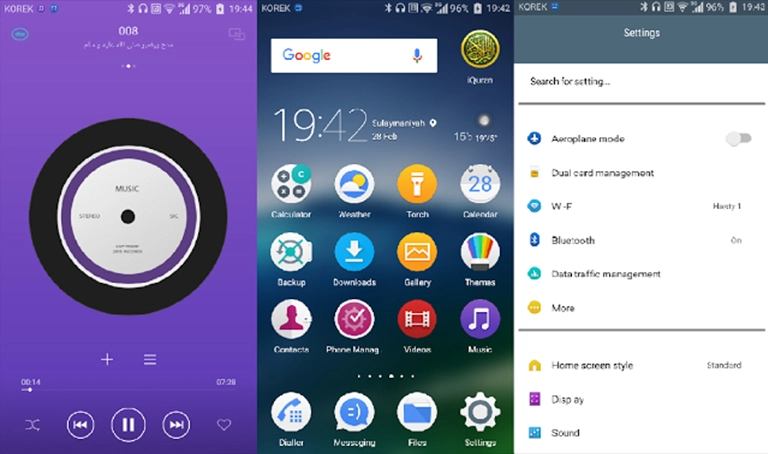
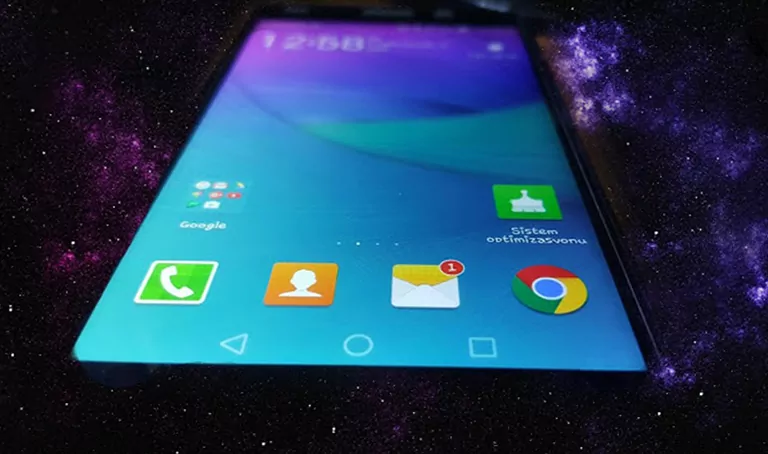
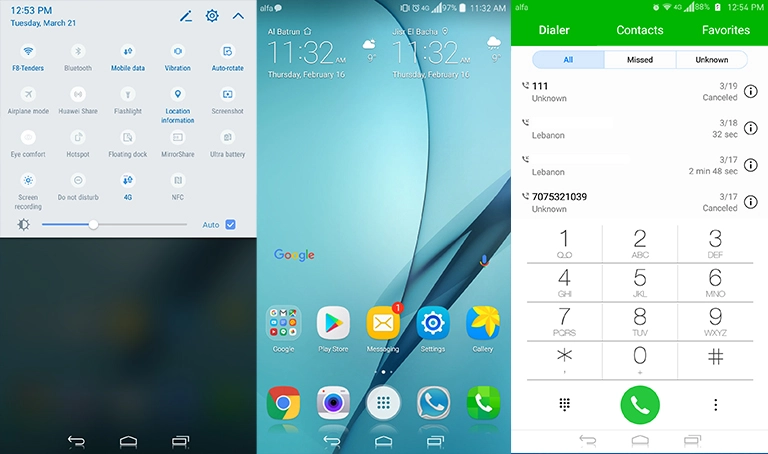
A refreshing take on the classic Material Design, GH Material Theme is a stunning EMUI 4.0/4.1 theme that brings a premium Apple-inspired experience to your Huawei device. With its sleek and modern aesthetic, this theme is perfect for those who crave a more refined and sophisticated look on their Android home screen.
One of the standout features of GH Material Theme is its attention to detail. The theme’s developers have carefully curated a selection of high-quality icons, wallpapers, and app designs that work seamlessly together to create a cohesive and visually stunning experience.
From the Nougat Navbar to the FULL HD Wallpapers, every element of this theme has been designed to provide a seamless and enjoyable user experience. Whether you’re a fan of Apple’s minimalist aesthetic or just want to give your device a fresh new look, GH Material Theme is definitely worth checking out.
The theme’s compatibility with EMUI 4.0/4.1 makes it a great option for those who want to personalize their device without sacrificing performance or functionality. With GH Material Theme, you can enjoy a premium Apple-inspired experience without breaking the bank or compromising on features.
Compatibility: Running Smoothly on EMUI 4.0/4.1
GH Material Theme is designed to work seamlessly with EMUI 4.0/4.1, ensuring that you can enjoy a premium Apple-inspired experience without worrying about compatibility issues. With its sleek and modern aesthetic, this theme is perfect for those who want to give their device a fresh new look without compromising on performance or functionality.

Frequently Asked Questions (FAQ)
What is GH Material Theme?
GH Material Theme is a premium EMUI 4.0/4.1 theme that brings a refined and sophisticated Apple-inspired experience to your Huawei device.
Is GH Material Theme compatible with EMUI 4.0/4.1?
Yes, GH Material Theme is designed to work seamlessly with EMUI 4.0/4.1, ensuring that you can enjoy a premium Apple-inspired experience without worrying about compatibility issues.
How do I install GH Material Theme?
First, download the .hwt file and move it to the Huawei/Themes folder, then apply it via the Themes app. Click here to learn in detail.
With its sleek and modern aesthetic, GH Material Theme is a must-try for anyone looking to give their Huawei device a fresh new look. Whether you’re a fan of Apple’s minimalist design or just want to enjoy a premium theme without breaking the bank, GH Material Theme is definitely worth checking out.