
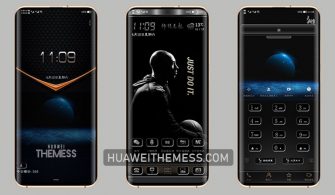
Get ready to elevate your Huawei device’s look and feel with the Low Key Business theme, perfect for professionals and entrepreneurs who want a sleek and sophisticated interface. This theme is designed to provide an immersive experience with its cool clock lockscreen, stylish icons, and brown app lookings, making it an ideal choice for those who crave a premium aesthetic.
Low Key Business EMUI Theme Features on Your Huawei Device
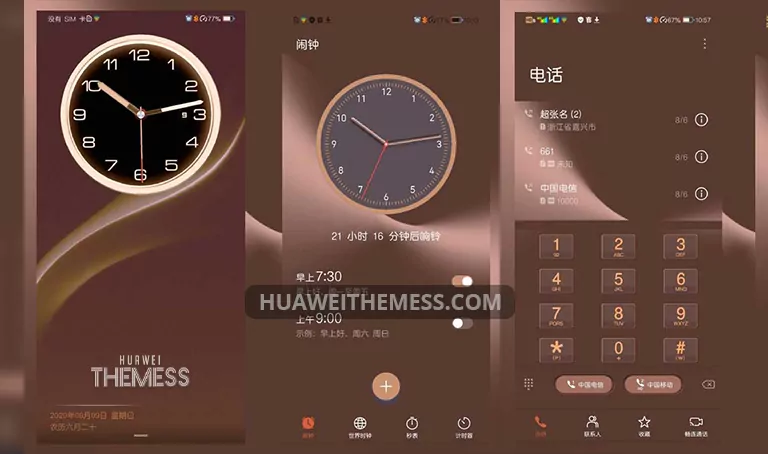
The Low Key Business theme offers a wide range of features that cater to different tastes and preferences. From the cool clock lockscreen to stylish icons and abstract wallpapers, this theme is designed to provide an immersive experience. The brown app lookings add a touch of sophistication, making it an ideal choice for professionals and entrepreneurs who want a sleek and premium interface.
Compatibility: EMUI 10/9 and MagicUI 3/2 Support
The Low Key Business theme is designed to work seamlessly on EMUI 10.1/10/9.1/9.0 and MagicUI 3/2 devices. This makes it a great choice for users who want a consistent and high-quality user experience across their Huawei and Honor devices.
Frequently Asked Questions (FAQ)
What devices is the Low Key Business theme compatible with?
The Low Key Business theme is compatible with EMUI 10.1/10/9.1/9.0 and MagicUI 3/2 devices.



Is the theme free to download?
Yes, the Low Key Business theme is free to download from our website.
How to install this theme?
First, download the .hwt file and move it to the Huawei/Themes folder, then apply it via the Themes app. Click here to learn in detail.
The Low Key Business theme is a great choice for those who want a sleek and sophisticated interface on their Huawei device. With its cool clock lockscreen, stylish icons, and brown app lookings, this theme is designed to provide an immersive experience. Whether you’re a professional or an entrepreneur, this theme is sure to impress with its premium aesthetic.



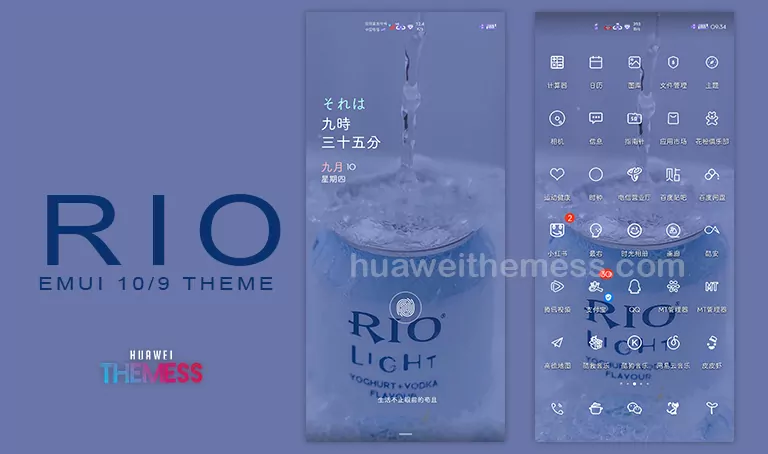
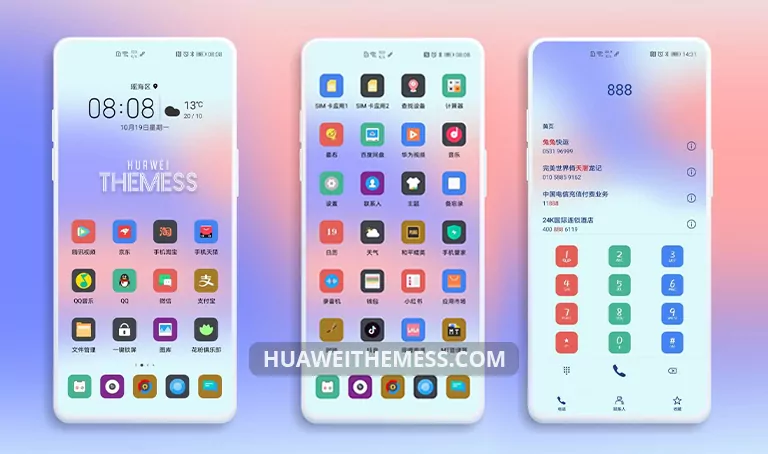
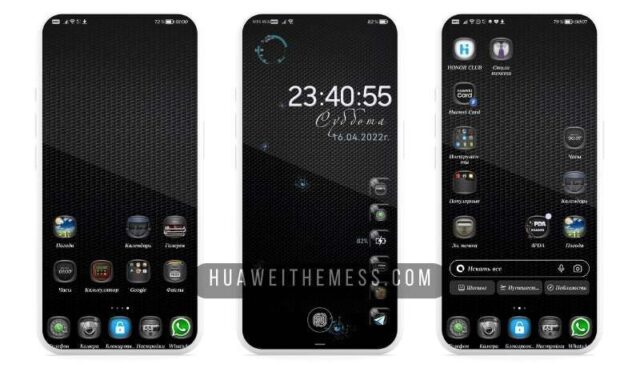
❤❤❤
good