
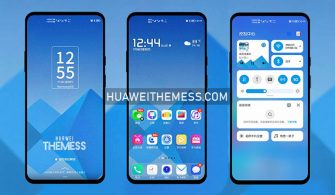
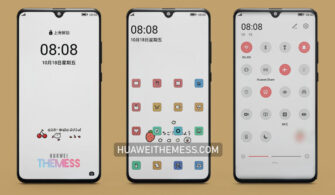
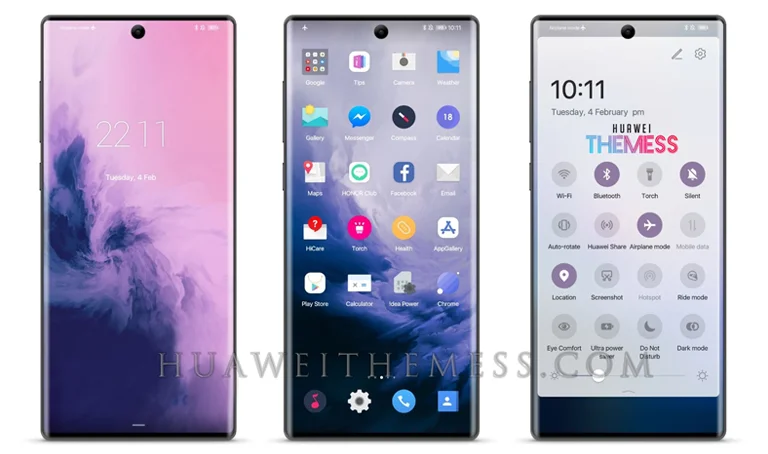
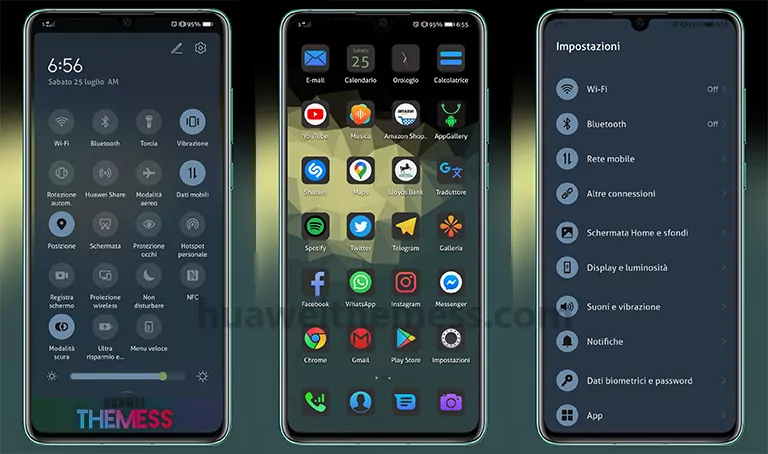
Get ready to take your EMUI 10/9 and MagicUI 3/2 experience to the next level with the Minimal Wave theme. This sleek and modern design is perfect for those who crave a clean and minimalistic look that’s both visually appealing and easy on the eyes.
Unleashing the Vibrant Minimal Wave Aesthetic on your Huawei/Honor Device
Minimal Wave is designed to bring a sense of calm and serenity to your device, with a focus on simplicity and elegance. The theme’s clean lines, flat icons, and stunning wallpapers come together to create a truly immersive experience.
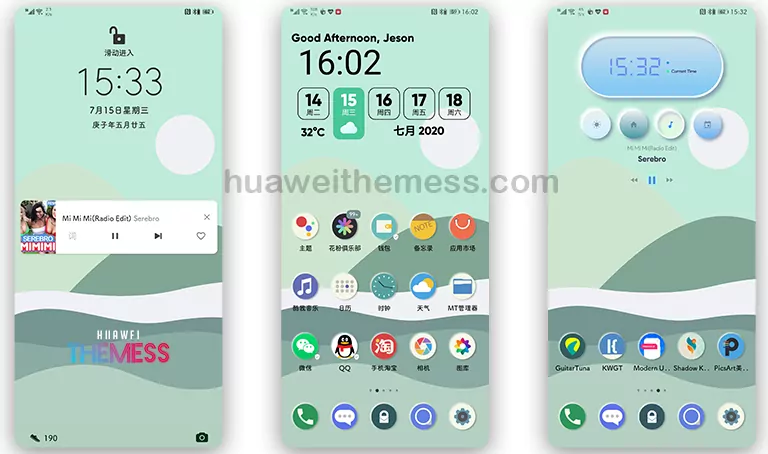
Compatibility: Seamless Integration with EMUI 10/9 and MagicUI 3/2
Minimal Wave is compatible with EMUI 10.1/10/9.1/9.0 and MagicUI 3/2, ensuring that you can enjoy this stunning theme on your Huawei or Honor device, regardless of your operating system version.
Frequently Asked Questions
What devices is Minimal Wave compatible with?
Minimal Wave is compatible with Huawei and Honor devices running EMUI 10.1/10/9.1/9.0 and MagicUI 3/2.
How do I apply the Minimal Wave theme?
To apply the Minimal Wave theme, download the .hwt file and move it to the Huawei/Themes folder, then apply it via the Themes app. Click here to learn in detail.



How do I reset my device to default after applying the Minimal Wave theme?
To reset your device to default, go to Settings > Advanced Settings > Reset Options > Reset All Settings. This will restore your device to its original settings, removing any custom themes, including Minimal Wave.
How to install this theme?
First, download the .hwt file and move it to the Huawei/Themes folder, then apply it via the Themes app. Click here to learn in detail.
With its stunning visuals, seamless integration, and user-friendly design, Minimal Wave is the perfect theme for anyone looking to elevate their EMUI 10/9 and MagicUI 3/2 experience. Download now and discover a world of clean and minimalistic beauty.



Thank you bro