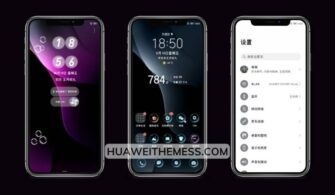
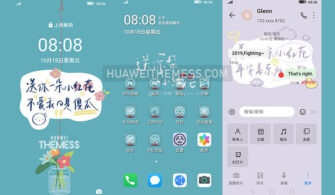
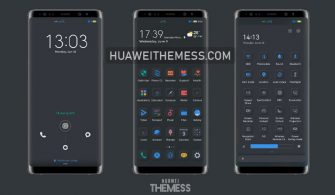
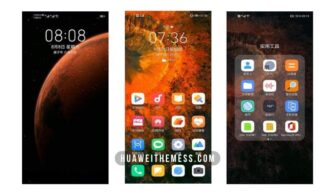
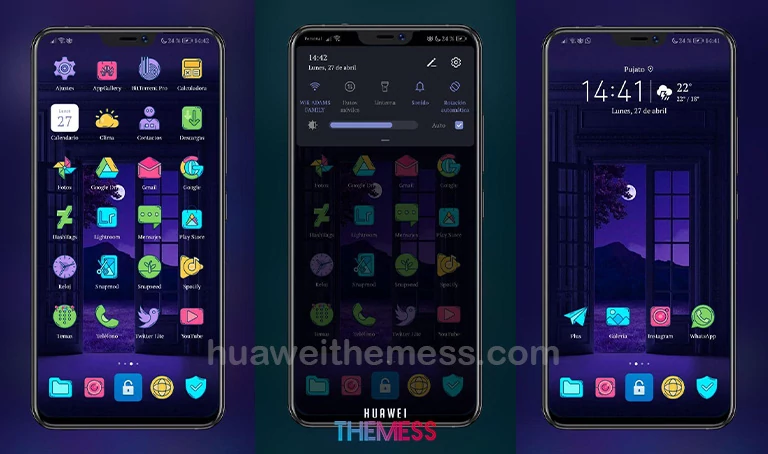
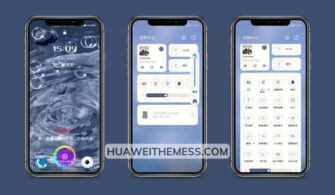
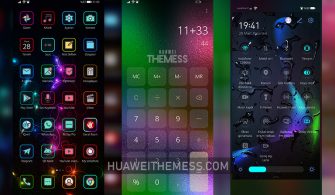
Get ready to immerse yourself in a world of tranquility with the “Relaxing” theme, specifically designed for EMUI and MagicUI users. This stunning theme offers a perfect blend of style and serenity, allowing you to personalize your phone to your heart’s content.
Unlock the Full Potential of Your EMUI Device with These Incredible Features
Experience the ultimate relaxation with the “Relaxing” EMUI theme, featuring a sleek and modern design that elevates your device to the next level. The theme boasts a range of captivating features, including:
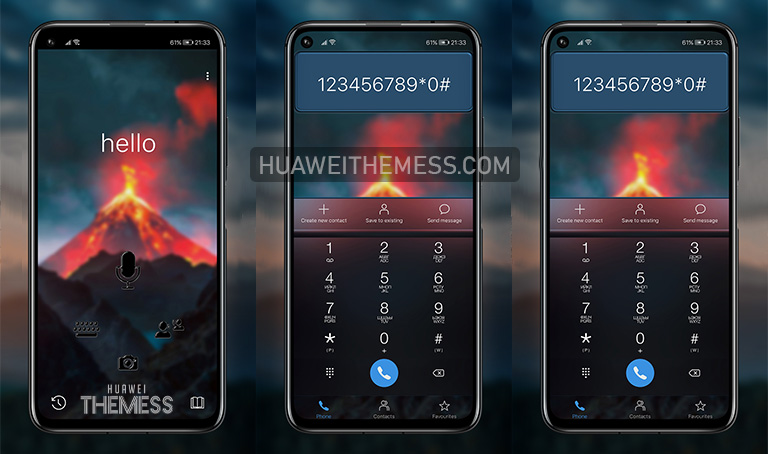
- A stunning lockscreen that sets the tone for a day of serenity
- Cute and cartoon-inspired icons that add a touch of whimsy to your device
- A sleek black theme that exudes sophistication and elegance
- Cool and functional widgets that keep you informed without overwhelming you
- Bugs fixed to ensure a seamless and enjoyable experience
- And many more features to discover!
Compatibility Guaranteed: Relaxing Theme for EMUI and MagicUI
The “Relaxing” EMUI theme is designed to work seamlessly with EMUI 10.1/10/9.1/9 and MagicUI 3/2 devices, ensuring a perfect blend of style and functionality. Whether you’re a fan of Huawei or Honor, this theme is sure to impress.



Frequently Asked Questions (FAQ)
What makes the "Relaxing" EMUI theme so special?
This theme is designed to provide a unique and personalized experience for EMUI users, offering a perfect balance of style and serenity.
Is the "Relaxing" EMUI theme compatible with my device?
The theme is specifically designed for EMUI 10.1/10/9.1/9 and MagicUI 3/2 devices, ensuring a seamless and enjoyable experience.
How do I install this theme?
First, download the .hwt file and move it to the Huawei/Themes folder, then apply it via the Themes app. Click here to learn in detail.
The “Relaxing” EMUI theme is the perfect solution for those seeking a serene and stylish experience on their EMUI device. With its sleek design, captivating features, and seamless compatibility, this theme is sure to impress even the most discerning users.