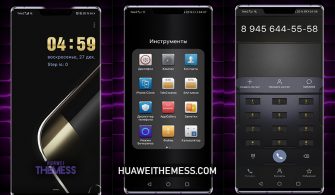
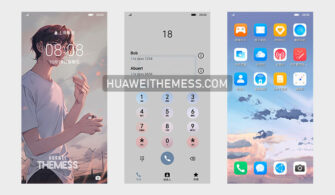
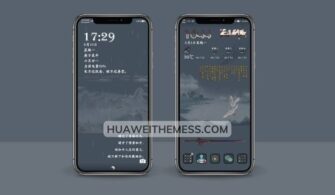
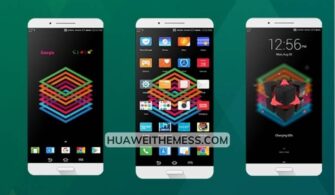
Get ready to elevate your Huawei device’s look and feel with the 5 Cats Theme, a vibrant and stylish Alien Mimicry theme designed for EMUI 12/11/10/9 and MagicUI 5/4/3/2 users. With its unique blend of cool and playful elements, this theme is perfect for those who want to personalize their phone and make a statement. Check out our site for more themes and download the 5 Cats EMUI Theme now to experience the thrill of a truly unique interface.
5 Cats EMUI Theme: Where Style Meets Function
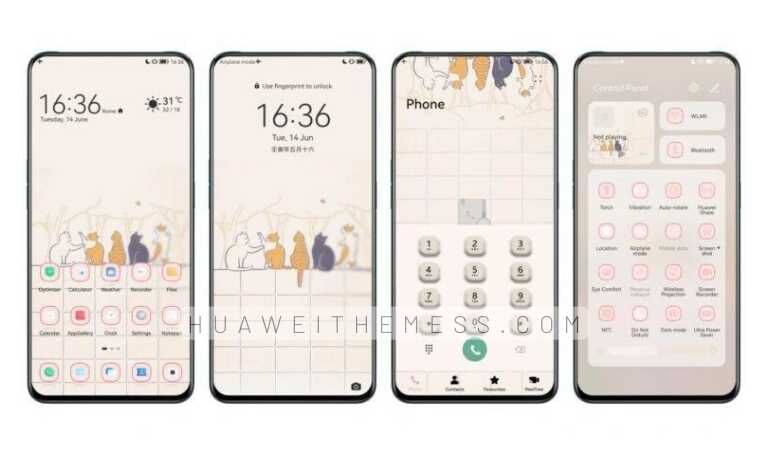
This theme boasts an impressive array of features, including new wallpapers, changed app icons, and a stylish app layout that will make your phone stand out. The dynamic lockscreen and smooth interface ensure a seamless and enjoyable user experience. With the 5 Cats EMUI Theme, you’ll be the envy of all your friends with its sleek and playful visuals.
Compatibility: Where Functionality Meets Flexibility
The 5 Cats EMUI Theme is compatible with EMUI 12, 11, 10.1, 10, 9.1, and 9.0, as well as MagicUI 5, 4, 3, and 2. This means that you can enjoy the theme’s unique features on a wide range of Huawei and Honor devices. Whether you’re running the latest EMUI version or prefer the simplicity of MagicUI, this theme is sure to impress.
Frequently Asked Questions (FAQ)
What devices are compatible with the 5 Cats EMUI Theme?
The 5 Cats EMUI Theme is compatible with a wide range of Huawei and Honor devices, including EMUI 12, 11, 10.1, 10, 9.1, and 9.0, as well as MagicUI 5, 4, 3, and 2.



How do I apply the 5 Cats EMUI Theme?
To apply the 5 Cats EMUI Theme, simply download the .hwt file, move it to the Huawei/Themes folder, and then apply it via the Themes app. For more detailed instructions, click here.
Is the 5 Cats EMUI Theme free to download?
Yes, the 5 Cats EMUI Theme is free to download from our site. You can find the download link at the bottom of this page.
How to install this theme?
First, download the .hwt file and move it to the Huawei/Themes folder, then apply it via the Themes app. Click here to learn in detail.
In conclusion, the 5 Cats EMUI Theme is a must-try for anyone looking to add some personality to their Huawei device. With its sleek, playful design and impressive array of features, this theme is sure to impress. Download it now and experience the thrill of a truly unique interface.