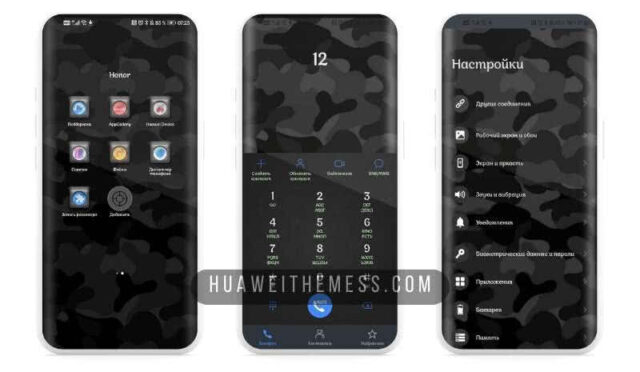
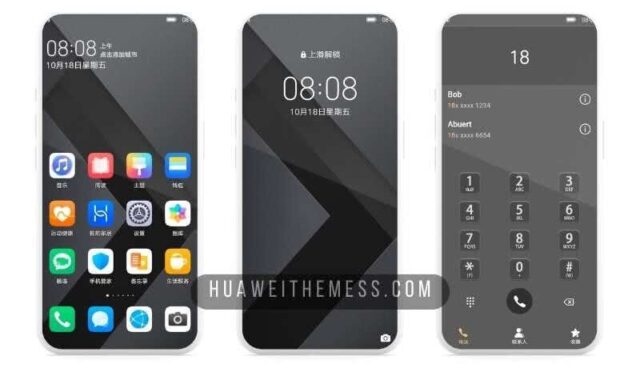
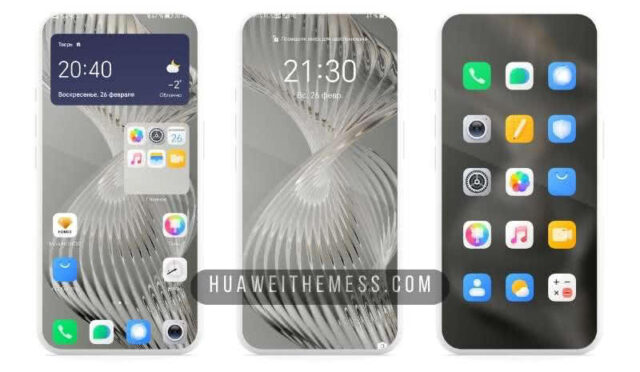
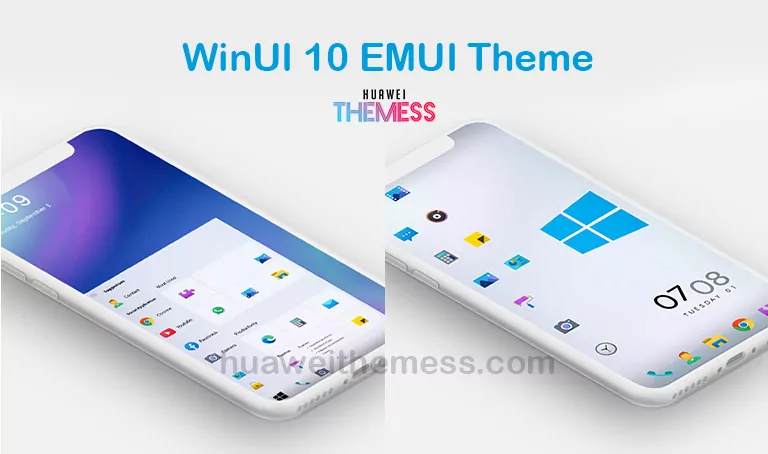
Get ready to elevate your EMUI experience with the sleek and modern Flux Matte theme, specifically designed for EMUI 10.1/10/9.1/9.0 and MagicUI 3/2 users. This stunning theme offers an array of customization options to personalize your device, allowing you to express your unique style and taste.
Flux Matte EMUI Theme: A Symphony of Style and Function
With its minimalist design and sophisticated flair, Flux Matte EMUI Theme is the perfect choice for users seeking a premium look without sacrificing functionality. The theme boasts an impressive array of features, including:
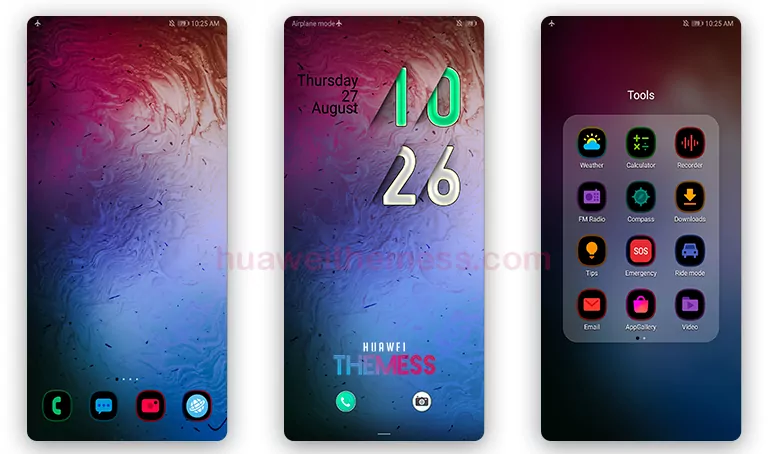
From its stunning lockscreen to its abstract wallpapers and changed widgets, Flux Matte EMUI Theme is a masterclass in design and aesthetics. Whether you’re a fan of dark icons or prefer a more vibrant look, this theme has something for everyone.
Compatibility: EMUI 10 and MagicUI 3/2 Supported
The Flux Matte EMUI Theme is compatible with EMUI 10.1/10/9.1/9.0 and MagicUI 3/2, ensuring a seamless experience for users of these operating systems.



Frequently Asked Questions
What makes Flux Matte EMUI Theme unique?
This theme boasts a unique blend of style and functionality, featuring a minimalist design and sophisticated flair that sets it apart from other themes. With its array of customization options, users can personalize their device to suit their individual taste and style.
Is Flux Matte EMUI Theme compatible with my device?
Yes, the Flux Matte EMUI Theme is compatible with EMUI 10.1/10/9.1/9.0 and MagicUI 3/2.
How do I install Flux Matte EMUI Theme?
First, download the .hwt file and move it to the Huawei/Themes folder, then apply it via the Themes app. Click here to learn in detail
In conclusion, the Flux Matte EMUI Theme is a must-have for users seeking a premium look and feel for their device. With its stunning design, array of customization options, and seamless compatibility, this theme is sure to elevate your EMUI experience and leave a lasting impression.