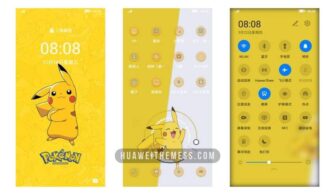
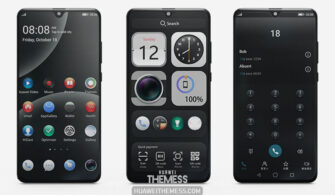
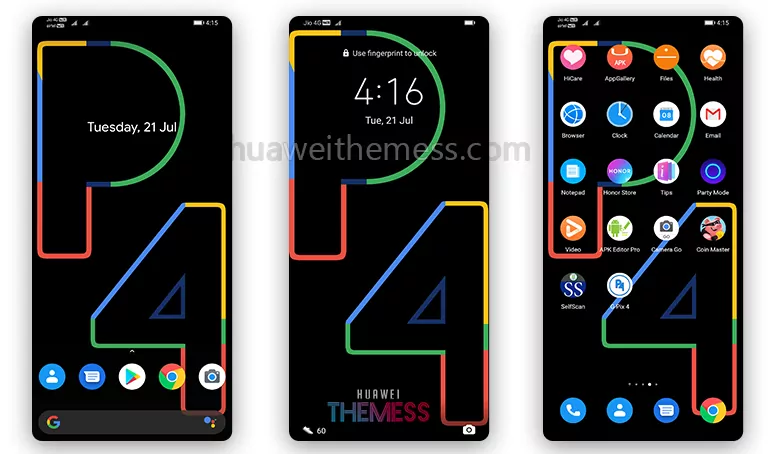
Are you looking for a way to give your Huawei device a sleek and modern look? The Charging EMUI Theme is a fantastic option for anyone who wants to personalize their phone with a premium aesthetic. With its dark mode design and stylish charging lockscreen, this theme is perfect for those who want to stand out from the crowd.
Aesthetic Dark Mode Goals with Charging EMUI Theme
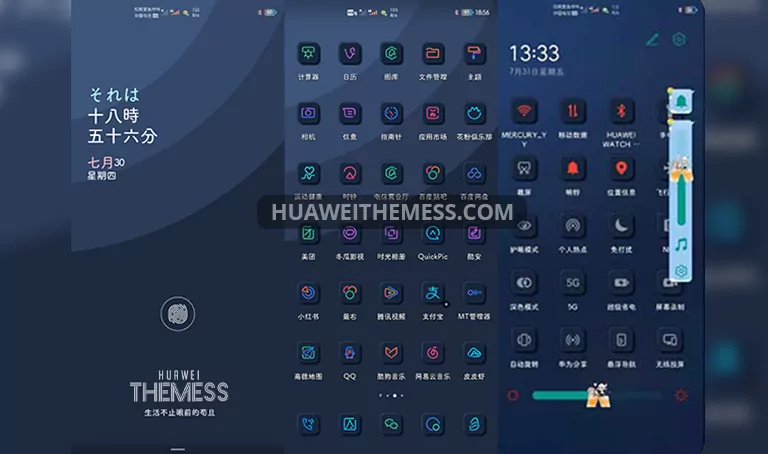
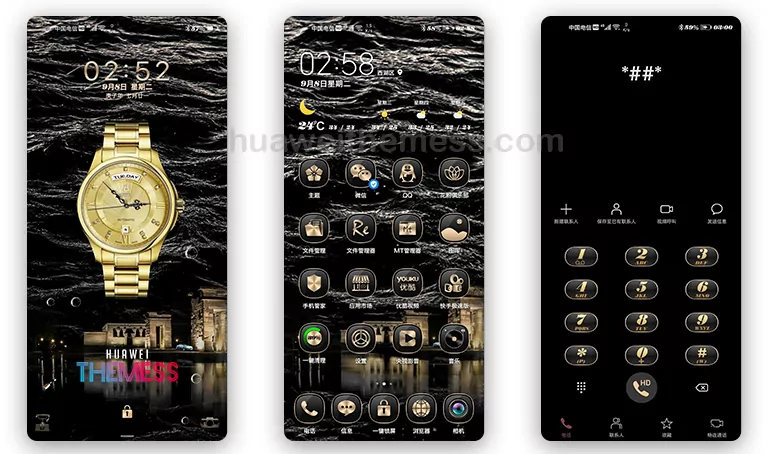
This theme features a stunning dark mode design that will give your device a sleek and modern look. The stylish charging lockscreen is a standout feature, and the new fonts (available on some phones) add a touch of elegance to the overall design. The cool holygram icons and wallpapers will also enhance the overall look of your device.
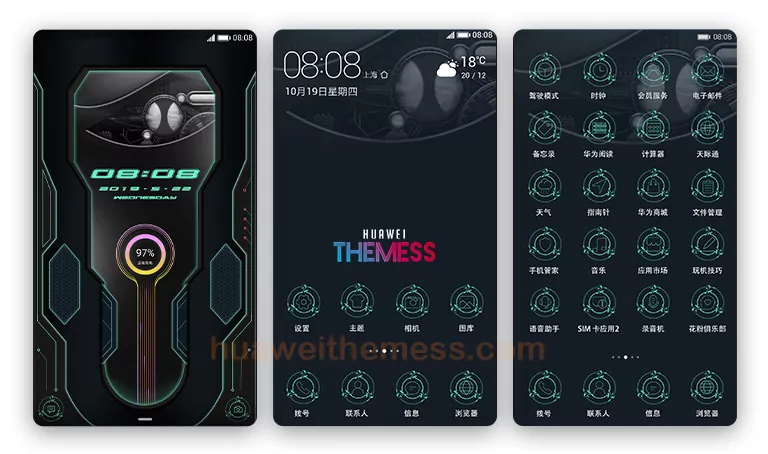
- Stylish Charging Lockscreen
- New Fonts (some phones)
- Cool Holygram Icons
- Cool Wallpapers
- Bugs Fixed
- and more..
Compatibility
The Charging EMUI Theme is compatible with EMUI 9.1/9.0/8.1/8.0 and MagicUI 2 devices. Make sure to check the compatibility before downloading and installing the theme.



Frequently Asked Questions
What devices is the Charging EMUI Theme compatible with?
[The Charging EMUI Theme is compatible with EMUI 9.1/9.0/8.1/8.0 and MagicUI 2 devices.][
How do I apply the Charging EMUI Theme?
[To apply the theme, download the .hwt file and move it to the Huawei/Themes folder, then apply it via the Themes app. Click here to learn in detail.[
How do I fix any bugs or issues with the theme?
[If you encounter any bugs or issues with the theme, you can try restarting your device or checking for updates. If the issue persists, you can contact our support team for further assistance.][
How to install this theme?
[First, download the .hwt file and move it to the Huawei/Themes folder, then apply it via the Themes app. Click here to learn in detail.[
The Charging EMUI Theme is a fantastic option for anyone who wants to give their Huawei device a sleek and modern look. With its dark mode design and stylish charging lockscreen, this theme is perfect for those who want to stand out from the crowd. Whether you’re looking for a premium aesthetic or just want to try out a new look, the Charging EMUI Theme is definitely worth checking out.