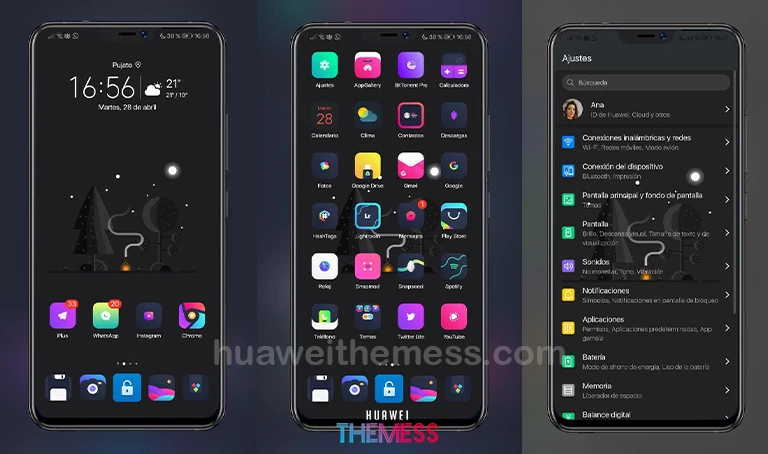
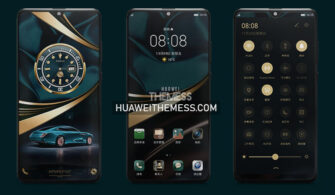
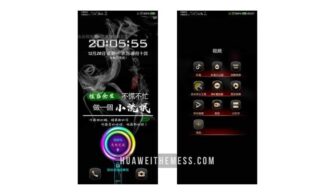
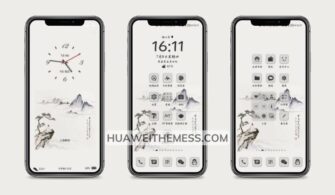
Boss Grey is the perfect EMUI theme for those seeking a clean and modern aesthetic. This theme brings a fresh coat of paint to your Huawei device, elevating the overall user experience with its sleek design and refined features.
Boss Grey EMUI Theme: Bringing Premium Style to Your Device
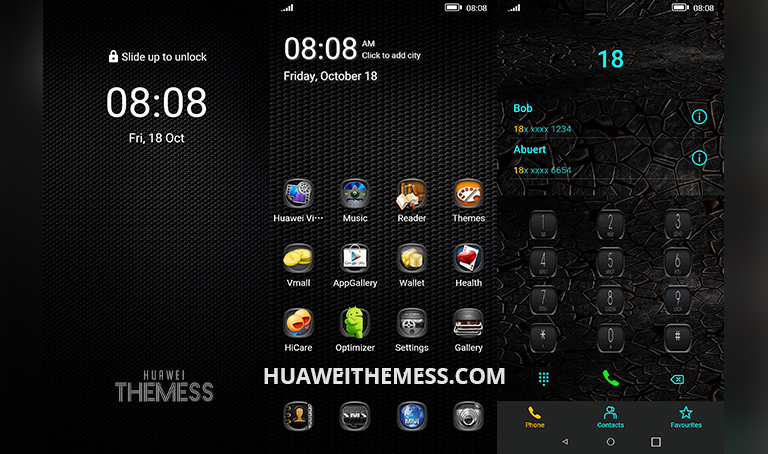
A key highlight of the Boss Grey theme is its extensive customization options. Users can choose from a variety of icons, lock screens, and wallpapers to create a truly unique look that reflects their personality. The theme’s dark gray app look is particularly striking, adding a touch of sophistication to the overall design.
Compatibility: What Devices Can Run Boss Grey?
The Boss Grey theme is compatible with EMUI 10.1, 10, 9.1, and 9.0, as well as MagicUI 3 and 2. This broad support ensures that users can take advantage of the theme’s features regardless of their device’s operating system version.
Frequently Asked Questions (FAQ)
What devices are compatible with the Boss Grey theme?
The Boss Grey theme is compatible with EMUI 10.1, 10, 9.1, and 9.0, as well as MagicUI 3 and 2.



How do I apply the Boss Grey theme to my device?
To apply the Boss Grey theme, download the .hwt file and move it to the Huawei/Themes folder. Then, apply it via the Themes app.
Is the Boss Grey theme easy to customize?
Yes, the Boss Grey theme offers extensive customization options, including different icons, lock screens, and wallpapers.
How to install this theme?
First, download the .hwt file and move it to the Huawei/Themes folder, then apply it via the Themes app. Click here to learn in detail.
The Boss Grey theme is a must-have for anyone looking to elevate their EMUI experience. With its sleek design, refined features, and extensive customization options, this theme offers a clean and modern aesthetic that is sure to impress. Whether you’re a fan of dark gray apps or prefer a more vibrant look, Boss Grey has got you covered.