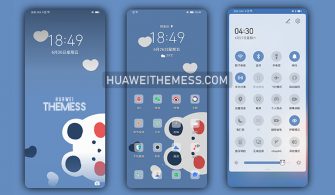
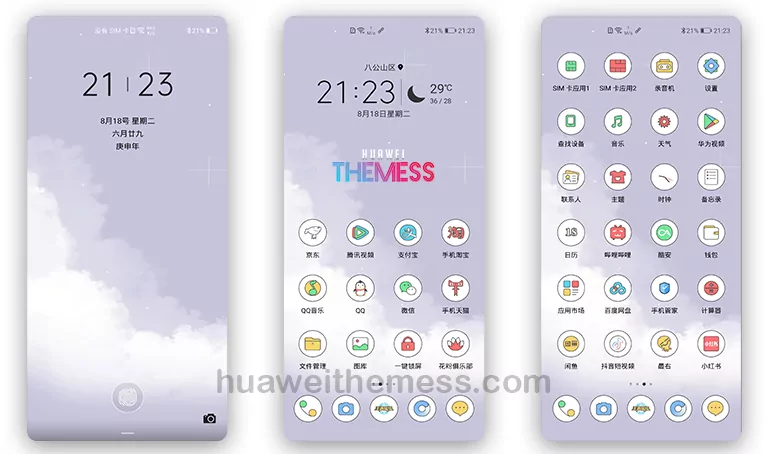
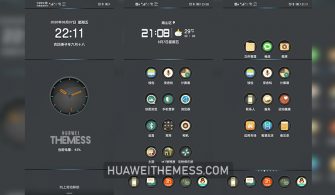
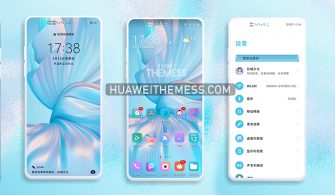
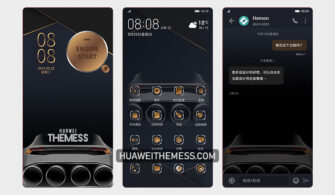
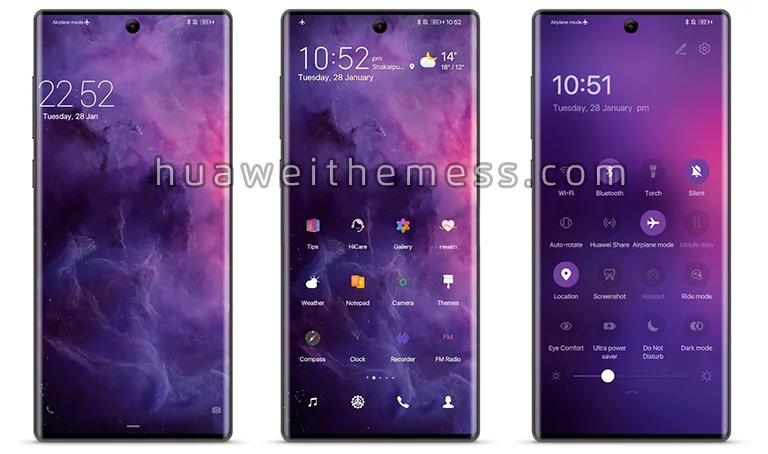
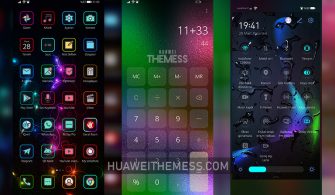
Get ready to breathe new life into your EMUI device with the Reconstruction EMUI Theme, a stunning UI revamp that brings the sleek and modern look of the Huawei Mate 40 Stock Theme to your smartphone. Whether you’re a fan of dark mode or prefer a light and airy aesthetic, this theme has got you covered with its wide range of customization options.
Reconstruction EMUI Theme: Where Minimalist Chic Meets Smooth Animations on Your Huawei Device
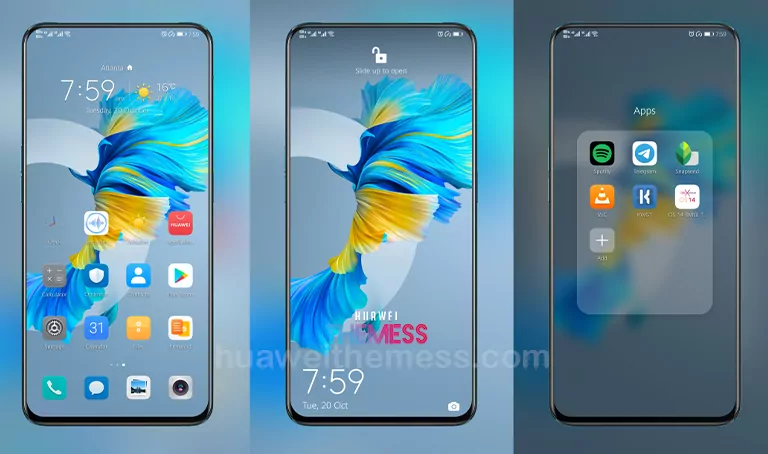
With its focus on clean lines, simple icons, and a predominantly dark color scheme, the Reconstruction EMUI Theme offers a premium Apple-inspired experience on your Huawei device. The theme’s exclusive Huawei icons, stylish lockscreen, and changed widgets ensure a seamless and intuitive user interface that elevates your device to the next level.
Compatibility: Unlock the Full Potential of Reconstruction EMUI Theme on EMUI 10.1/10/9.1/9.0 and MagicUI 3/2
The Reconstruction EMUI Theme is designed to work seamlessly with EMUI 10.1/10/9.1/9.0 and MagicUI 3/2, ensuring that you can enjoy its stunning features without any compatibility issues. Whether you’re running the latest EMUI version or an older one, this theme has got you covered.
Frequently Asked Questions (FAQ)
Is the Reconstruction EMUI Theme compatible with older EMUI versions?
Yes, the theme is compatible with EMUI 9.1/9.0 in addition to EMUI 10.1/10 and MagicUI 3/2.



Can I customize the theme to fit my personal style?
Yes, the theme offers a wide range of customization options to help you personalize your device according to your taste.
How to install this theme?
First, download the .hwt file and move it to the Huawei/Themes folder, then apply it via the Themes app. Click here to learn in detail.
The Reconstruction EMUI Theme is a breath of fresh air for your Huawei device, offering a clean, minimalist UI that’s both visually stunning and highly functional. With its focus on smooth animations and premium Apple-inspired design, this theme is a must-try for anyone looking to elevate their device to the next level.