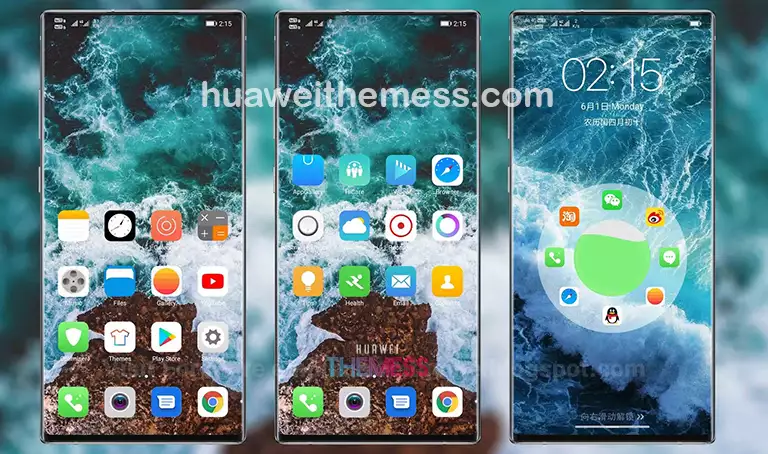
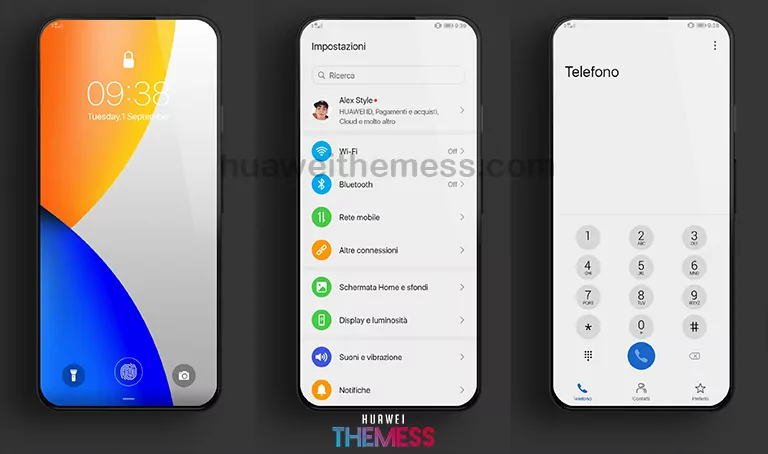
Snydxhh 12 is a must-try theme for those seeking to elevate their Huawei device’s aesthetic. This stylish theme offers an array of customization options, allowing users to personalize their phone to suit their unique taste.
Snydxhh 12 EMUI Theme: A Harmonious Blend of Style and Function
Restart the device after applying the theme.
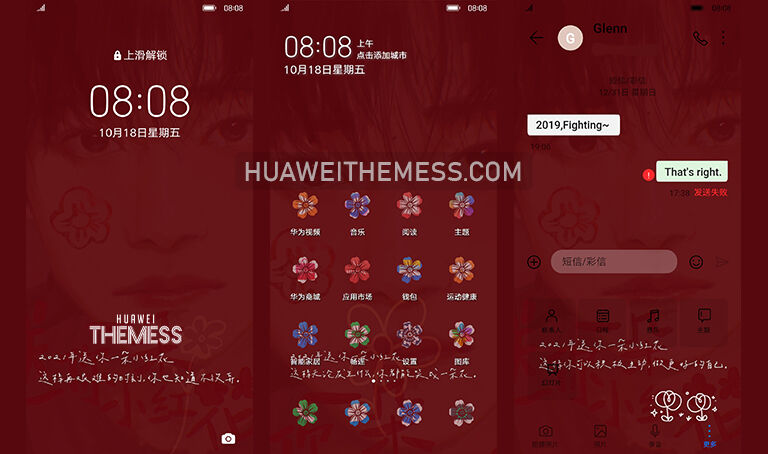
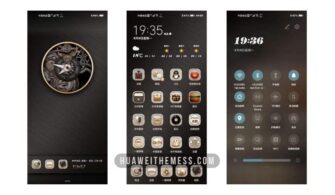
The Snydxhh 12 theme boasts an attractive design with new wallpapers, changed app icons, and a stylish app layout. The dynamic cool lockscreen and smooth interface make it a standout choice for those seeking a superior user experience.
Compatibility: Seamless Integration with EMUI and MagicOS
The Snydxhh 12 theme is compatible with EMUI 12, 11, 10, and 9, as well as MagicUI 5, 4, 3, and 2. This ensures a seamless experience for users across various Huawei and Honor devices.



Frequently Asked Questions
What are the key features of the Snydxhh 12 theme?
The Snydxhh 12 theme offers a range of exciting features, including new wallpapers, changed app icons, a stylish app layout, a dynamic cool lockscreen, and a smooth interface.
Is the Snydxhh 12 theme free to use?
Yes, the Snydxhh 12 theme is completely free to use, offering users a premium aesthetic without any cost.
How do I install the Snydxhh 12 theme?
First, download the .hwt file and move it to the Huawei/Themes folder, then apply it via the Themes app. Click here to learn in detail
The Snydxhh 12 theme is a game-changer for Huawei device users seeking a fresh and stylish aesthetic. With its seamless integration and array of customization options, it’s an absolute must-try for anyone looking to elevate their phone’s beauty.