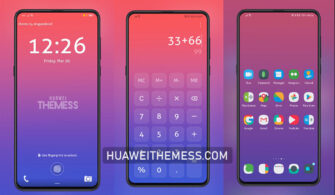
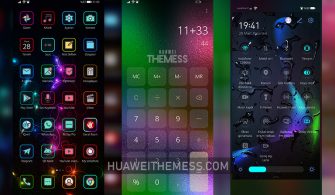
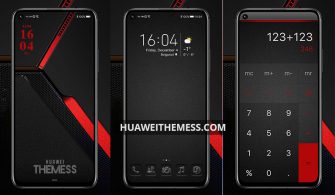
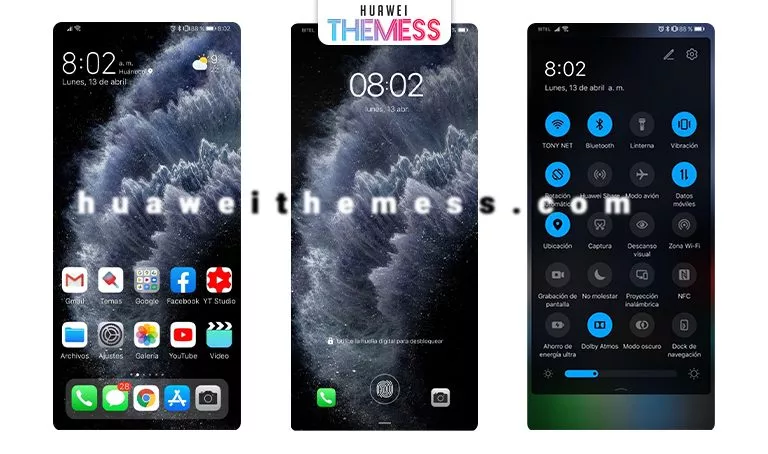
Get ready to breathe new life into your Huawei device with the Alien Theme, a stunning EMUI customization experience that will transport you to another world. This cosmic-inspired theme is not just a visual treat but also a testament to the power of creativity and innovation in smartphone design.
Alien EMUI Theme: Cosmic Aesthetic Meets Huawei Devices
The Alien Theme is a masterpiece of modern design, boasting a sleek and futuristic aesthetic that will make your Huawei device stand out from the crowd. With its array of vibrant colors, stunning wallpapers, and futuristic icons, this theme is a must-have for anyone looking to elevate their smartphone experience.
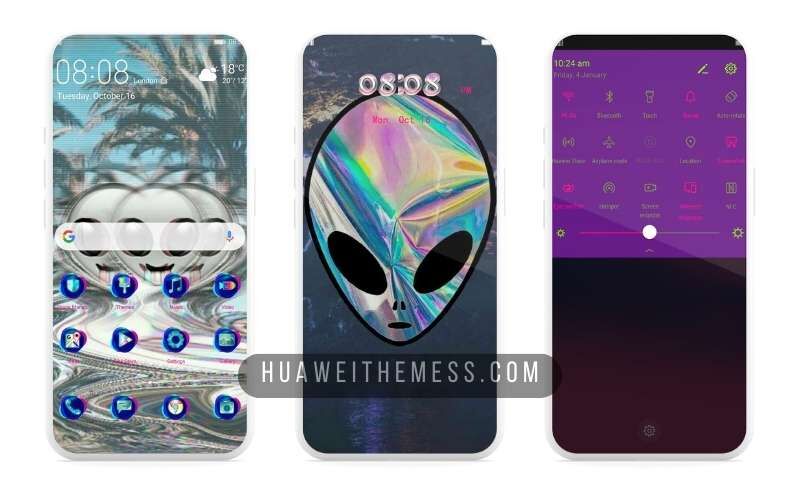
Whether you’re a fan of science fiction or simply appreciate the beauty of modern design, the Alien Theme is sure to captivate your imagination. Its cutting-edge visuals and sleek interface make it the perfect choice for anyone looking to take their Huawei device to the next level.
Compatibility: Unlock the Alien Theme on Your EMUI Device
The Alien Theme is compatible with EMUI 12, 11, 10, and 9, ensuring that you can enjoy its stunning visuals and intuitive interface on your Huawei device. Whether you’re running the latest EMUI software or an older version, this theme is designed to provide a seamless and engaging experience.
Frequently Asked Questions
What devices is the Alien theme compatible with?
The Alien Theme is compatible with Huawei devices running EMUI 12, 11, 10, and 9, as well as HarmonyOS and Magic UI 6, 5, 4, 3, and 2.



How do I install the Alien theme?
To install the Alien theme, simply download the .hwt file and move it to the Huawei/Themes folder, then apply it via the Themes app.
Can I customize the Alien theme?
Yes, the Alien theme offers various customization options, allowing you to personalize your Huawei device to your heart’s content.
How do I add a theme on my Huawei device?
To add a theme on your Huawei device, click on the download button, find the “HWT” extension, copy or move the theme file, and apply it via the Themes app.
How to install this theme?
First, download the .hwt file and move it to the Huawei/Themes folder, then apply it via the Themes app. Click here to learn in detail.
The Alien Theme is a must-have for anyone looking to take their Huawei device to the next level. With its stunning visuals, sleek interface, and cutting-edge design, this theme is sure to captivate your imagination and leave you wondering how you ever lived without it.