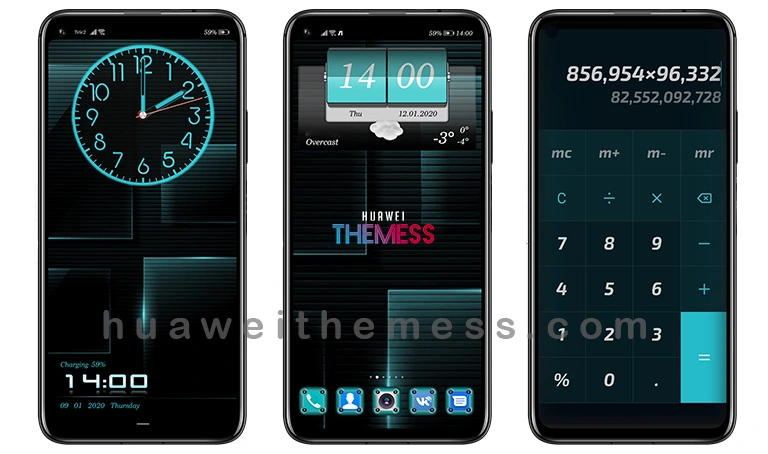
Get ready to transform your EMUI experience with the ColxoGen theme, a cutting-edge design that brings a touch of sophistication to your device. This theme is perfect for those who crave a clean and minimalist look, with a focus on simplicity and elegance.
ColxoGen: A Masterclass in Minimalist Design for EMUI Devices
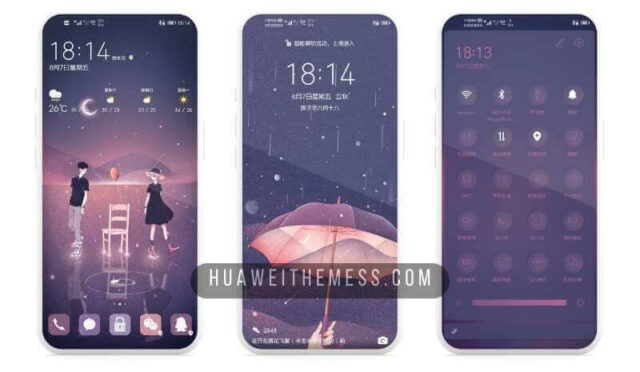
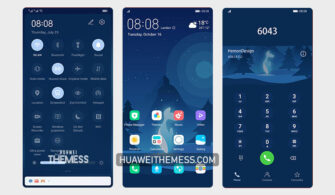
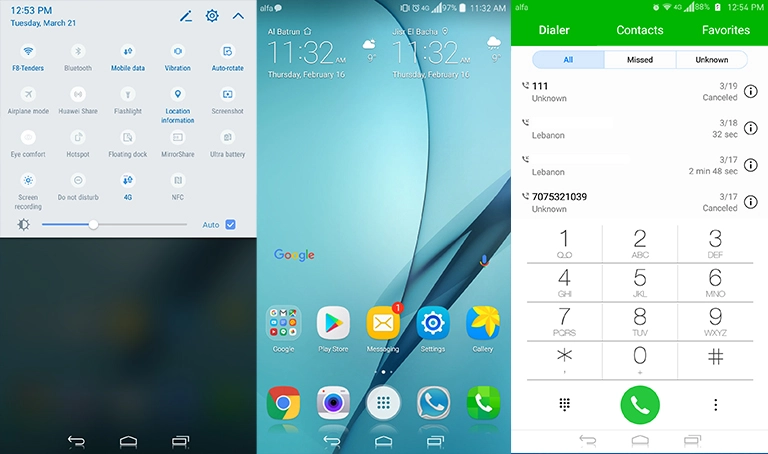
ColxoGen is more than just a theme – it’s an experience that redefines the way you interact with your device. With its sleek and modern design, this theme is sure to impress even the most discerning users. The dark and blue color palette creates a soothing atmosphere, while the metallic icons add a touch of sophistication to your lockscreen.
Compatibility: Unlock the Full Potential of Your EMUI Device
ColxoGen is designed to be compatible with EMUI 10, 9.1, 9.0, and Magic UI devices, ensuring that you can enjoy this stunning theme on your preferred device. Whether you’re running the latest EMUI software or an older version, ColxoGen will seamlessly integrate with your device’s UI.
Frequently Asked Questions (FAQ)
What devices is ColxoGen compatible with?
ColxoGen is compatible with EMUI 10, 9.1, 9.0, and Magic UI devices, ensuring that you can enjoy this stunning theme on your preferred device.
How do I install ColxoGen on my EMUI device?
To install ColxoGen, simply download the .hwt file and move it to the Huawei/Themes folder, then apply it via the Themes app. Click here to learn in detail.

Will ColxoGen affect my device's performance?
No, ColxoGen is designed to be lightweight and efficient, ensuring that it doesn’t compromise your device’s performance.
How to install this theme?
First, download the .hwt file and move it to the Huawei/Themes folder, then apply it via the Themes app. Click here to learn in detail.
With ColxoGen, you can unlock a world of minimalist design and sophistication on your EMUI device. Whether you’re a tech enthusiast or simply looking for a fresh new look, this theme is sure to impress. Give it a try today and experience the power of minimalism!