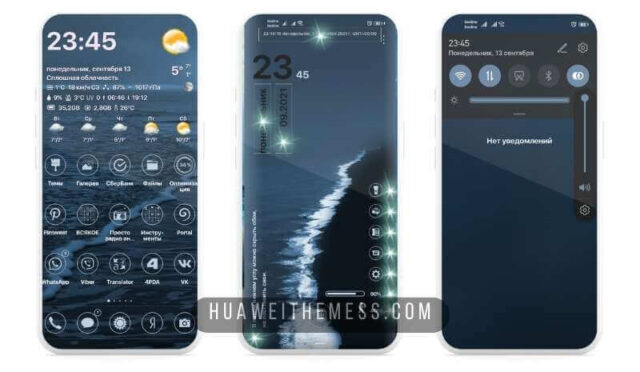
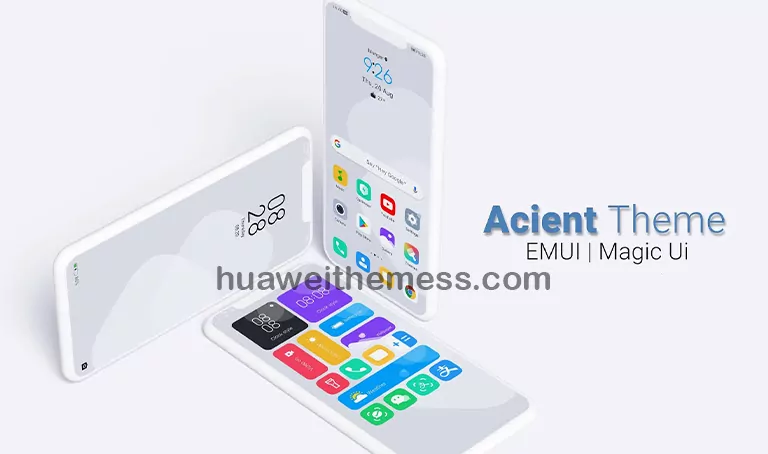
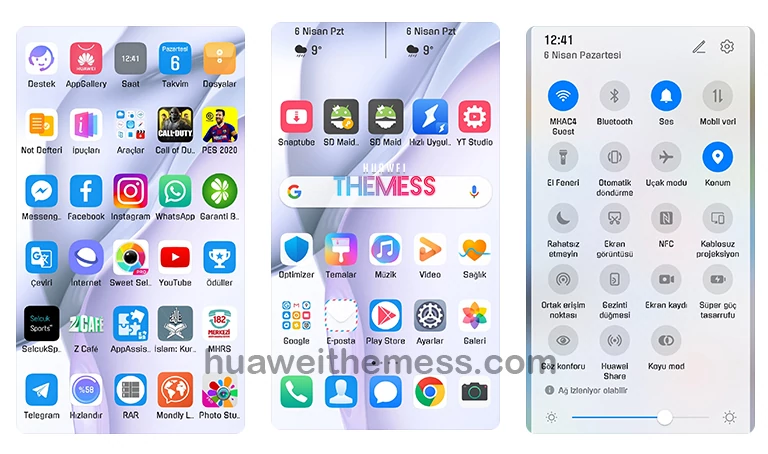
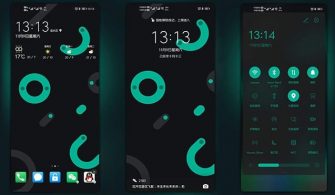
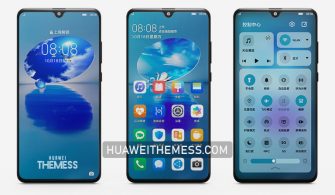
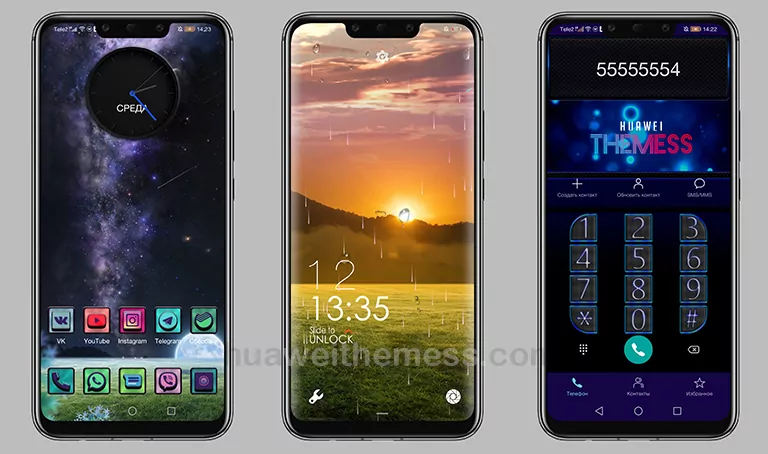
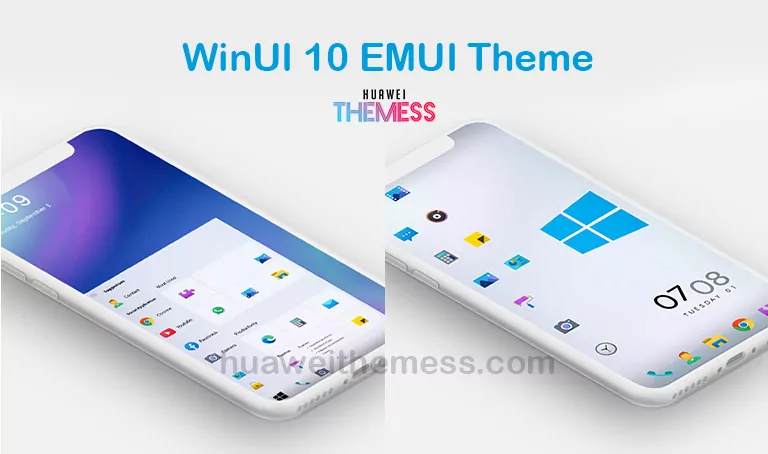
Get ready to elevate your Huawei device’s aesthetic with the Blue Mountain theme, designed specifically for EMUI 11.1, 11, 10.1, and 10 users, as well as MagicUI 4 and 3 enthusiasts. This theme offers a unique blend of style and functionality, allowing you to personalize your phone to perfection.
Blue Mountain EMUI Theme Features
The Blue Mountain theme boasts an array of impressive features, including a super cool wallpaper, a HarmonyOS lock screen, cool icons, and an animated lockscreen, all of which come together to create a seamless and visually stunning user experience.
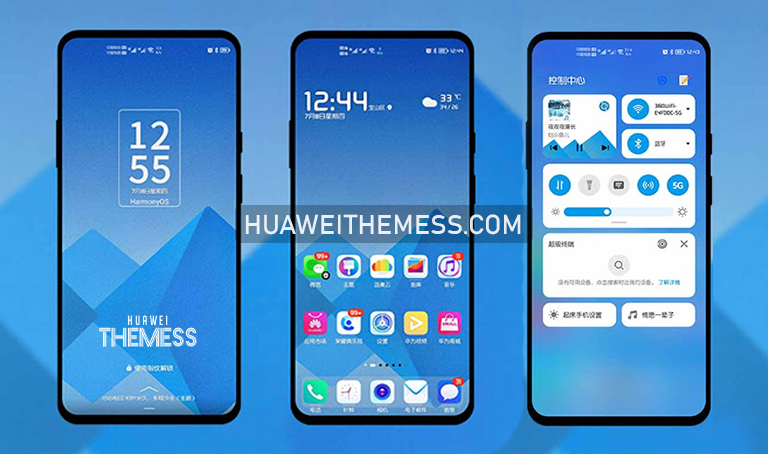
The Blue Mountain theme is a masterclass in design, with each element carefully crafted to create a cohesive and visually appealing look. Whether you’re looking to upgrade your lock screen or enhance your overall user experience, this theme has got you covered.
- Super cool Wallpaper
- HarmonyOS lock screen
- Cool Icons
- Animated Lockscreen
- Bugs Fixed
- and more…
Blue Mountain EMUI Theme Compatibility
The Blue Mountain theme is designed to be compatible with a range of EMUI and MagicUI versions, including EMUI 11.1, 11, 10.1, and 10, as well as MagicUI 4 and 3. This ensures that you can enjoy the full benefits of this theme on your Huawei device, regardless of your OS version.



Frequently Asked Questions (FAQ)
What devices is the Blue Mountain theme compatible with?
The Blue Mountain theme is compatible with a range of Huawei devices running EMUI 11.1, 11, 10.1, and 10, as well as MagicUI 4 and 3.
Is the Blue Mountain theme free to download?
The Blue Mountain theme is available to download for free on the Huawei Themes website.
Can I customize the Blue Mountain theme?
Yes, you can customize the Blue Mountain theme to suit your preferences by adjusting the wallpaper, lock screen, and other elements.
How to install this theme?
First, download the .hwt file and move it to the Huawei/Themes folder, then apply it via the Themes app. Click here to learn in detail.
The Blue Mountain theme is a game-changer for anyone looking to elevate their Huawei device’s aesthetic. With its stunning design, impressive features, and seamless compatibility, this theme is a must-have for any EMUI or MagicUI user.