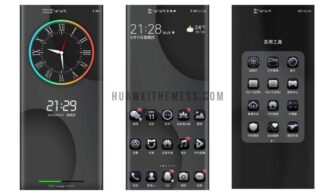
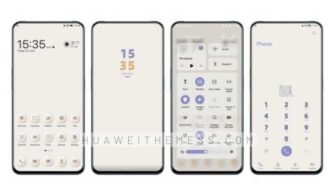
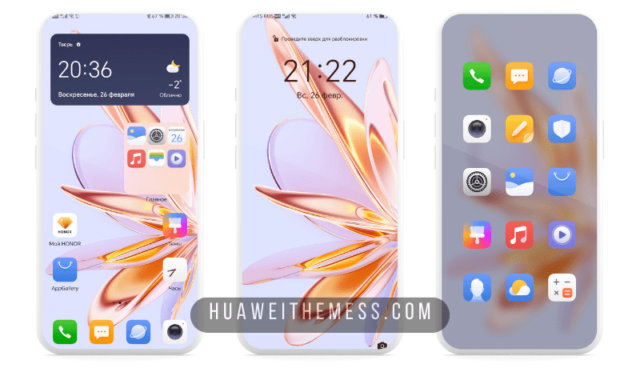
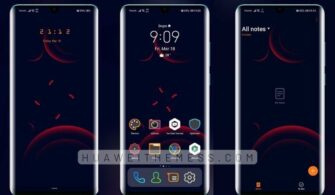
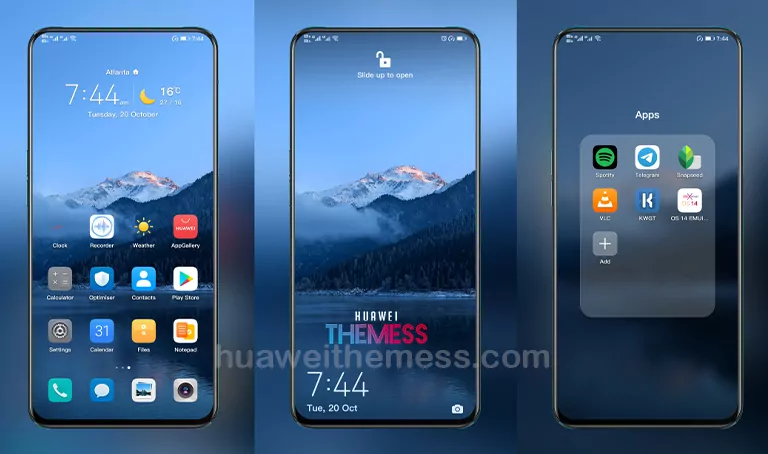
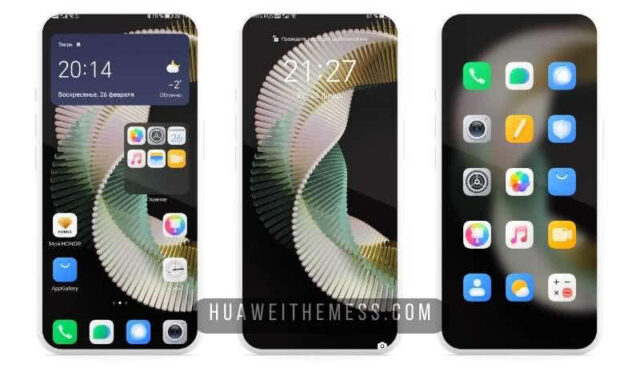
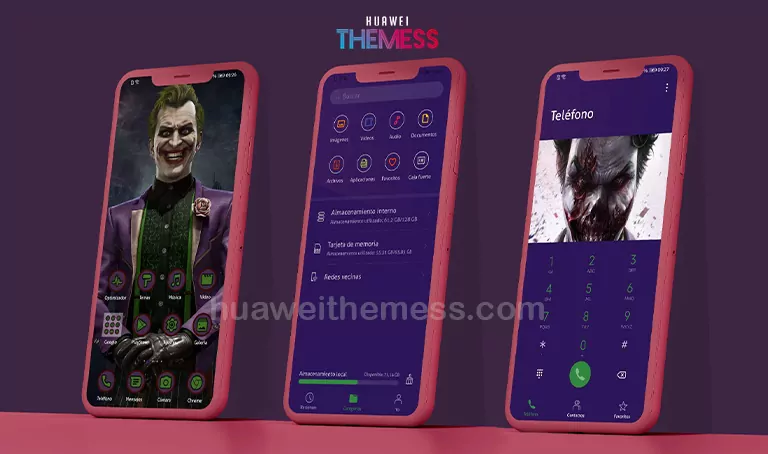
This striking “Nature Mountain” theme is a masterpiece for those seeking to infuse their Huawei device with an unparalleled sense of serenity and elegance. By offering an array of customization options, you can personalize your phone to match your unique style and preferences.
Nature Mountain EMUI Theme: A Symphony of Elegance
This beautifully crafted theme boasts a stunning array of features, including 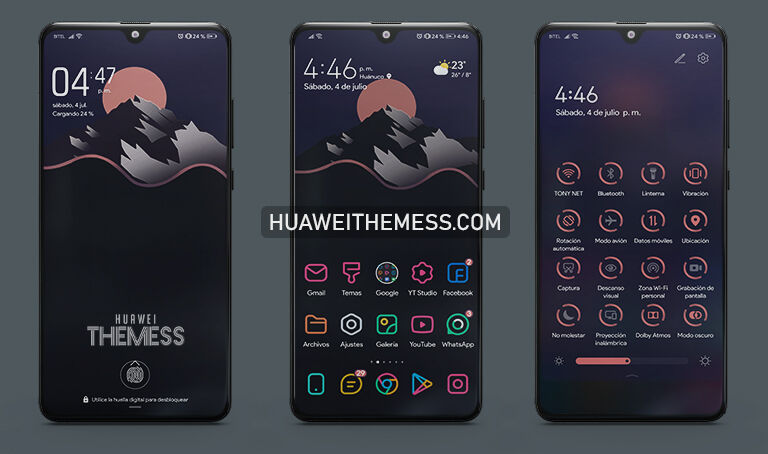 sleek wallpapers, modern app icons, and a dynamic lock screen that will leave you in awe. The theme’s focus on clean lines, minimalistic design, and a touch of natural beauty creates an immersive experience that will captivate your senses.
Compatibility: Where Function Meets Form
This versatile theme is designed to work seamlessly with EMUI 12/11/10/9 and MagicUI 5/4/3/2, ensuring that you can enjoy its stunning features without any compatibility issues. Whether you’re using the latest or previous versions of these operating systems, Nature Mountain Theme has got you covered.
Frequently Asked Questions (FAQ)
What makes Nature Mountain Theme stand out from other EMUI themes?
This theme’s unique blend of natural beauty and modern design elements sets it apart from other EMUI themes. The attention to detail and focus on creating a seamless user experience make it a standout choice for those seeking a premium aesthetic.
Is this theme compatible with my Huawei device?
Yes, Nature Mountain Theme is designed to work with a wide range of Huawei devices running EMUI 12/11/10/9 and MagicUI 5/4/3/2.



How do I install this theme?
First, download the .hwt file and move it to the Huawei/Themes folder, then apply it via the Themes app. Click here to learn in detail.
The Nature Mountain Theme is a true masterpiece, offering a serene and elegant aesthetic that will elevate your Huawei device to new heights. With its stunning features, seamless compatibility, and ease of installation, this theme is a must-try for anyone seeking to take their device to the next level.