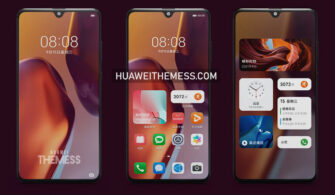
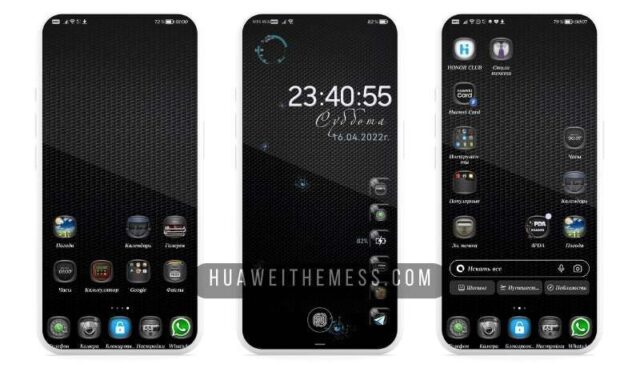
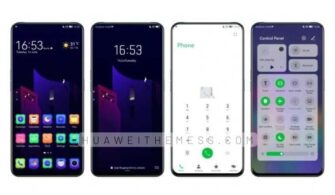
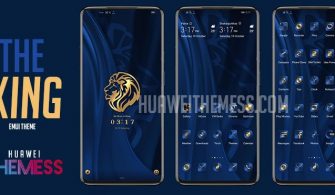
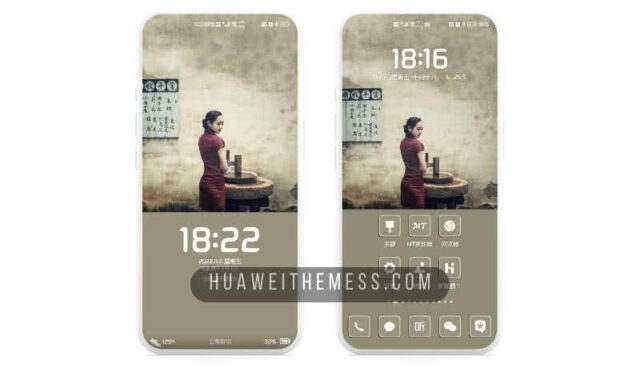
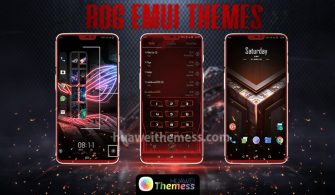
In a world where customization reigns supreme, the Infinite Theme for Huawei and Honor devices stands out as a beacon of style and sophistication. With its sleek design and vibrant aesthetics, this theme is the perfect way to breathe new life into your Huawei device. If you’re looking for a theme that exudes a sense of premium elegance, look no further than the Infinite Theme.
Infinite Huawei Theme Features: A Symphony of Style and Function
The Infinite Theme is a masterclass in design, blending seamlessly with the EMUI interface to create a seamless user experience. With an array of stunning wallpapers, changed app icons, and a dynamic cool lockscreen, this theme is sure to impress even the most discerning user.
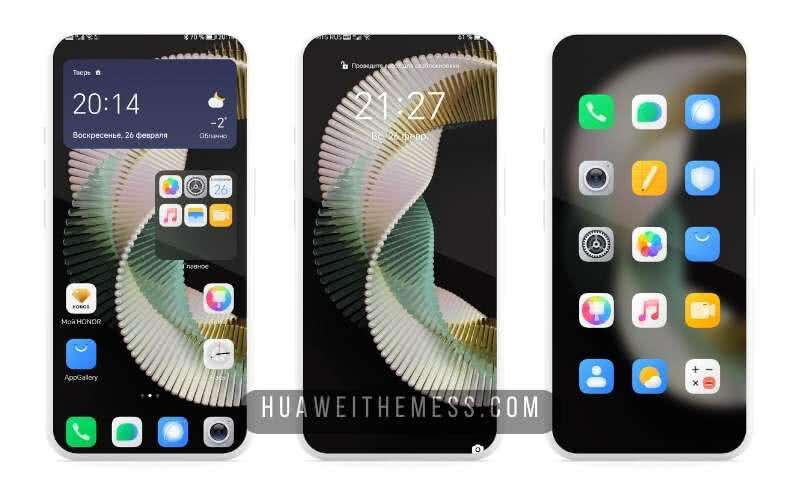
But that’s not all – the Infinite Theme also boasts a smooth interface, ensuring that your device remains responsive and efficient even under heavy use. With bugs fixed and a range of other features, this theme is the perfect choice for anyone looking to elevate their Huawei experience.
Compatibility: Unlock the Infinite Theme on Your EMUI Device
The Infinite Theme is compatible with a range of EMUI versions, including EMUI 12, 11, 10, and 9.0, making it the perfect choice for users of all ages and skill levels. Whether you’re running the latest Magic UI or HarmonyOS, this theme is sure to bring a touch of elegance to your device.



Frequently Asked Questions (FAQ)
What devices is the Infinite Theme compatible with?
The Infinite Theme is compatible with all Huawei and Honor devices running EMUI 12, 11, 10, or 9.0, as well as HarmonyOS and Magic UI 6, 5, 4, 3, and 2.
How do I install the Infinite Theme on my Huawei device?
First, download the .hwt file and move it to the Huawei/Themes folder, then apply it via the Themes app. Click here to learn in detail.
Is the Infinite Theme free?
Yes, the Infinite Theme is completely free to download and use.
How do I update the Infinite Theme?
To update the Infinite Theme, simply download the latest version from our website and follow the installation instructions.
How to install this theme?
First, download the .hwt file and move it to the Huawei/Themes folder, then apply it via the Themes app. Click here to learn in detail.
The Infinite Theme is more than just a theme – it’s an experience. With its sleek design, vibrant aesthetics, and seamless integration with the EMUI interface, this theme is the perfect way to elevate your Huawei experience. Whether you’re a seasoned user or just looking to try something new, the Infinite Theme is sure to impress.