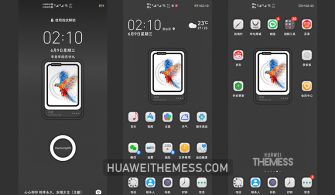
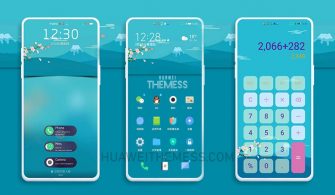
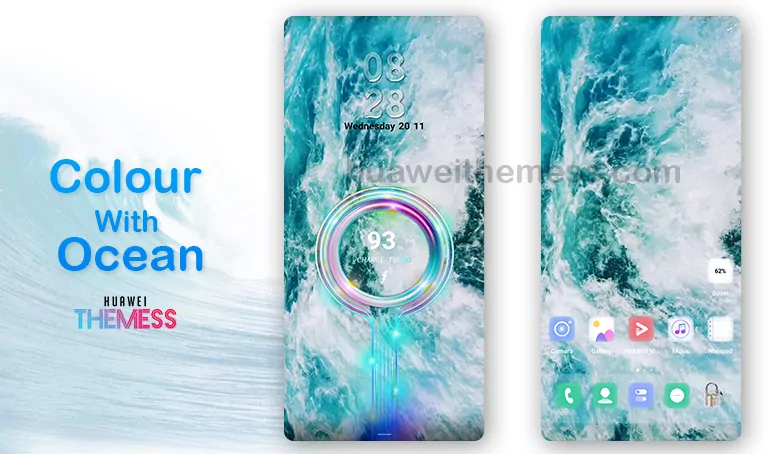
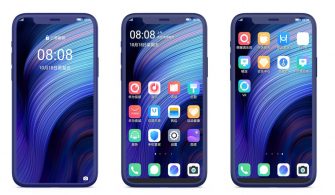
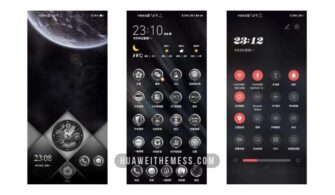
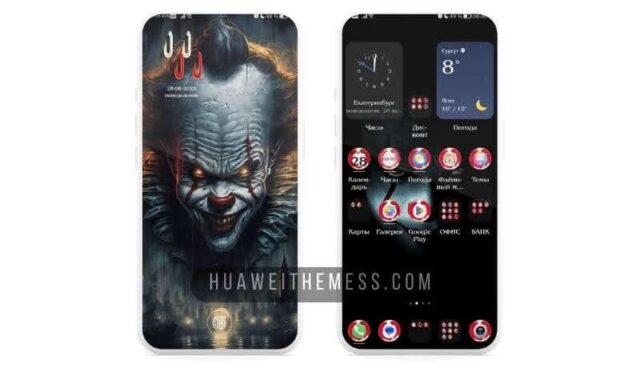
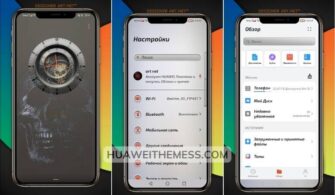
This clean and elegant EMUI theme is a must-try for anyone seeking a premium Apple-inspired aesthetic on their Huawei device. With its stunning visuals and seamless animations, the D-C Theme provides an unparalleled user experience that’s sure to impress.
D-C Theme Features: Where Function Meets Aesthetics
With a focus on minimalism and sophistication, this theme boasts a range of impressive features, including:
- New Wallpapers Added
- Changed App Icons
- Stylish App Looking
- Dynamic Cool Lockscreen
- Smooth Interface
- Bugs Fixed
- and more features…
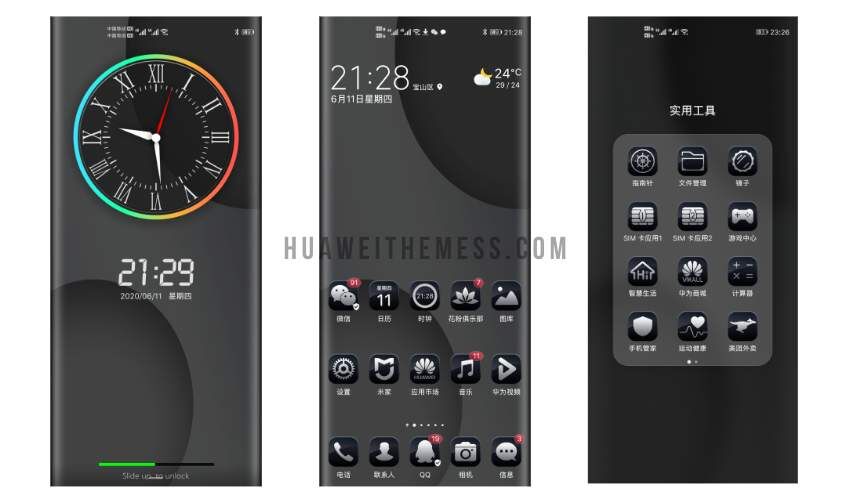
Compatibility: Seamlessly Compatible with Multiple EMUI and MagicOS Versions
This theme is meticulously designed to work seamlessly with EMUI 12, 11, 10, 9.0, as well as MagicUI 6, 5, 4, 3, and 2. Whether you’re using the latest EMUI iteration or an older version, the D-C Theme is sure to provide a stunning visual experience.
Frequently Asked Questions (FAQ)
What are the system requirements for the D-C Theme?
This theme is compatible with EMUI 12, 11, 10, 9.0, as well as MagicUI 6, 5, 4, 3, and 2. Make sure your device meets the minimum system requirements before installing the theme.
How do I ensure a smooth theme installation?
To ensure a smooth installation process, restart your device after applying the theme. This will help prevent any potential conflicts or issues.



What if I encounter issues during theme installation?
If you encounter any issues during theme installation, try restarting your device and reapplying the theme. If the issue persists, feel free to contact our support team for assistance.
How to install this theme?
First, download the .hwt file and move it to the Huawei/Themes folder, then apply it via the Themes app. Click here to learn in detail.
This theme is a true masterpiece, blending sleek visuals with seamless animations to create a user experience that’s both stunning and functional. Whether you’re a fan of minimalism or prefer a more elaborate aesthetic, the D-C Theme is sure to exceed your expectations.