
Get ready to transform your EMUI phone into a stunning work of art with the Tianchi theme, designed to give you an authentic taste of the Huawei Mate 40 stock experience. This beautifully crafted theme is perfect for those who want to elevate their device’s visual appeal and make it stand out from the crowd.
Tianchi EMUI Theme: A Symphony of Style and Functionality
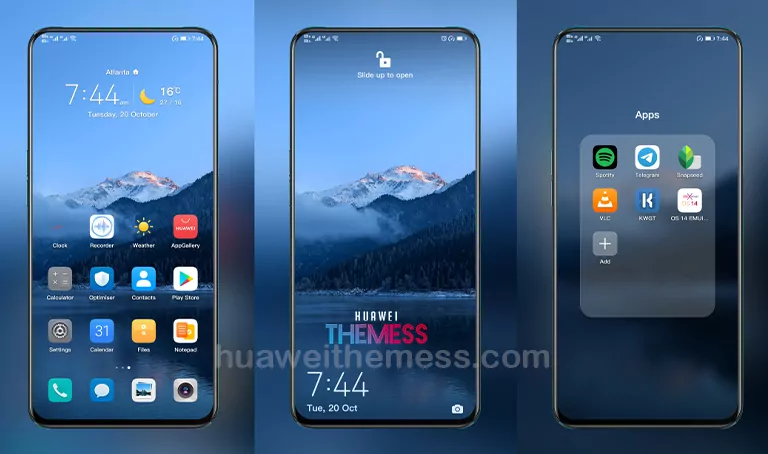
Tianchi EMUI theme is more than just a skin – it’s a comprehensive package that includes a wide range of features to enhance your phone’s look and feel. With its sleek, modern design, this theme will transport you to a world of premium aesthetics, reminiscent of the Huawei Mate 40 stock experience.
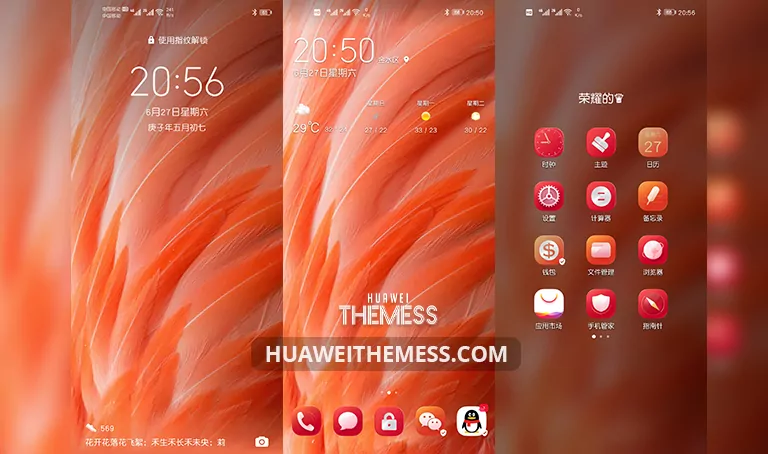
Whether you’re a fan of vibrant colors or prefer a more subtle approach, Tianchi has something for everyone. The theme’s natural wallpapers, exclusive Huawei icons, and stylish lockscreen design will make your phone a head-turner. Plus, with its changed widgets and bug fixes, you can expect a seamless and efficient user experience.
Compatibility: Ensuring Seamless Integration



Tianchi EMUI theme is designed to work seamlessly with EMUI 10.1/10/9.1/9.0 and MagicUI 3/2 devices, ensuring that you can enjoy the best of both worlds. Whether you’re running the latest EMUI version or an older iteration, this theme will adapt to your device’s unique requirements, providing a consistent and polished experience.
Frequently Asked Questions
What devices are compatible with Tianchi EMUI theme?
Tianchi EMUI theme is compatible with EMUI 10.1/10/9.1/9.0 and MagicUI 3/2 devices.
How do I apply the Tianchi theme?
To apply the theme, download the .hwt file and move it to the Huawei/Themes folder, then apply it via the Themes app. Click here to learn in detail.
Is Tianchi EMUI theme free to download?
Yes, Tianchi EMUI theme is available for free download from our website.
Can I customize the theme further?
While Tianchi EMUI theme comes with a range of customization options, you can also explore other third-party tools to further personalize your device’s look and feel.
How to install this theme?
First, download the .hwt file and move it to the Huawei/Themes folder, then apply it via the Themes app. Click here to learn in detail.
In conclusion, Tianchi EMUI theme is a must-try for anyone looking to elevate their device’s visual appeal and experience the best of Huawei’s design language. With its sleek, modern design, natural wallpapers, and exclusive Huawei icons, this theme is sure to impress even the most discerning users. So, what are you waiting for? Download the Tianchi EMUI theme now and unlock a world of premium aesthetics on your EMUI phone!



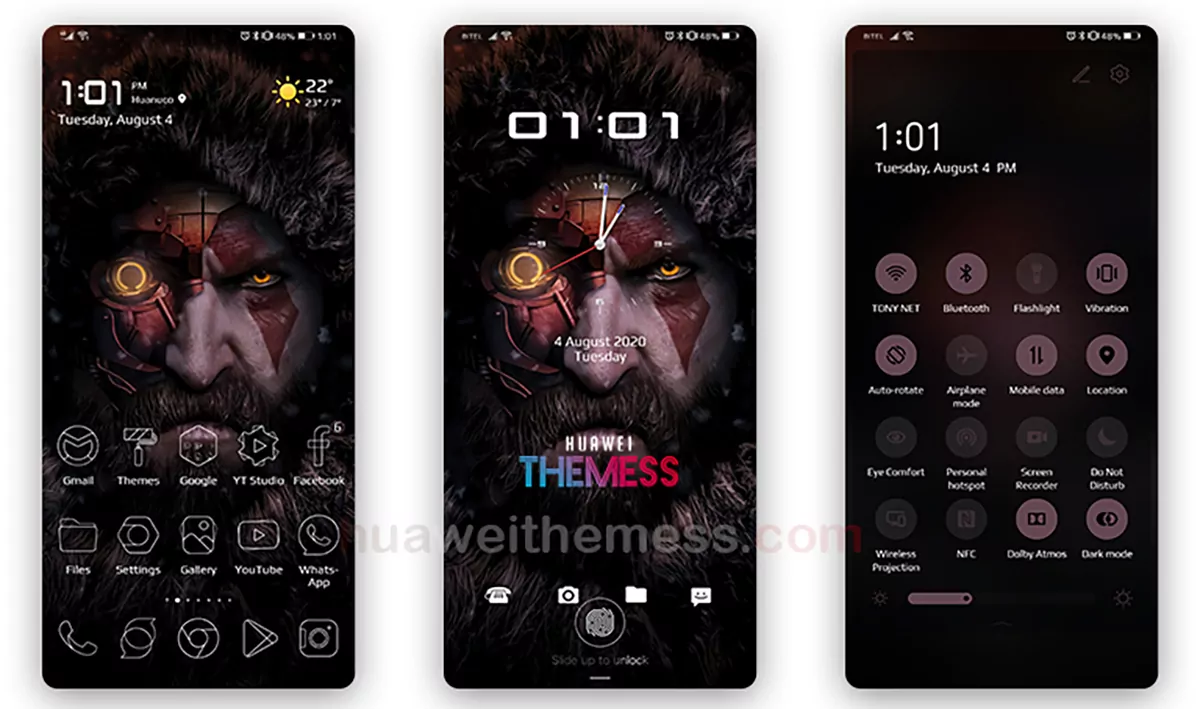
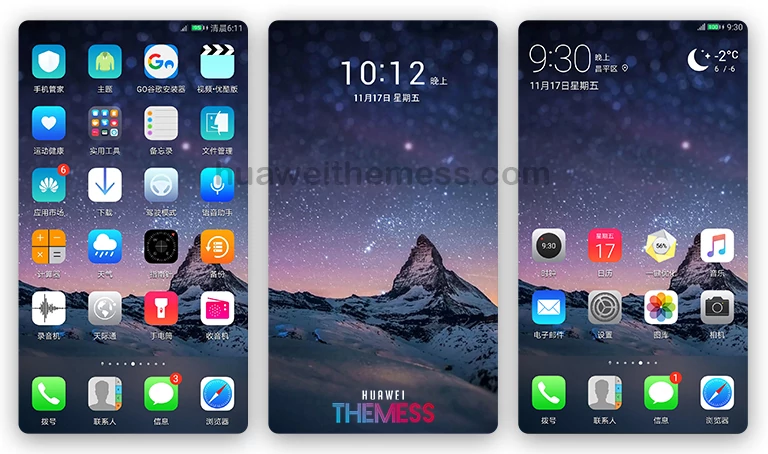
all this themes are original themes with Huawei themes app?
yes