
Get ready to elevate your Huawei device’s visual appeal with the Windows 11 theme, now available for EMUI 11, 10, 9, and MagicUI 4, 3, and 2 users. This theme promises to deliver an impressive, modern look, allowing you to personalize your phone to perfection.
Windows 11 on Your Huawei Device: A Comprehensive Aesthetic Revamp
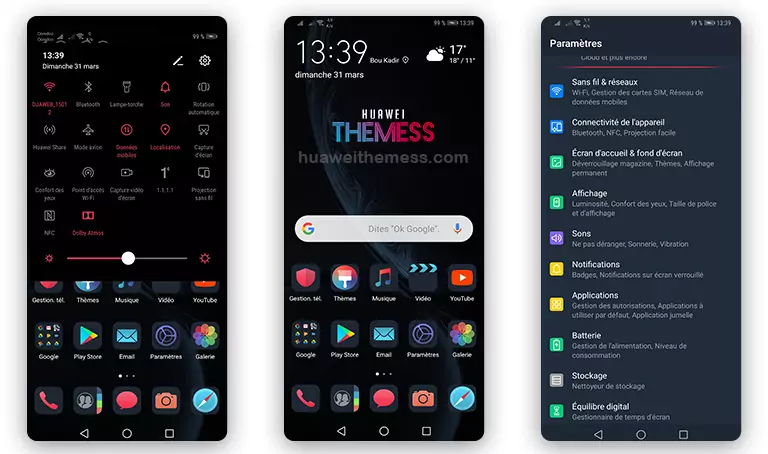
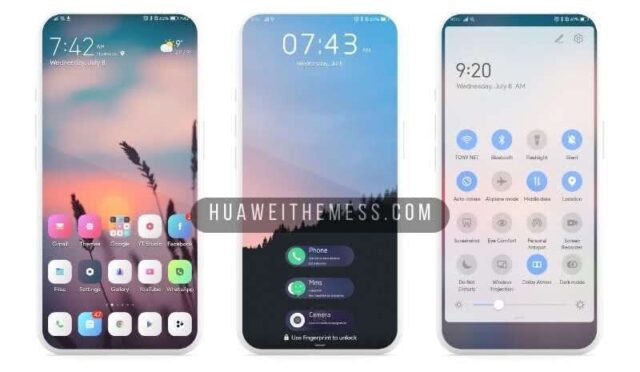
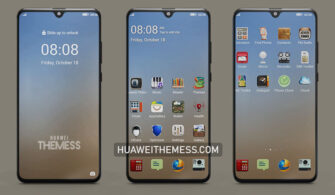
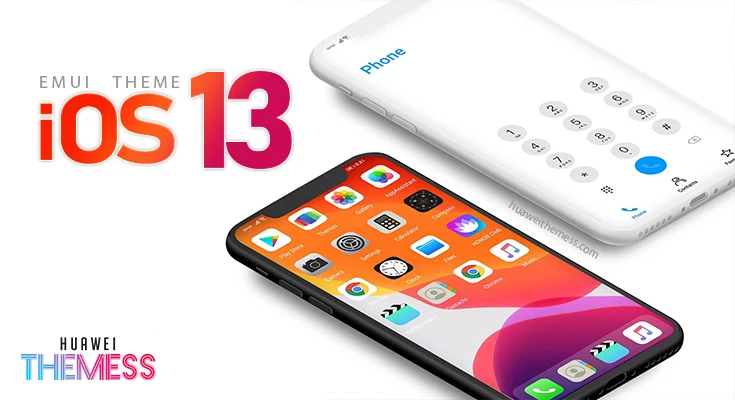
Indulge in the sleek, futuristic design of the Windows 11 theme, featuring:
- Stylish Windows 11 icons that give your device a premium feel
- Wonderful Windows 11 wallpapers that will transport you to a world of elegance
- Transformed lockscreen for an immersive, futuristic experience
- New app icons for a seamless, modern interface
- A wide range of system themes to suit your style and preferences
- Bugs fixed for a smoother, more enjoyable experience
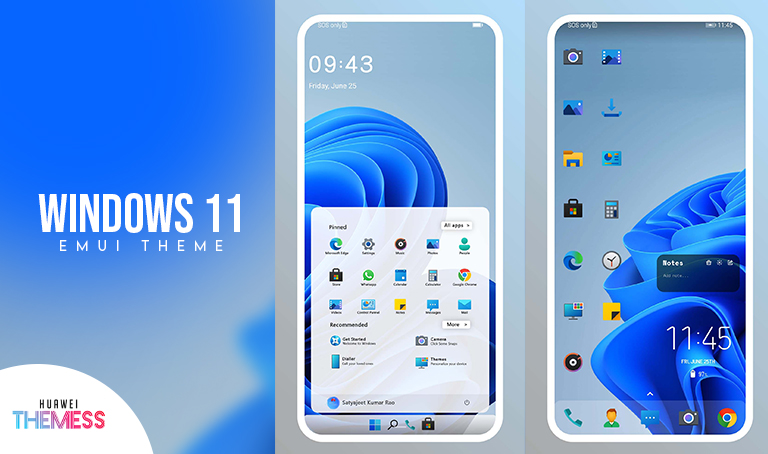
The Windows 11 theme is designed to bring a touch of sophistication to your Huawei device. With its stunning visuals and seamless functionality, this theme is perfect for those who crave a premium, modern experience.
Compatibility: EMUI and MagicOS Supported
This theme is compatible with EMUI 12, 11, 10.1, 10, 9.1, 9, and MagicUI 5, 4, 3, 2, ensuring that you can enjoy the Windows 11 aesthetic on a wide range of devices. With its broad compatibility, this theme is a great choice for users looking to upgrade their device’s visual appeal.
Frequently Asked Questions (FAQ)
What are the system requirements for this theme?
This theme is compatible with EMUI 12, 11, 10.1, 10, 9.1, 9, and MagicUI 5, 4, 3, 2.



How do I apply this theme?
Download the .hwt file and move it to the Huawei/Themes folder, then apply it via the Themes app.
Is this theme free to download?
Yes, this theme is free to download from our website.
How to install this theme?
First, download the .hwt file and move it to the Huawei/Themes folder, then apply it via the Themes app. Click here to learn in detail.
The Windows 11 theme is a fantastic choice for those seeking a sleek, modern aesthetic for their Huawei device. With its impressive visuals, seamless functionality, and broad compatibility, this theme is sure to elevate your device’s visual appeal and provide a premium, enjoyable experience.



Can you please port this to EMUI 8.x