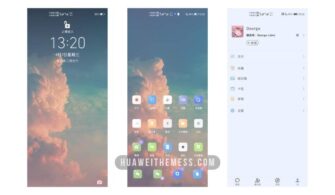
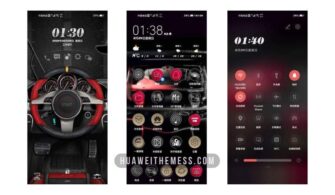
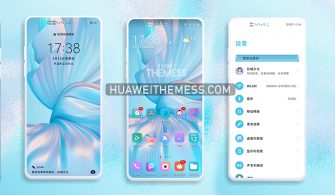
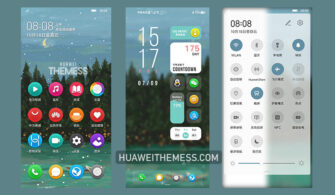
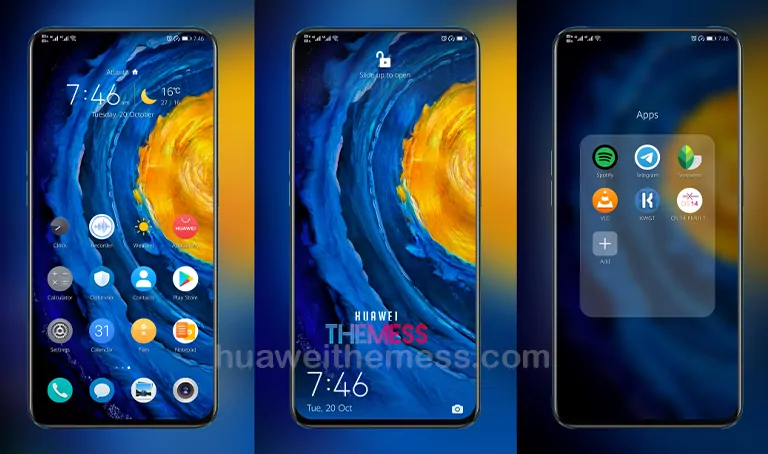
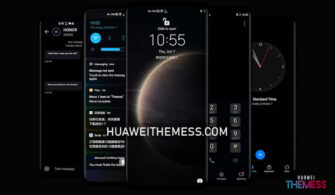
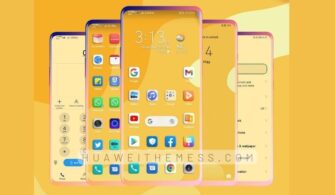
This theme is a perfect blend of style and functionality, designed specifically for HarmonyOS 2/1, EMUI 12/11/10/9, and MagicUI 5/4/3/2 users who crave a unique and personalized look for their Huawei device. With this theme, you can transform your phone into a visually stunning work of art, showcasing your unique taste and personality.
Good EMUI Theme: A Symphony of Visual Delights
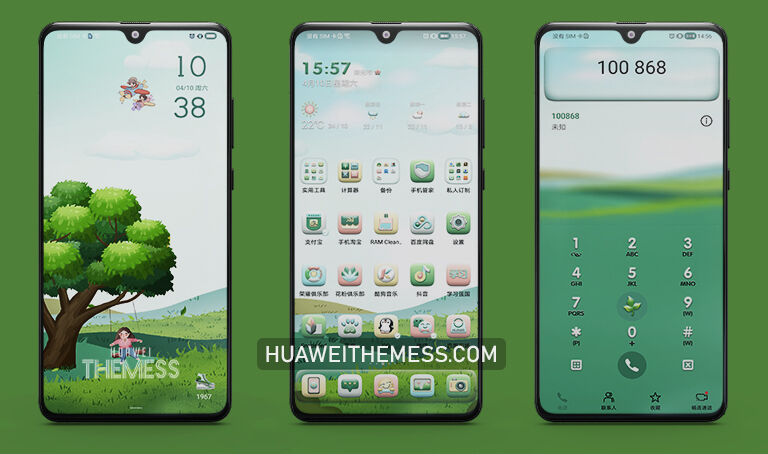
This theme is a masterclass in visual design, boasting a clean and neat layout, a revamped UI, and a plethora of awesome features to explore. From the sleek and modern notification panel to the stylish and intuitive app icons, every aspect of this theme has been carefully crafted to provide an immersive and engaging user experience. Whether you’re a fan of vibrant colors or subtle elegance, this theme is sure to captivate your senses and leave a lasting impression.
Compatibility: Good EMUI Theme for HarmonyOS and MagicUI
The Good EMUI Theme is compatible with a wide range of HarmonyOS and MagicUI versions, ensuring that you can enjoy this beautiful theme on your device without any compatibility issues. Whether you’re running HarmonyOS 2/1, EMUI 12/11/10/9, or MagicUI 5/4/3/2, this theme is sure to deliver a seamless and enjoyable experience.



Frequently Asked Questions (FAQ)
What devices are compatible with the Good EMUI Theme?
[The Good EMUI Theme is compatible with HarmonyOS 2/1, EMUI 12/11/10/9, and MagicUI 5/4/3/2 devices.]
Is the Good EMUI Theme free to use?
[Yes, the Good EMUI Theme is completely free to use and download.]
How do I apply the Good EMUI Theme?
[To apply the Good EMUI Theme, simply download the .hwt file, move it to the Huawei/Themes folder, and apply it via the Themes app. For a more detailed guide, click here.
How do I add a theme to my Huawei device?
[To add a theme to your Huawei device, follow these steps: 1) Download the theme file, 2) Move the theme file to the Huawei/Themes folder, 3) Apply the theme via the Themes app. For more information, click here.
How to install this theme?
[First, download the .hwt file and move it to the Huawei/Themes folder, then apply it via the Themes app. Click here to learn in detail.
The Good EMUI Theme is a true masterpiece of design and functionality, offering a unique and personalized look for your Huawei device. With its clean and neat layout, revamped UI, and plethora of awesome features, this theme is sure to captivate your senses and leave a lasting impression. Whether you’re a fan of vibrant colors or subtle elegance, this theme is sure to deliver a seamless and enjoyable experience that will elevate your device to new heights of style and sophistication.