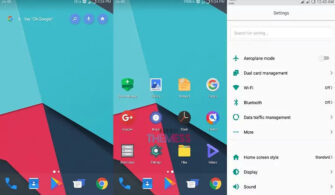
Are you ready to elevate your Huawei experience with a stellar design? The Andromeda theme is here to revolutionize your EMUI 4.0/4.1 interface, offering an out-of-this-world experience that will leave you mesmerized. With its sleek and modern aesthetic, this theme will transform your device into a work of art that showcases your personal style.
A Galactic Upgrade: Discover the Magic of Andromeda EMUI Theme
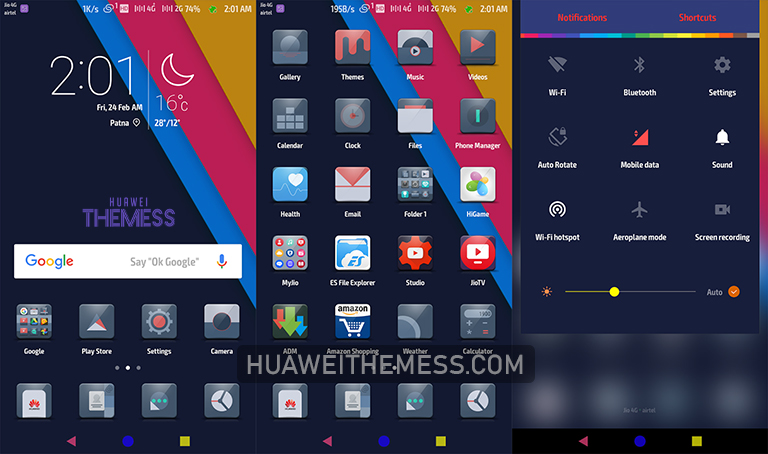
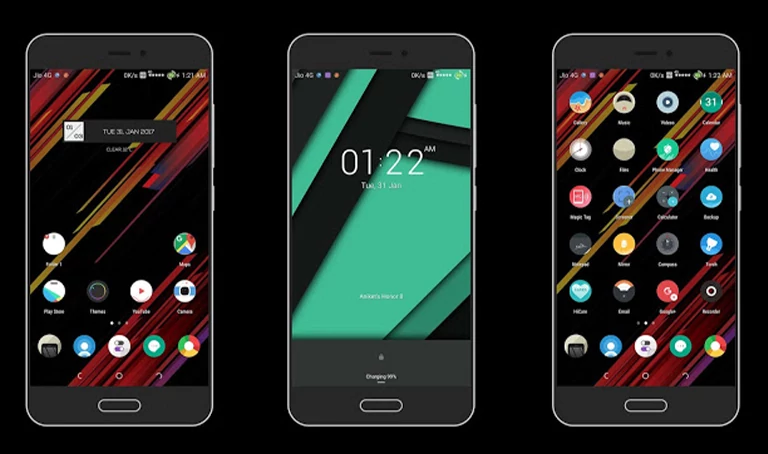
The Andromeda theme boasts an array of features that will take your Huawei device to new heights. From Material Icons to Changed Lockscreen, Colorful SystemUI and Apps, and Colored Navbars, this theme offers a comprehensive package that will give your device a fresh and exciting look.
- Material Icons
- Changed Lockscreen
- Colorful SystemUI and Apps
- Colored Navbars
- and more…
Compatibility: Ensuring a Smooth Experience on Your Huawei Device
Designed specifically for EMUI 4.0/4.1 users, the Andromeda theme is compatible with a wide range of Huawei devices, ensuring that you can enjoy a seamless and visually stunning experience. Whether you’re looking to upgrade your home screen, lock screen, or system UI, this theme has got you covered.
Frequently Asked Questions
What is the Andromeda theme, and how does it work?
The Andromeda theme is a custom EMUI theme designed to give your Huawei device a unique and stylish look. It works by replacing the default EMUI theme with a custom-made design, allowing you to personalize your device according to your preferences.



Is the Andromeda theme compatible with my Huawei device?
Yes, the Andromeda theme is compatible with EMUI 4.0/4.1 devices and a wide range of Huawei smartphones and tablets.
How do I install the Andromeda theme on my Huawei device?
To install the Andromeda theme, you’ll need to download the .hwt file, move it to the Huawei/Themes folder, and then apply it via the Themes app. Click here to learn in detail.
The Andromeda theme is a must-have for anyone looking to take their Huawei experience to the next level. With its stunning design, intuitive interface, and seamless compatibility, this theme offers a truly out-of-this-world experience. So why settle for a dull and mundane EMUI theme when you can have a galaxy of possibilities at your fingertips?