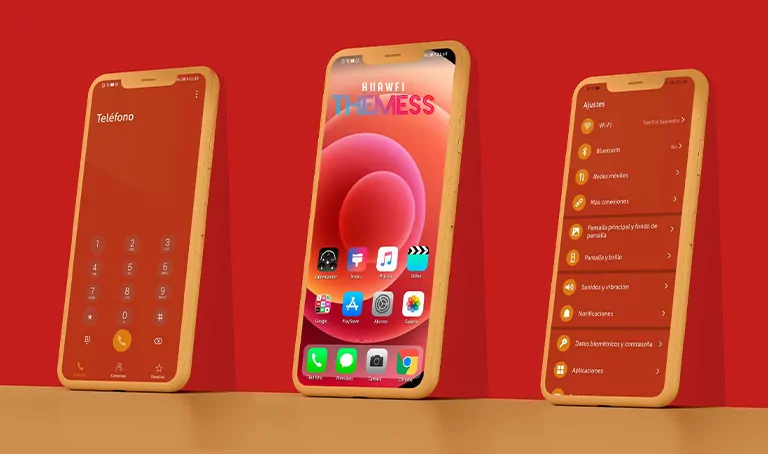
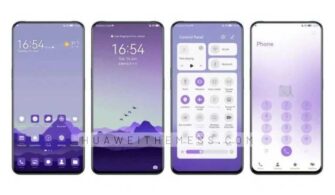
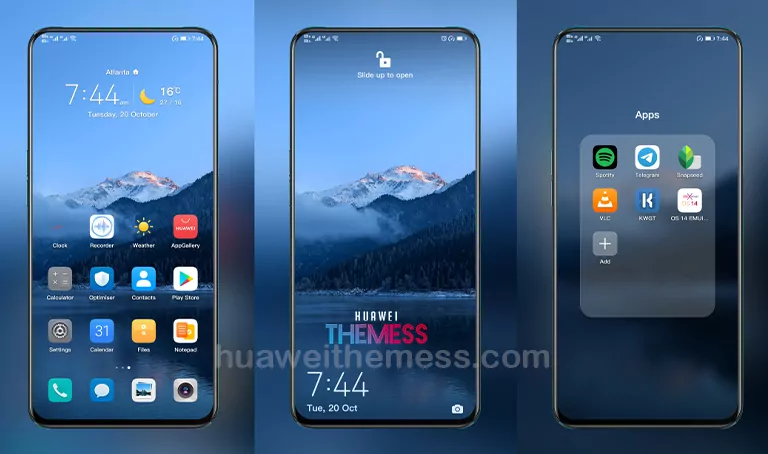
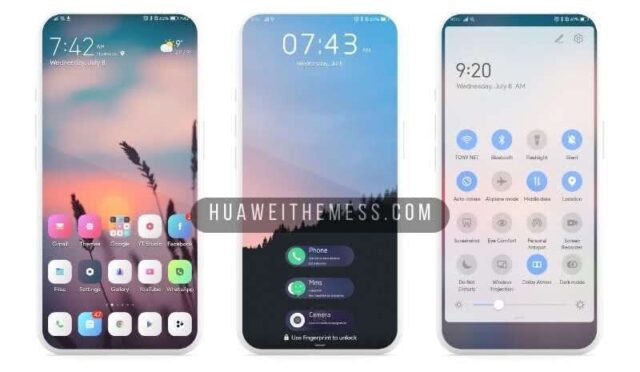
Prepare to be captivated by the sleek and sophisticated Hongguo theme, designed to deliver a premium Huawei experience that’s both visually striking and feature-rich.
Hongguo Huawei Theme Features: Elevating Your Device’s Aesthetic
This extraordinary theme showcases a stunning array of features, including:
- High-definition wallpapers that redefine the meaning of ‘breath-taking’
- Customizable app icons that seamlessly integrate with your device’s UI, resulting in a visually cohesive experience
- A dynamic lockscreen that adapts to your lifestyle, keeping you connected and on top of things
- A highly intuitive interface that streamlines your navigation, making it effortless to find what you need
- Bugs fixed and a plethora of new features on the horizon, ensuring your experience stays fresh and exciting
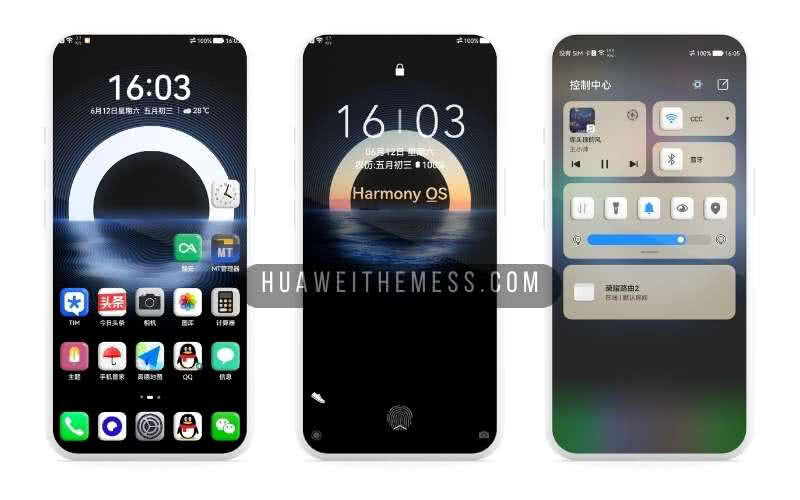
With its cutting-edge features and sleek design, the Hongguo theme is the perfect choice for anyone seeking to elevate their Huawei experience and make a statement with their device.
Compatibility: Unlock the Full Potential of Your Huawei Device
Designed to work seamlessly with a range of Huawei devices running EMUI 12/11/10/9, HarmonyOS, and Magic UI 6/5/4/3/2, the Hongguo theme is the ultimate solution for anyone looking to unlock their device’s full potential.



Frequently Asked Questions (FAQ)
What devices is the Hongguo theme compatible with?
How do I install the Hongguo theme on my Huawei device?
To install the Hongguo theme, simply download the .hwt file and move it to the Huawei/Themes folder, then apply it via the Themes app. For a more detailed guide, click here to learn in detail.
What makes the Hongguo theme stand out from other themes?
The Hongguo theme stands out due to its sleek design, cutting-edge features, and seamless compatibility with a range of Huawei devices, making it the perfect choice for anyone looking to upgrade their Huawei experience.
How to install this theme?
First, download the .hwt file and move it to the Huawei/Themes folder, then apply it via the Themes app. Click here to learn in detail.
The Hongguo theme is a true masterpiece, offering a premium Huawei experience that’s both visually stunning and feature-rich. With its sleek design, cutting-edge features, and seamless compatibility, it’s the perfect choice for anyone seeking to elevate their Huawei experience and make a statement with their device.