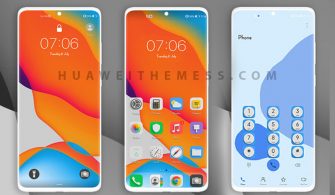
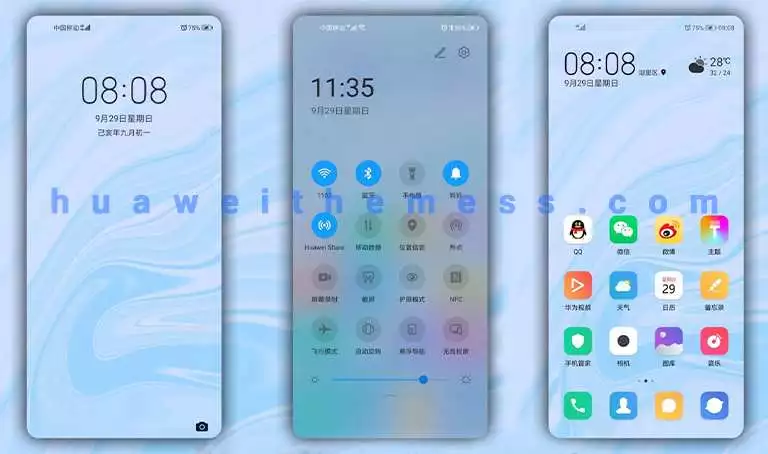
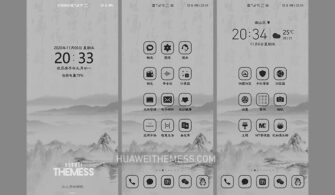
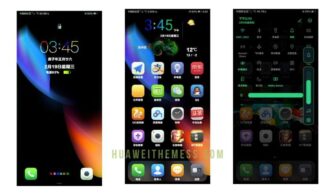
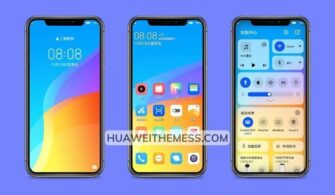
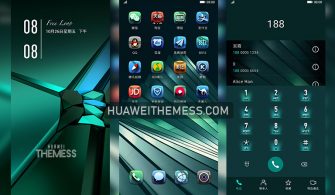
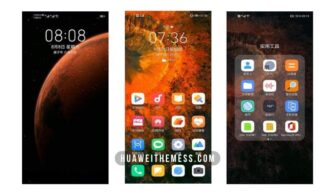
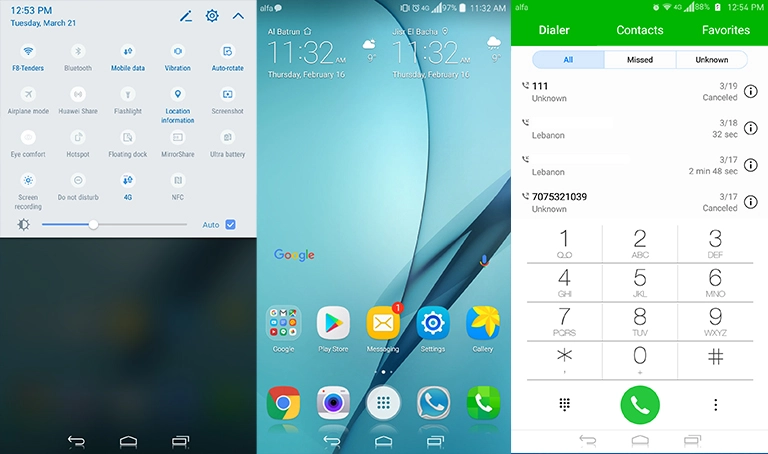
Get ready to unleash a fresh new vibe on your Huawei device with the Lineage OS EMUI 10 theme. This stunning theme offers an immersive experience, blending seamlessly with your existing EMUI setup. By giving your phone a personalized touch, you can express your unique style and make a statement with this captivating design.
Unlocking the Premium Lineage OS Aesthetic on Your Huawei Device
With its sleek design and intuitive layout, this theme redefines the way you interact with your device. The Lineage OS EMUI 10 theme boasts an array of features that are sure to captivate your senses. 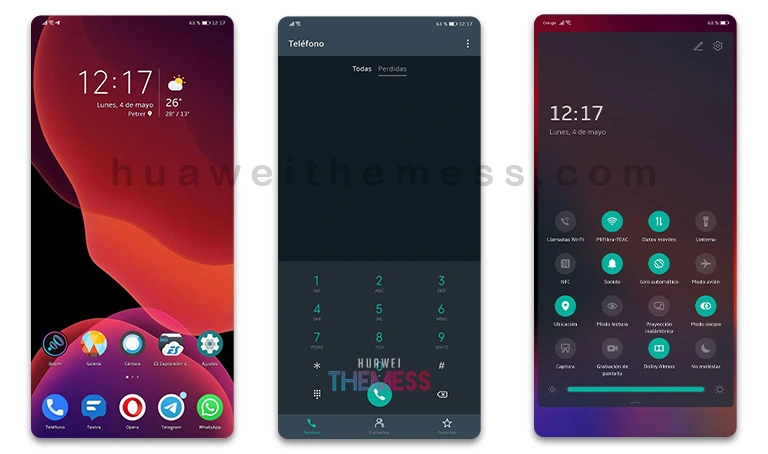 From the vibrant Lineage OS icons to the elegant new flat widgets, every detail has been meticulously crafted to provide an unparalleled user experience.
Compatibility and System Requirements
This theme is designed to work seamlessly with EMUI 10, 9.1, and 9.0, as well as Magic UI 3. Whether you’re running the latest version or an older release, you can rest assured that this theme will adapt perfectly to your device’s specifications. So, what are you waiting for? Download this theme now and discover a world of limitless possibilities.
Frequently Asked Questions
What are the system requirements for this theme?
This theme is compatible with EMUI 10, 9.1, and 9.0, as well as Magic UI 3.
How do I apply this theme to my Huawei device?
To apply this theme, restart your device after installing the theme. You can find the installation guide on our website.

Can I customize the theme further?
Yes, you can customize the theme further by adjusting the settings and preferences to suit your taste.
How to install this theme?
First, download the .hwt file and move it to the Huawei/Themes folder, then apply it via the Themes app. Click here to learn in detail.
With the Lineage OS EMUI 10 theme, you’re not just getting a new design – you’re experiencing a whole new world of possibilities. So, what are you waiting for? Dive into the world of customization and unleash your creativity with this stunning theme.