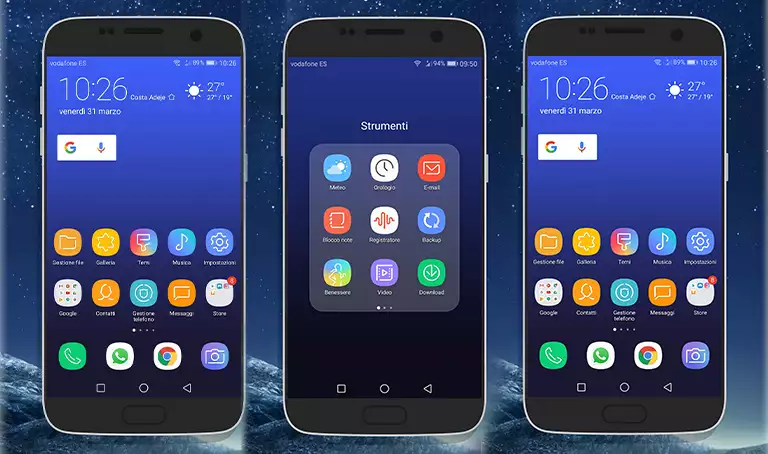
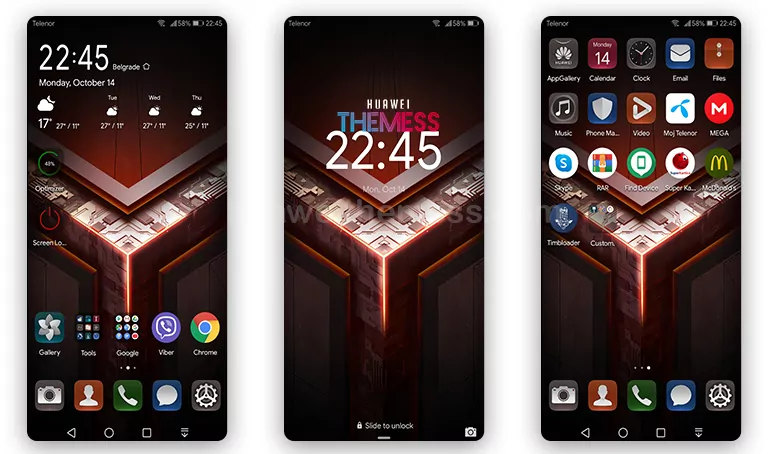
The Glax Theme is set to revolutionize the world of Huawei customization, offering a sublime blend of minimalist elegance and personalized style that will leave you mesmerized. This stunning theme is specifically designed for EMUI 5.0/5.1/8.0/8.1 users, ensuring a seamless and premium experience on your device.
Unveiling the Premium Features of Glax Theme
The Glax Theme boasts an impressive array of features that will elevate your device to new heights. 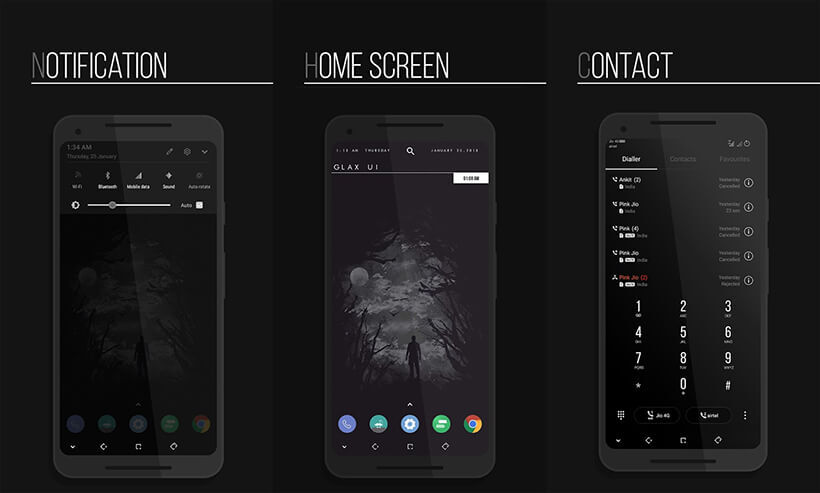 Dark Wallpapers add a touch of sophistication to your device’s lock screen, while Material Icons give your interface a clean and modern look. New SystemUI icons and Navbars provide a seamless user experience, and Changed Widgets and app lookings give your device a personalized touch. Plus, with Bugs Fixed, you can rest assured that your device will run smoothly and efficiently.
Suitable for Your Huawei Device: Compatibility and Supported Versions
The Glax Theme is designed to be compatible with EMUI 5.0/5.1/8.0/8.1, ensuring that it works seamlessly with your Huawei device. Whether you’re running EMUI 5.0 or the latest version, you can rest assured that this theme will provide a premium and customized experience. With its wide range of compatibility, the Glax Theme is the perfect choice for anyone looking to give their Huawei device a premium look.
Frequently Asked Questions (FAQ)
What are the EMUI versions supported by the Glax Theme?
The Glax Theme is compatible with EMUI 5.0, EMUI 5.1, EMUI 8.0, and EMUI 8.1.
How do I download and install the Glax Theme?
To download and install the Glax Theme, simply click on the download button on our site, copy or move the theme file to the Huawei/Themes folder, and then apply it via the Themes app. For a detailed guide, you can visit our website.



How do I add a theme to my Huawei device?
To add a theme, first download the .hwt file and move it to the Huawei/Themes folder, then apply it via the Themes app. For a detailed guide on how to add a theme, click here.
How do I install the Glax Theme on my Huawei device?
First, download the .hwt file and move it to the Huawei/Themes folder, then apply it via the Themes app. For a detailed guide, click here.
The Glax Theme is a standout customization option for EMUI 5.0/5.1/8.0/8.1 users, offering a sleek and modern look that is sure to turn heads. With its array of features, compatibility with a wide range of devices, and ease of installation, it’s the perfect choice for anyone looking to give their Huawei device a premium and customized look.