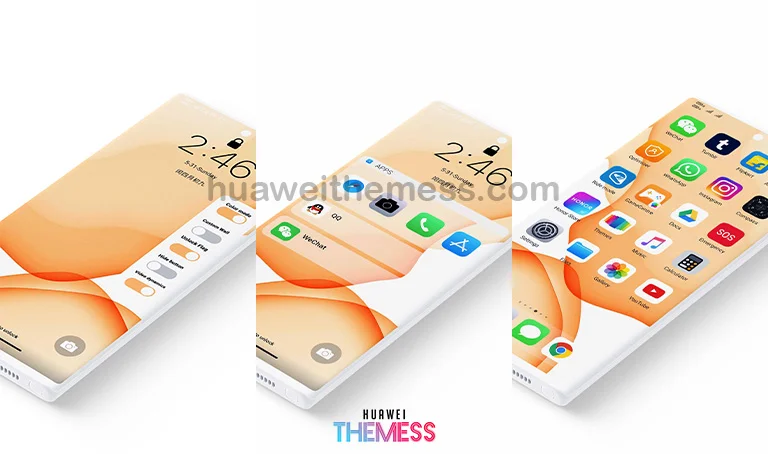
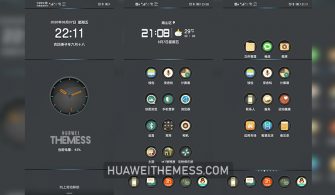
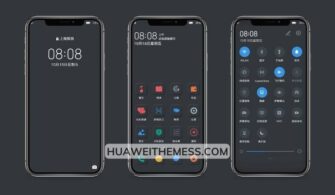
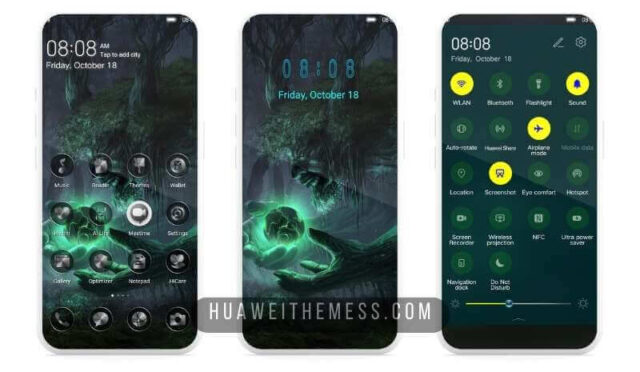
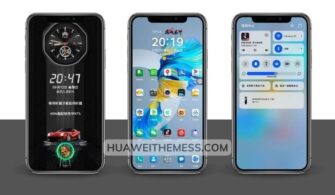
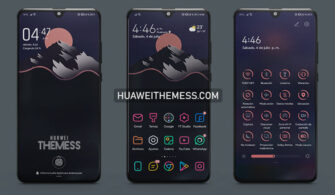
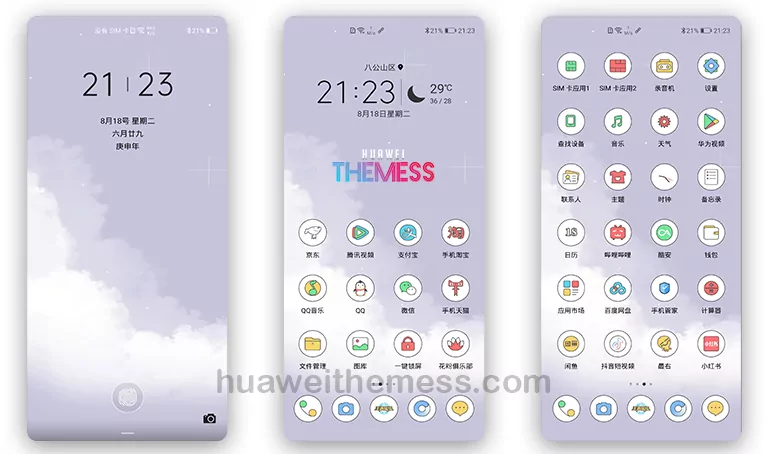
Get ready to elevate your Huawei device’s look and feel with the “Minimalism” theme, designed specifically for HarmonyOS and EMUI users. This sleek and modern theme offers a fresh new appearance, complete with a clean layout, revamped UI, and a host of exciting features to explore.
Unlock the Full Potential of Minimalism EMUI Theme
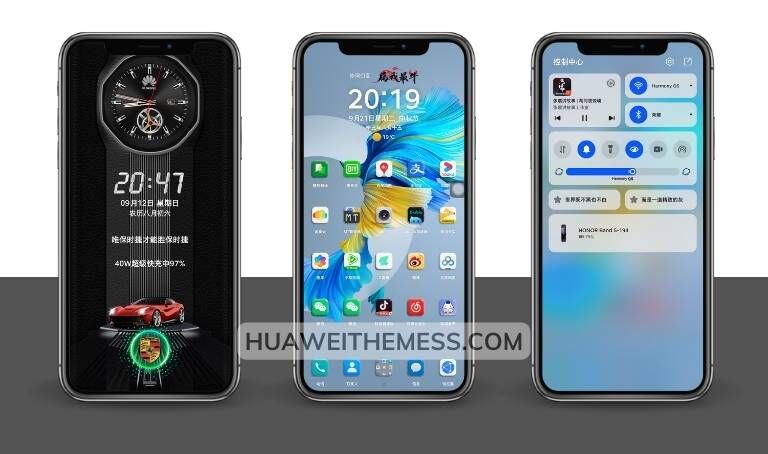
This cutting-edge theme boasts a range of impressive features, including:
- New, high-quality wallpapers to personalize your home screen
- Customized app icons that add a touch of sophistication to your device
- A dynamic, cool lock screen that sets your device apart
- A smooth, intuitive interface that makes navigation a breeze
- Bug fixes for a seamless user experience
- And many more exciting features to discover
Compatibility and Support
The Minimalism theme is designed to work seamlessly with HarmonyOS and EMUI devices, including:



- HarmonyOS 2 and 1
- EMUI 12, 11, 10, and 9
- MagicUI 5, 4, 3, and 2
Frequently Asked Questions (FAQ)
What devices are compatible with the Minimalism theme?
[The Minimalism theme is compatible with HarmonyOS and EMUI devices, including HarmonyOS 2 and 1, EMUI 12, 11, 10, and 9, and MagicUI 5, 4, 3, and 2.]
How do I apply the Minimalism theme?
[To apply the Minimalism theme, simply download the .hwt file and move it to the Huawei/Themes folder. Then, restart your device and apply the theme via the Themes app.][Learn more about installing themes on your Huawei device.](https://huaweithemess.com/how-to-install-theme-my-huawei.html)
Is the Minimalism theme free to use?
[Yes, the Minimalism theme is completely free to use and download.]
How do I update the Minimalism theme?
[To update the Minimalism theme, simply download the latest version of the theme and follow the same installation process as before. Make sure to restart your device after applying the updated theme.][Learn more about updating themes on your Huawei device.](https://huaweithemess.com/how-to-update-theme-my-huawei.html)
How to install this theme?
[First, download the .hwt file and move it to the Huawei/Themes folder, then apply it via the Themes app. Click here to learn in detail.
The Minimalism theme is a game-changer for Huawei device owners, offering a sleek, modern look and a range of exciting features to explore. With its clean layout, revamped UI, and smooth interface, this theme is sure to elevate your device’s appearance and functionality.