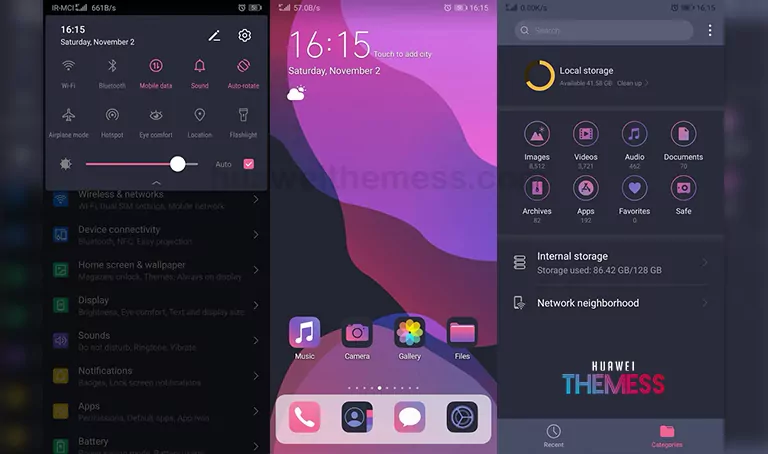
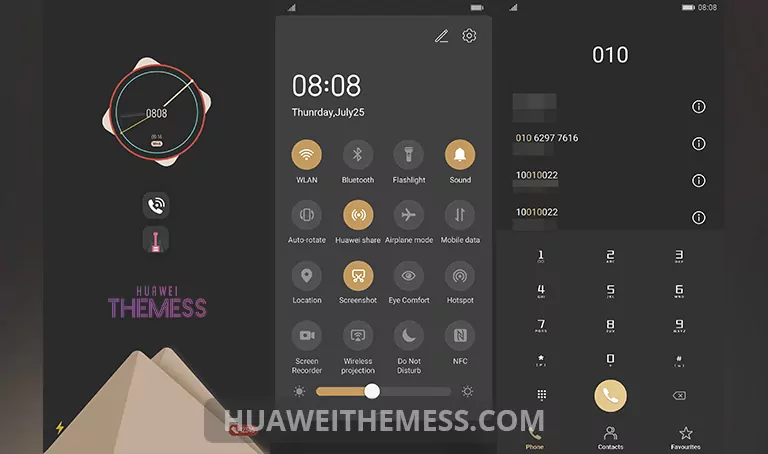
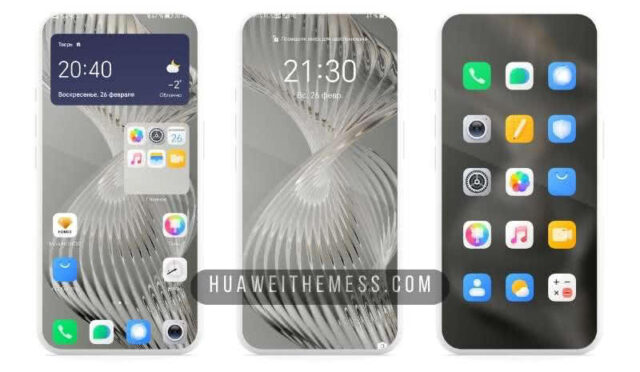
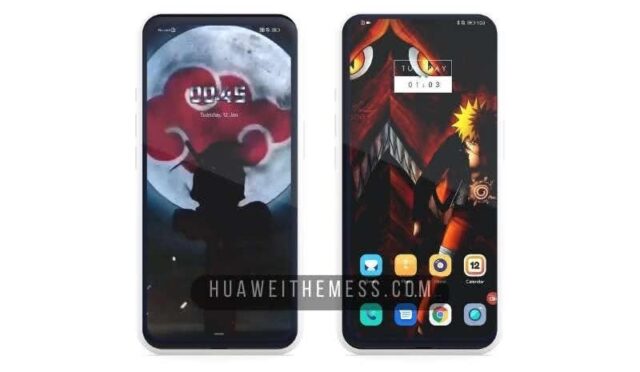
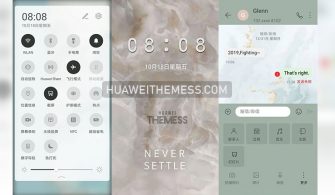
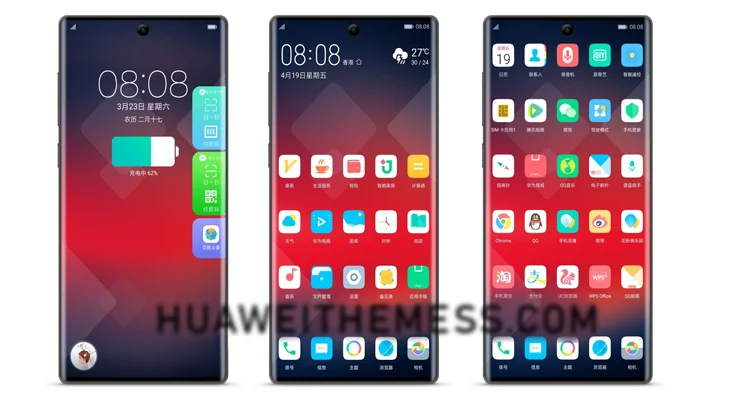
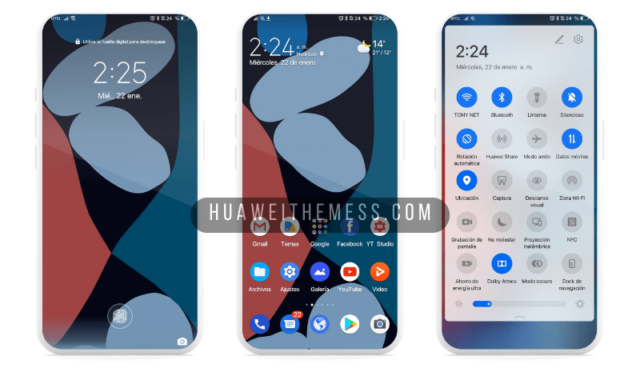
The wait is over for EMUI fans who crave a seamless blend of minimalism and iOS charm. Minimal iOS, a stunning theme, is now available for users of EMUI 10/9 and Magic UI 3/2 devices, offering an unprecedented way to personalize their phone’s look and feel. With this theme, users can indulge in a world of sleek design and intuitive interactions, redefining the way they interact with their device.
Unleashing the Premium iOS Vibe on Your Huawei Device
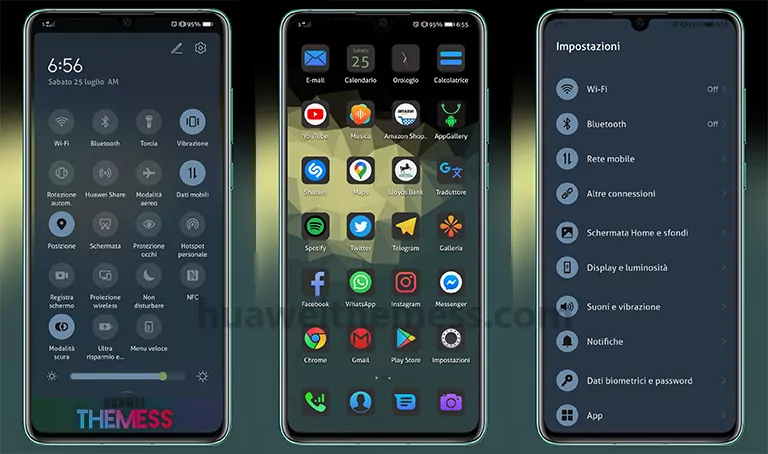
This theme boasts an array of captivating features, including:
- Dark iOS 14 icons that exude sophistication and elegance
- Abstract wallpapers that provide a unique backdrop for your device
- Revamped widgets that offer a streamlined and intuitive experience
- A dark app look that complements the iPhone aesthetic
- A minimalist SystemUI that provides a clutter-free interface
- Bugs fixed to ensure a smooth and seamless experience
- A new font that adds a touch of sophistication to your device
- And many more features to discover
Compatibility and Compatibility
Minimal iOS is compatible with EMUI 10/9 and Magic UI 3/2 devices, ensuring that users can enjoy a premium iOS experience without compromising on performance. This theme is designed to work seamlessly with your device, providing an unparalleled level of customization and control.



Frequently Asked Questions (FAQ)
What devices is the Minimal iOS theme compatible with?
The Minimal iOS theme is compatible with EMUI 10/9 and Magic UI 3/2 devices, ensuring a seamless experience for users.
How do I download the Minimal iOS theme?
To download the Minimal iOS theme, click on the link provided in the theme description or visit the Huawei Themes website.
Can I customize the theme to suit my preferences?
Yes, the Minimal iOS theme offers a range of customization options, allowing users to personalize their device to suit their unique style and preferences.
How to install this theme?
First, download the .hwt file and move it to the Huawei/Themes folder, then apply it via the Themes app. Click here to learn in detail.
Minimal iOS is more than just a theme – it’s an experience that redefines the way you interact with your device. With its sleek design, intuitive interactions, and seamless performance, this theme is a must-have for any EMUI user looking to elevate their experience.