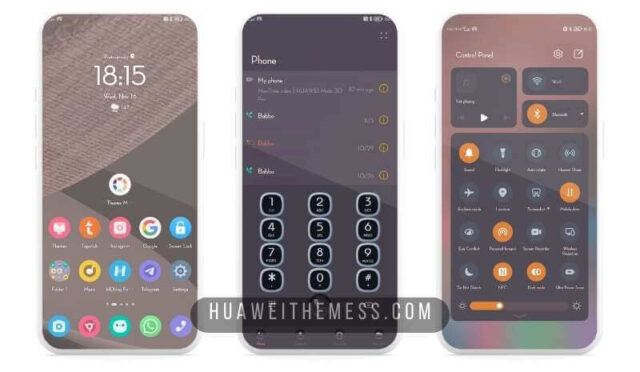
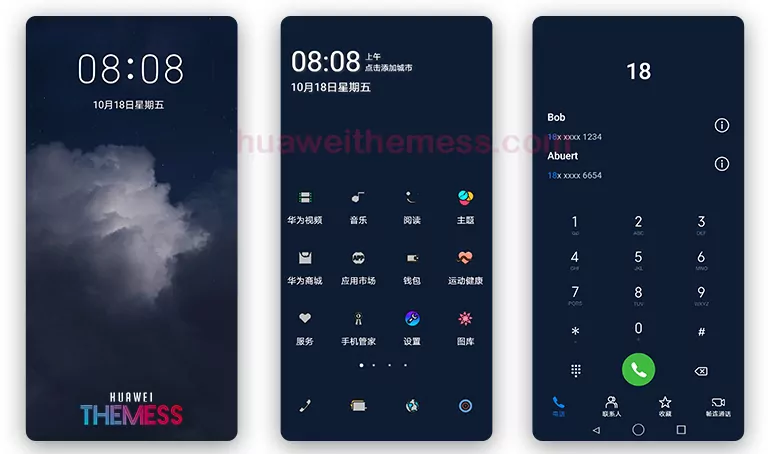
Get ready to elevate your Huawei device’s visual appeal with the Gradient v2 theme, designed specifically for EMUI 12/11/10/9 and MagicUI 4/3/2 users. This stunning theme offers a unique blend of style and functionality, allowing you to personalize your phone according to your taste.
Gradient v2 EMUI Theme: Where Style Meets Substance
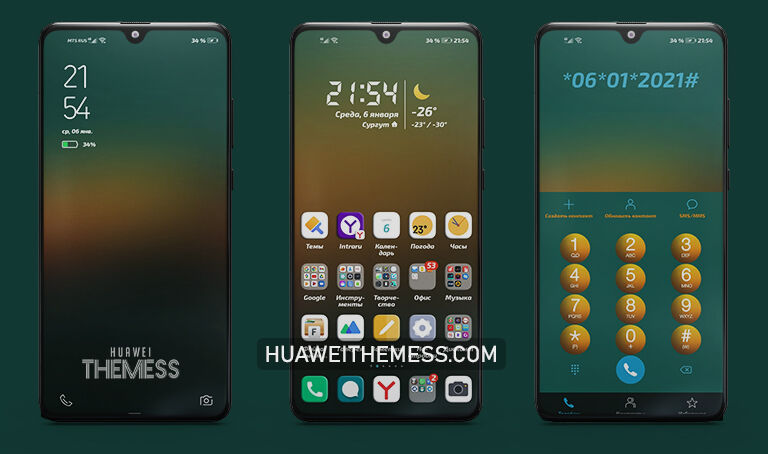
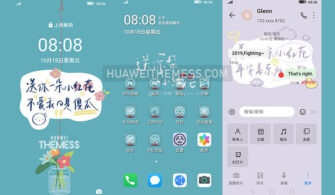
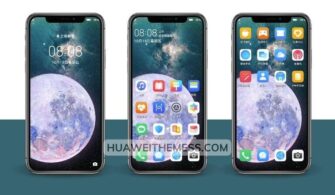
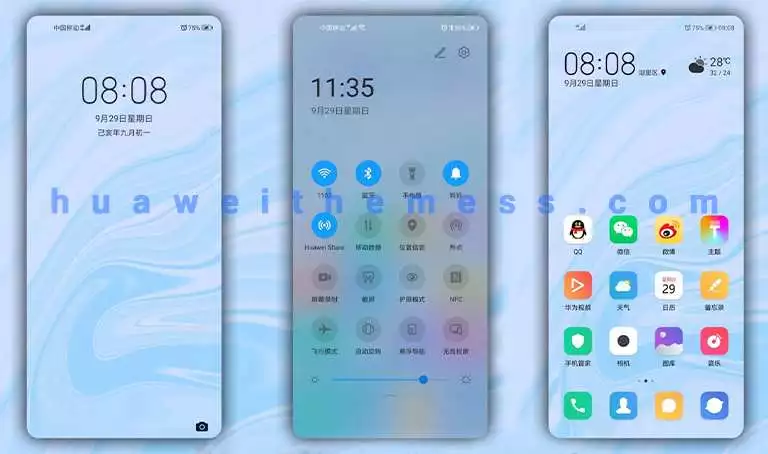
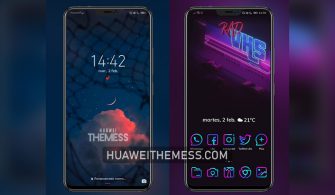
With Gradient v2, you can expect a sleek and modern interface that redefines the EMUI experience. The theme’s clean and neat layout, combined with its revamped UI, will make your device stand out from the crowd. Whether it’s the new wallpapers, changed app icons, or the smooth interface, every detail has been carefully crafted to provide an immersive experience.
From the notification panel to the settings, every aspect of the theme has been meticulously designed to deliver a premium look and feel. The theme’s stylish app icons, cool lockscreen, and smooth animations all come together to create a seamless and engaging experience.
Compatibility Made Easy: EMUI 12/11/10/9 and MagicUI 4/3/2
Compatible with EMUI 12/11/10/9 and MagicUI 4/3/2, this theme ensures that you can enjoy its features without worrying about compatibility issues. Whether you’re running the latest EMUI version or an older one, Gradient v2 has got you covered.



Frequently Asked Questions
What devices are supported by Gradient v2?
Gradient v2 is compatible with Huawei devices running EMUI 12/11/10/9 and MagicUI 4/3/2.
Is the theme free to use?
Yes, the Gradient v2 theme is completely free to use and download.
How do I apply the theme?
To apply the theme, download the .hwt file, move it to the Huawei/Themes folder, and then apply it via the Themes app.
How to install this theme?
First, download the .hwt file and move it to the Huawei/Themes folder, then apply it via the Themes app. Click here to learn in detail.
With Gradient v2, you can expect a unique and engaging experience that will elevate your Huawei device’s visual appeal. Whether you’re looking for a stylish interface or a seamless user experience, this theme has something for everyone. So, what are you waiting for? Dive into the world of Gradient v2 and discover a new way to experience EMUI.