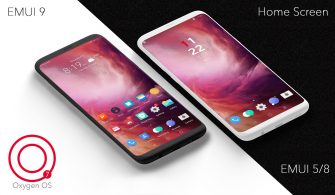
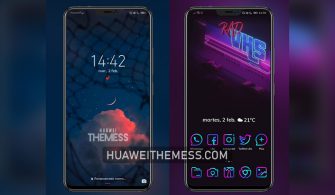
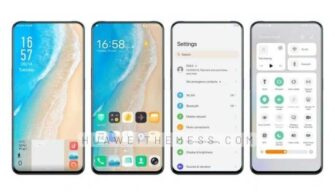
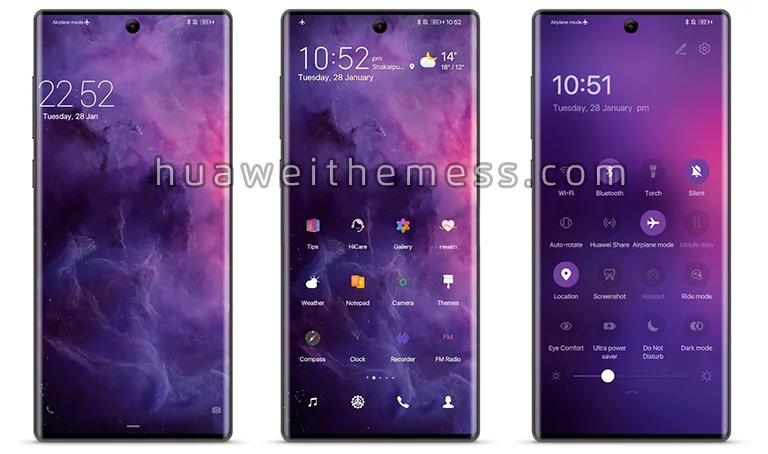
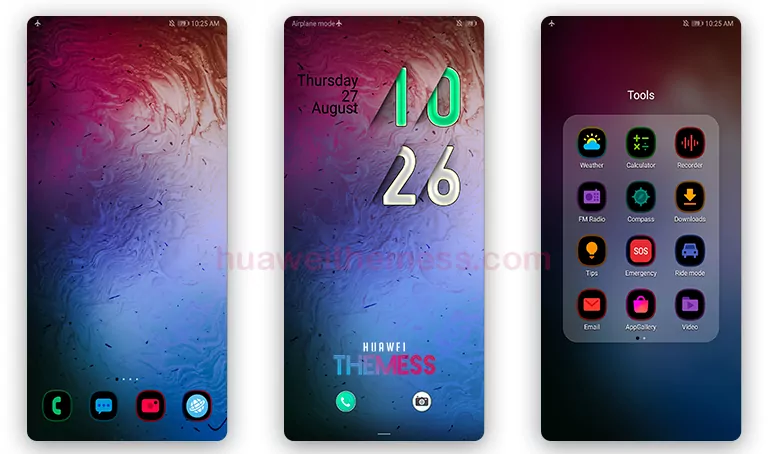
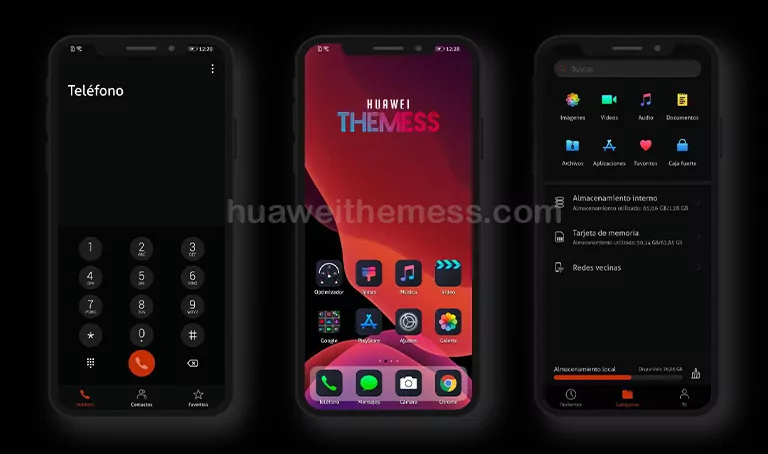
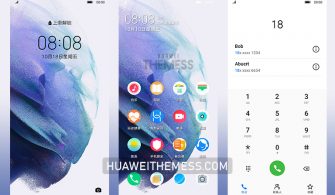
Get ready to elevate your Huawei device with the captivating Green Eleganse theme, designed for EMUI 12/11/10/9 and MagicUI 5/4/3/2 users. This theme is perfect for those who want to personalize their phone with a unique and stylish look. With its sleek design and vibrant green accents, the Green Eleganse theme is sure to turn heads.
Unveiling the Premium Features of Green Eleganse on your Huawei/Honor Device
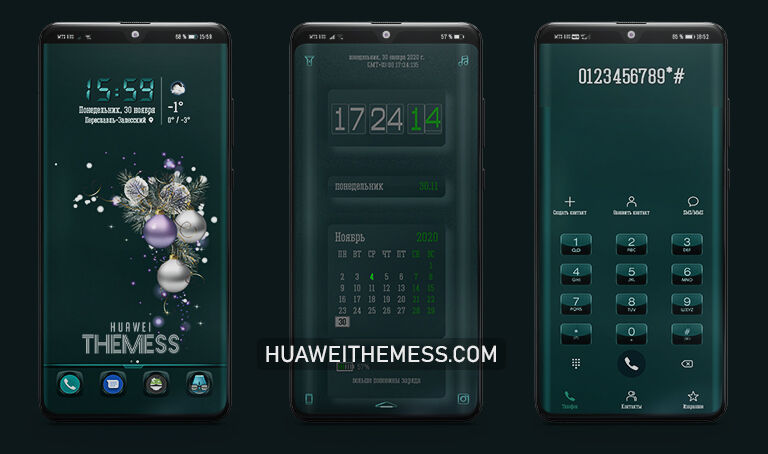
Experience a completely revamped UI with a clean and neat layout, new wallpapers, and stylish app icons. The theme’s dynamic cool lockscreen and smooth interface make it a standout among other EMUI and HarmonyOS themes. Whether you’re a fan of green or just looking for a fresh new look, the Green Eleganse theme is the perfect choice.
Compatibility: Supported EMUI and MagicOS Versions
The Green Eleganse theme is compatible with EMUI 12/11/10/9 and MagicUI 5/4/3/2, ensuring that you can enjoy its stunning features on your Huawei or Honor device. This theme is a great option for users looking to upgrade their phone’s look and feel without worrying about compatibility issues.



Frequently Asked Questions (FAQ)
What are the system requirements for the Green Eleganse theme?
The Green Eleganse theme is compatible with EMUI 12/11/10/9 and MagicUI 5/4/3/2, ensuring a seamless experience on your Huawei or Honor device.
How do I apply the Green Eleganse theme on my Huawei device?
To apply the Green Eleganse theme, download the .hwt file and move it to the Huawei/Themes folder, then apply it via the Themes app.
Is the Green Eleganse theme free to use?
Yes, the Green Eleganse theme is completely free to use, making it an excellent choice for users looking for a premium-looking theme without breaking the bank.
How to install this theme?
First, download the .hwt file and move it to the Huawei/Themes folder, then apply it via the Themes app. Click here to learn in detail.
The Green Eleganse theme is a game-changer for Huawei and Honor device users, offering a unique and stylish look that sets it apart from other EMUI and HarmonyOS themes. With its sleek design, vibrant green accents, and premium features, this theme is sure to elevate your phone’s look and feel. Give it a try and experience the stunning Green Eleganse theme for yourself!