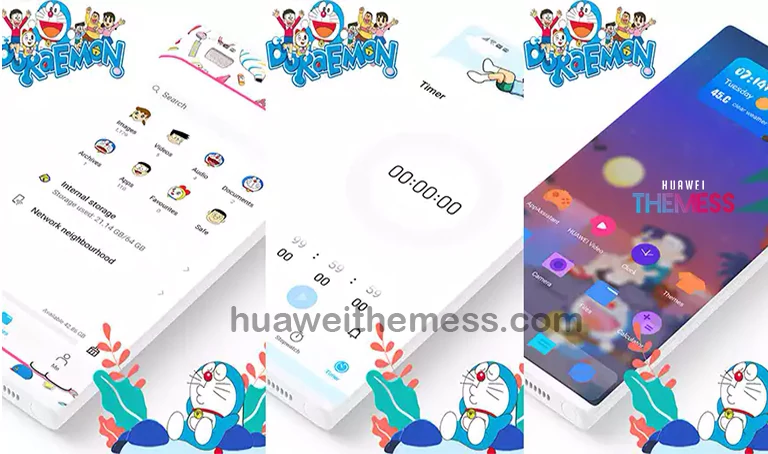
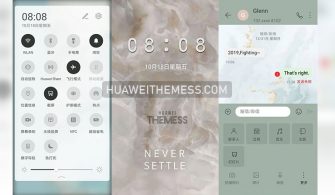
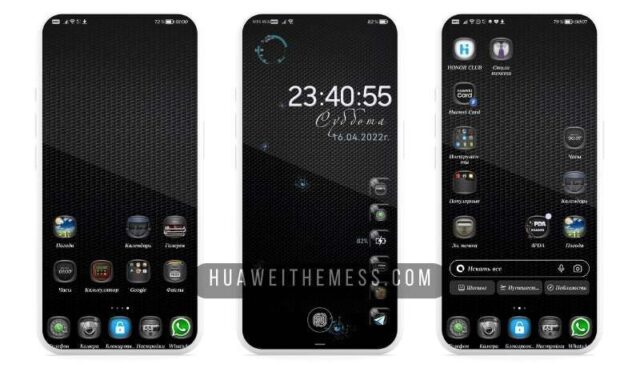
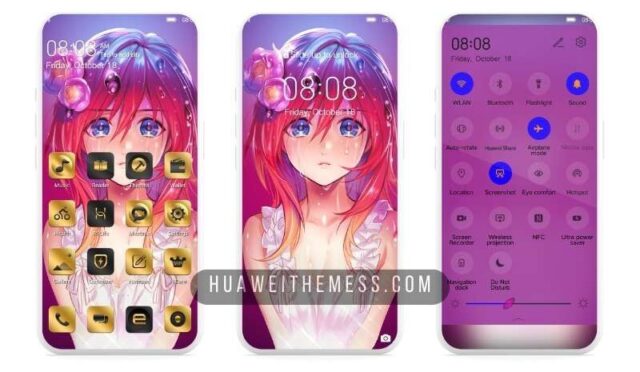
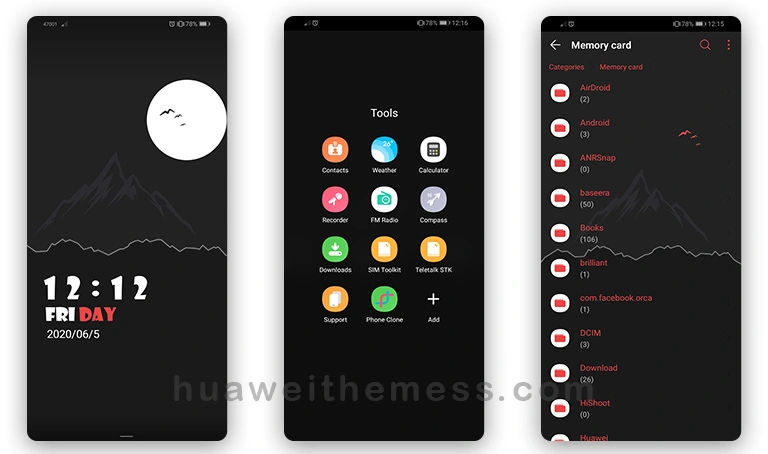
Get ready to infuse your Huawei or Honor device with a dash of nostalgia and fun, as the Doraemon theme brings a playful twist to your EMUI 10 or 9 experience. This theme is perfect for those who want to add a touch of whimsy to their lockscreen, home screen, and other UI elements, making their device stand out from the crowd.
Doraemon EMUI Theme: A Delight for the Senses
The Doraemon theme offers a plethora of exciting features that will make your device a true showstopper. From 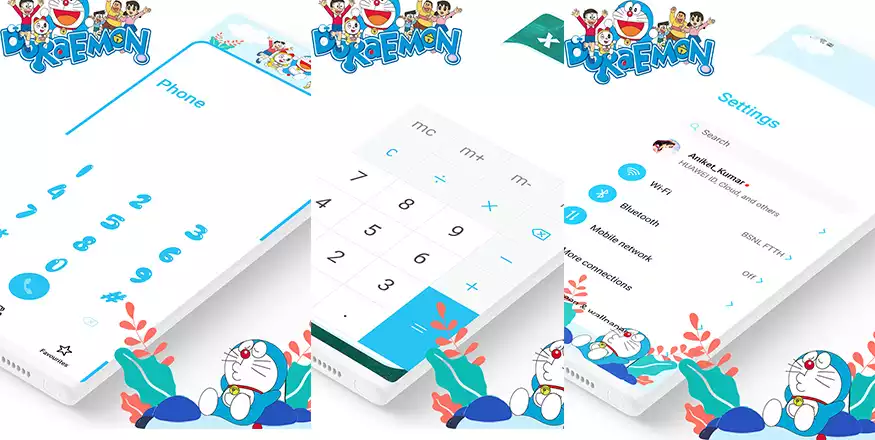 the vibrant and colorful wallpapers to the sleek and modern design of the icons, every aspect of this theme has been carefully crafted to provide an immersive experience.
Compatibility Made Easy
The Doraemon theme is designed to work seamlessly with EMUI 10 and 9, ensuring that you can enjoy its features without any hassle. Whether you’re using a Huawei or Honor device, this theme is guaranteed to provide a premium look and feel that’s sure to impress.
Frequently Asked Questions
What devices is the Doraemon theme compatible with?
The Doraemon theme is compatible with EMUI 10 and 9 devices, including Huawei and Honor smartphones.
How do I install the Doraemon theme?
To install the Doraemon theme, simply download the .hwt file and move it to the Huawei/Themes folder, then apply it via the Themes app. Click here to learn in detail.

Can I customize the Doraemon theme?
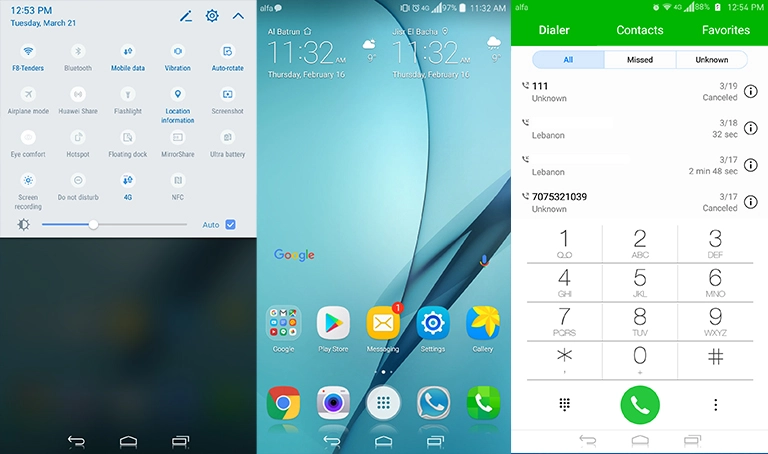
While the Doraemon theme offers a range of customization options, it’s best to explore the theme’s settings to discover what’s possible.
How to install this theme?
First, download the .hwt file and move it to the Huawei/Themes folder, then apply it via the Themes app. Click here to learn in detail.
The Doraemon theme is a true masterpiece, offering a unique blend of fun and functionality that’s sure to delight users of all ages. With its vibrant colors, sleek design, and immersive features, this theme is a must-try for anyone looking to add a touch of personality to their EMUI 10 or 9 device.