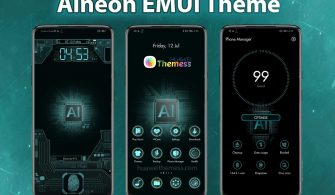
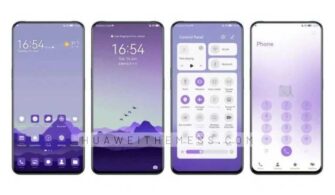
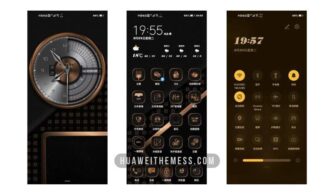
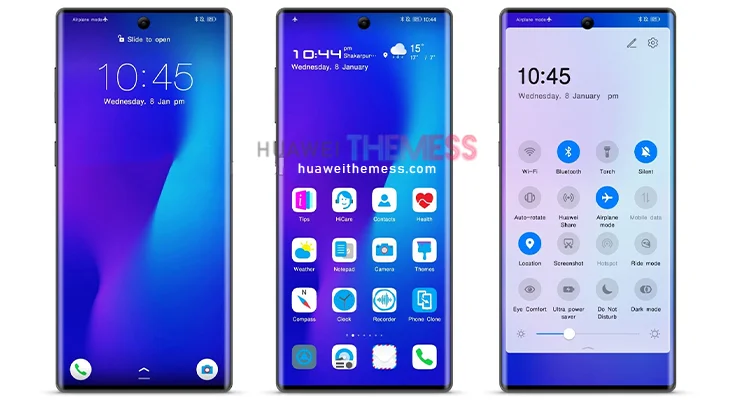
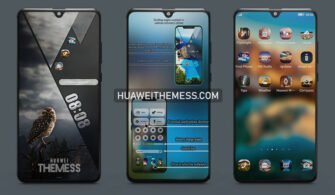
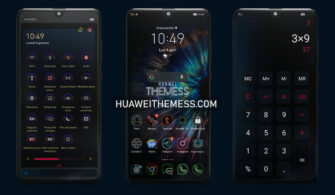
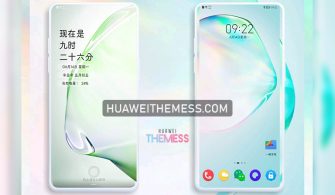
Get ready to elevate your Huawei device’s look and feel with the Distance theme, designed specifically for EMUI 10/9 and MagicUI 3/2 users. This theme offers a unique opportunity to personalize your phone and express your personal style.
Unlock a World of Customization with Distance EMUI Theme
Distance EMUI theme offers an array of exciting features that will take your Huawei device to the next level. 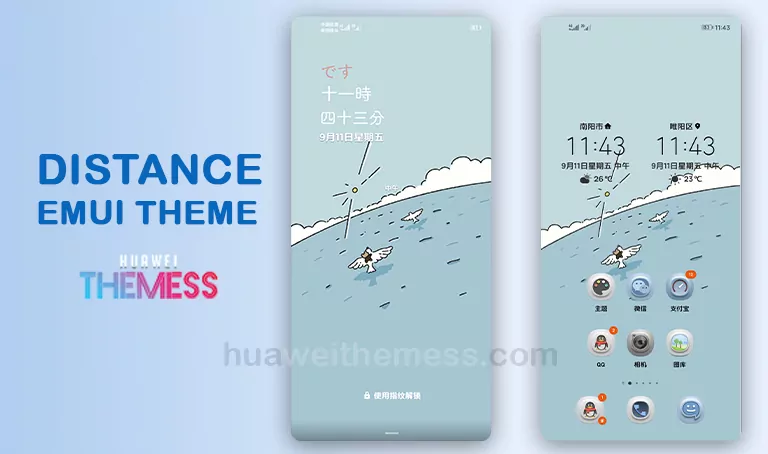
With its sleek and modern design, Distance EMUI theme is perfect for those who want to add a touch of elegance to their device. The theme’s cartoon wallpapers and cool lockscreen will surely captivate your senses, while the white icons add a clean and minimalist touch.
Supported Devices and Compatibility
The Distance EMUI theme is compatible with EMUI 10.1/10/9.1/9.0 and MagicUI 3/2 devices. This means you can enjoy the benefits of this theme on a wide range of Huawei and Honor devices.
Frequently Asked Questions
What are the system requirements for installing the Distance EMUI theme?
The Distance EMUI theme is compatible with EMUI 10/9 and MagicUI 3/2 devices, ensuring a seamless installation experience.



Can I customize the lockscreen and wallpaper to my liking?
Yes, the Distance EMUI theme offers a range of customization options, allowing you to personalize your lockscreen and wallpaper to suit your taste.
How to install this theme?
First, download the .hwt file and move it to the Huawei/Themes folder, then apply it via the Themes app. Click here to learn in detail.
The Distance EMUI theme is a game-changer for those looking to elevate their Huawei device’s look and feel. With its sleek design, modern features, and seamless installation process, this theme is sure to impress even the most discerning users.