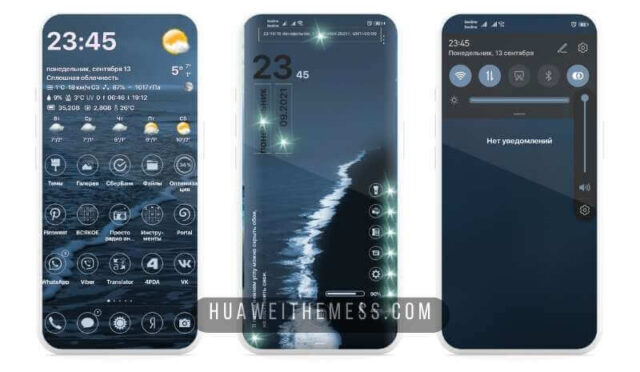
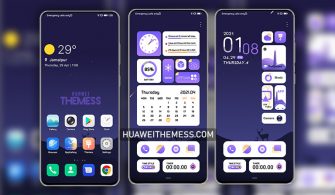
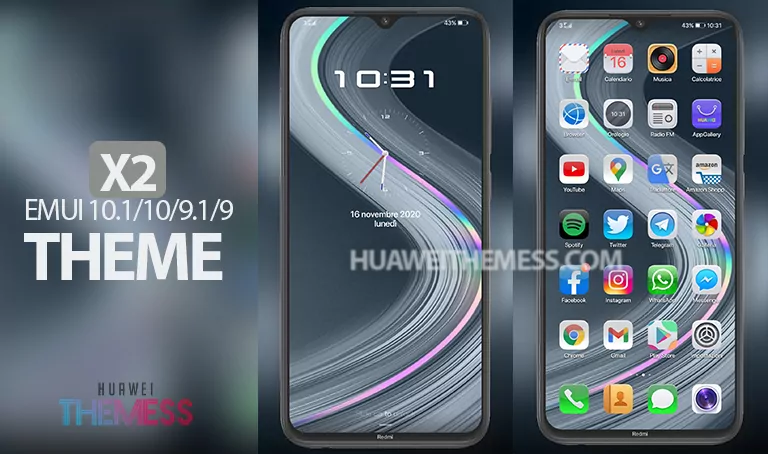
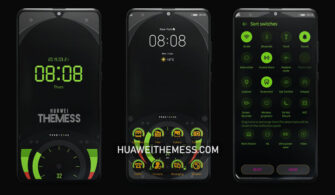
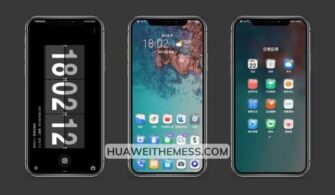
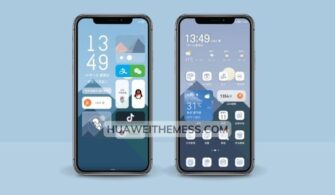
Luxury Texture is a must-try theme for EMUI 10 and MagicUI 3 users who crave a premium look and feel for their devices. This theme is designed to provide an immersive experience, allowing you to personalize your phone according to your unique taste and style. With its elegant design and seamless compatibility, Luxury Texture is set to elevate your mobile experience.
Unlock the Full Potential of Your EMUI 10 and MagicUI 3 Device
Luxury Texture offers a range of exciting features that take your device to the next level. Enjoy a revamped lockscreen, stunning wallpapers, charging effects, stylish icons, and a cool design that’s sure to turn heads. Whether you’re a fan of minimalism or opulence, this theme has got you covered.
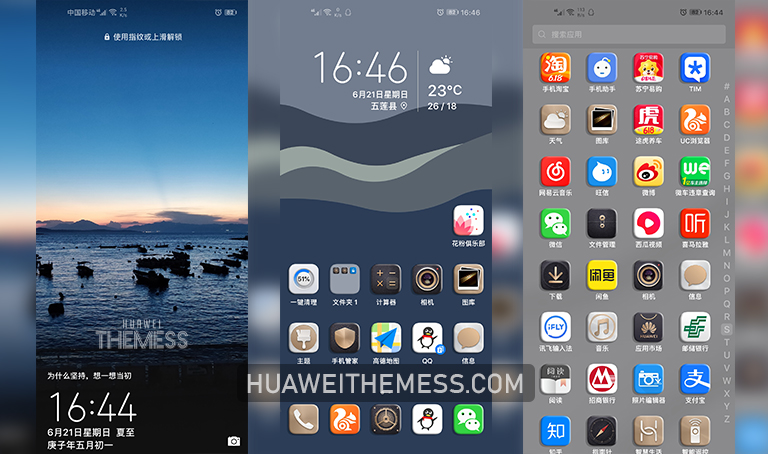
Compatibility: What You Need to Know
Luxury Texture is designed to work seamlessly with EMUI 10.1/10 and MagicUI 3. Whether you’re running the latest software or an older version, this theme is sure to deliver a smooth and hassle-free experience. Make sure to check the compatibility section to ensure that you’re running the latest software version.
Frequently Asked Questions
Is Luxury Texture compatible with older EMUI versions?
Luxury Texture is designed to work with EMUI 10.1/10 and MagicUI 3, but it’s essential to check the compatibility section for the latest software version to ensure a smooth experience.
How to install Luxury Texture on my device?
To apply Luxury Texture, simply download the .hwt file and move it to the Huawei/Themes folder. Then, apply it via the Themes app. Click here to learn in detail.



How to download Luxury Texture?
First, download the .hwt file and move it to the Huawei/Themes folder, then apply it via the Themes app. Click here to learn in detail.
How to install this theme?
First, download the .hwt file and move it to the Huawei/Themes folder, then apply it via the Themes app. Click here to learn in detail.
Luxury Texture is a game-changer for EMUI 10 and MagicUI 3 users who crave a premium look and feel for their devices. With its range of exciting features and seamless compatibility, this theme is sure to elevate your experience and make your device stand out from the crowd.