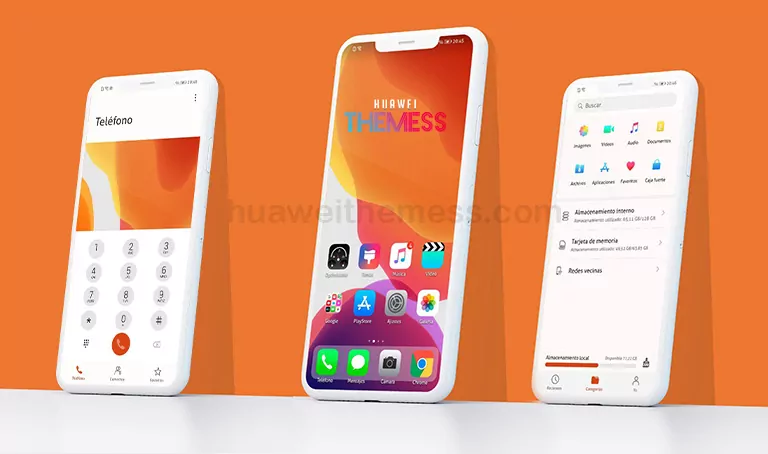
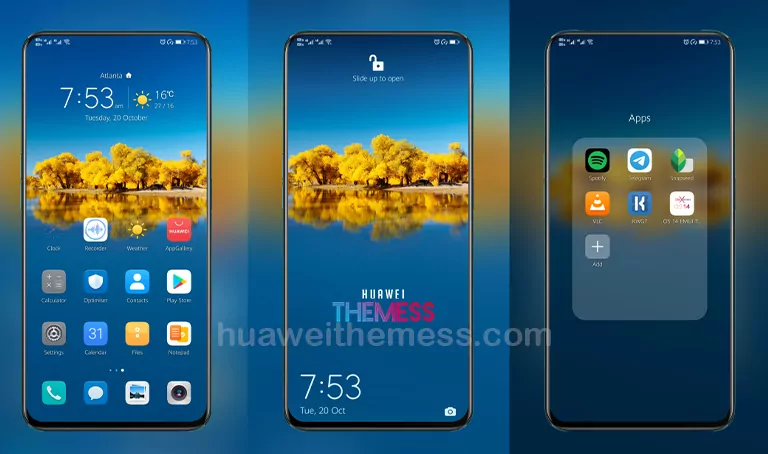
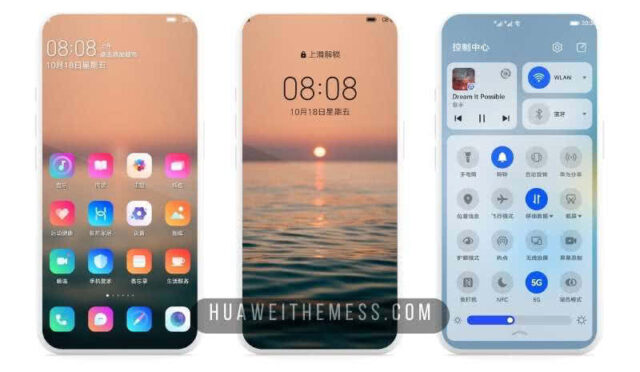
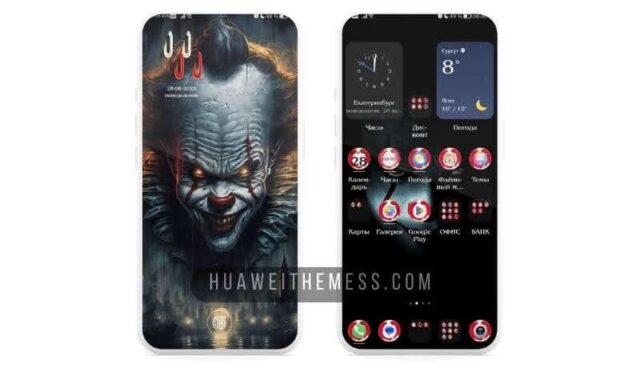
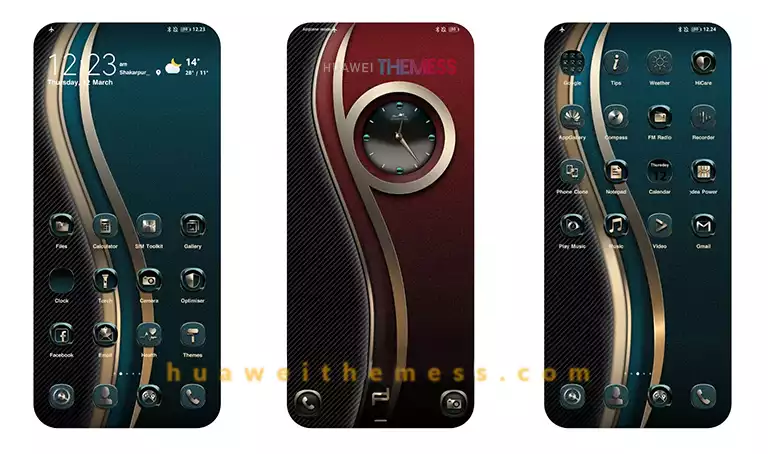
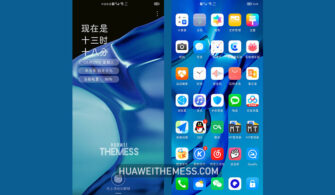
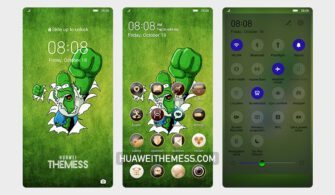
Get ready to elevate your Huawei device’s aesthetic game with Foxbit, a stunning theme designed specifically for EMUI 10/9.1/9.0 and Magic Ui 3/2 users. With its sleek and modern design, Foxbit offers a unique opportunity to personalize your phone according to your taste. Whether you’re a fan of minimalist style or bold colors, Foxbit has got you covered.
Unleash the Vibrant Side of Your Huawei Device with Foxbit
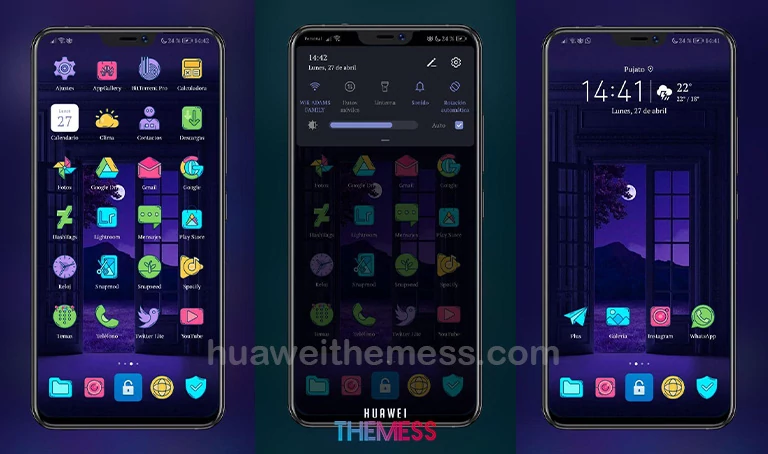
Featuring a range of stylish wallpapers, cartoon-inspired icons, and a brand-new lockscreen design, Foxbit is the perfect solution for those seeking a fresh look for their device. Plus, with bugs fixed and a host of other improvements, you can trust that your device will run smoothly and efficiently.
Compatibility and Installation
Designed to work seamlessly with EMUI 10/9.1/9.0 and Magic Ui 3/2, Foxbit is the perfect choice for users of all skill levels. To ensure a hassle-free installation process, simply download the .hwt file, move it to the Huawei/Themes folder, and apply it via the Themes app.
Frequently Asked Questions
What devices is Foxbit compatible with?
Foxbit is designed to work with EMUI 10/9.1/9.0 and Magic Ui 3/2 devices, making it the perfect solution for users of all skill levels.

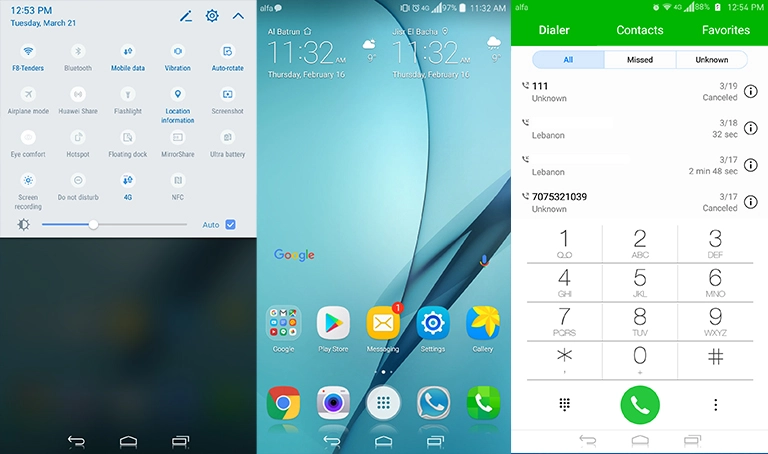
Can I customize the theme to fit my personal style?
Yes, Foxbit offers a range of customization options to help you personalize your device according to your taste.
How do I add a theme?
To add a theme, simply download the .hwt file, move it to the Huawei/Themes folder, and apply it via the Themes app.
How to install this theme?
First, download the .hwt file and move it to the Huawei/Themes folder, then apply it via the Themes app. Click here to learn in detail.
With Foxbit, you can transform your Huawei device into a stunning work of art that reflects your unique personality. Say goodbye to boring, generic themes and hello to a world of vibrant colors and sleek designs. Download Foxbit today and experience the ultimate clean UI setup for yourself!