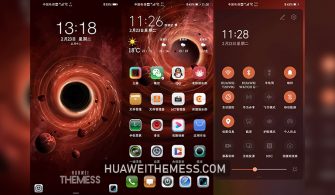
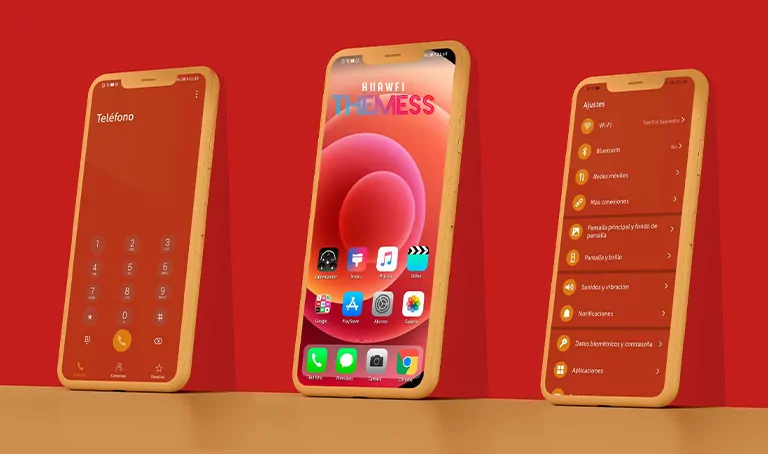
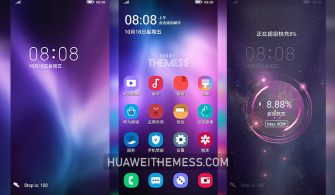
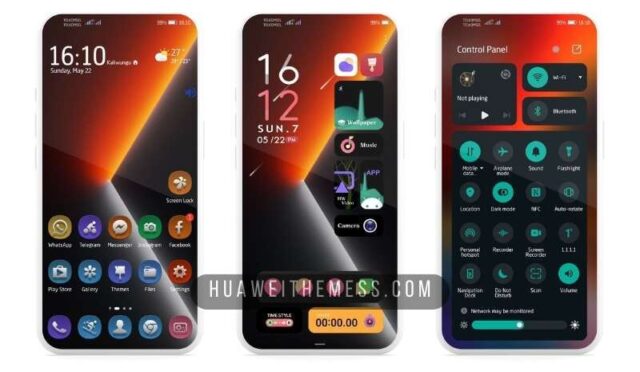
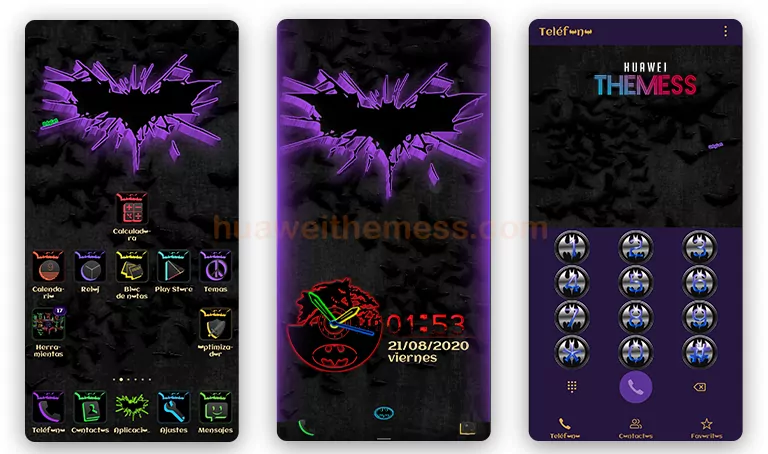
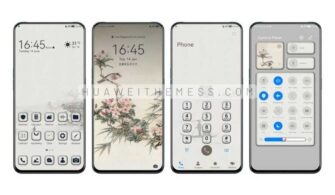
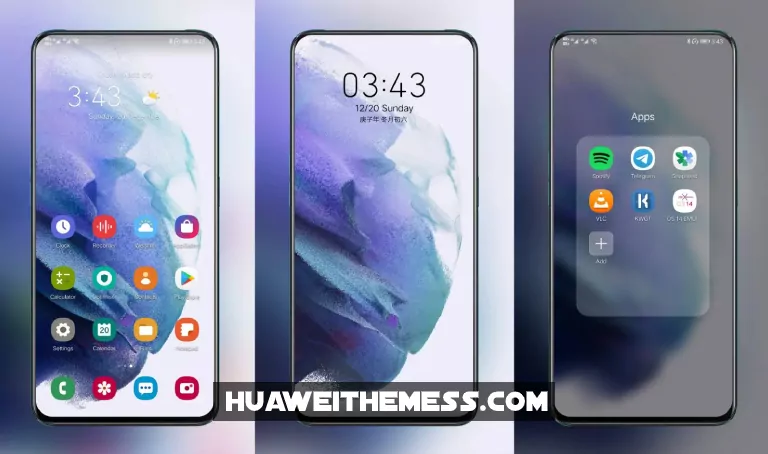
Huawei users, rejoice! The latest offering from the tech giant’s design team is here, and it’s a real showstopper. The Glory theme is a beautifully crafted EMUI theme that will transform your device into a stunning work of art, elevating your mobile experience to new heights. With its sleek and modern aesthetic, Glory is sure to impress even the most discerning users.
Glory EMUI Theme: A Symphony of Style and Function
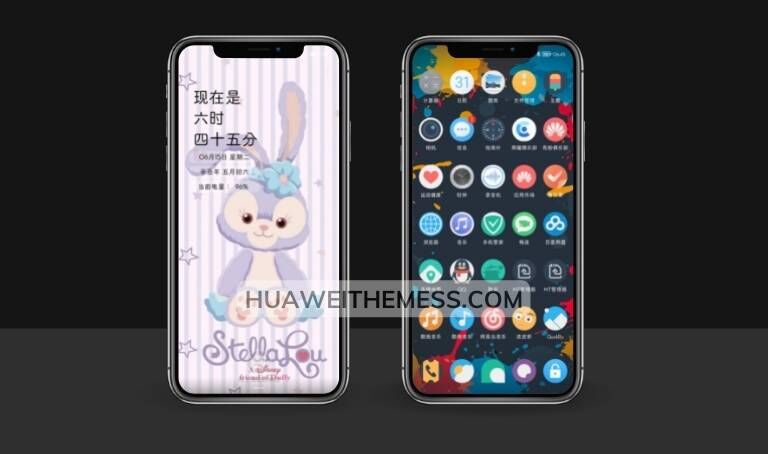
The Glory theme is more than just a pretty face; it’s a masterclass in design and functionality. With its clean and minimalistic layout, this theme makes it easy to navigate and find what you need, while its vibrant colors and stylish icons add a touch of personality to your device. Whether you’re a fan of the latest trends or prefer a more classic look, Glory has something for everyone.
Compatibility: HarmonyOS/EMUI 12/11/10/9 and MagicUI 5/4/3/2 Supported
The Glory theme is designed to work seamlessly with Huawei’s latest operating systems, including HarmonyOS, EMUI 12, EMUI 11, EMUI 10, EMUI 9, and MagicUI 5, MagicUI 4, MagicUI 3, and MagicUI 2. This means you can enjoy the Glory theme on a wide range of devices, from flagship models to mid-range handsets.
Frequently Asked Questions (FAQ)
What are the system requirements for the Glory theme?
The Glory theme is compatible with HarmonyOS 2 and 1, EMUI 12, EMUI 11, EMUI 10, EMUI 9, and MagicUI 5, MagicUI 4, MagicUI 3, and MagicUI 2. Make sure your device is running one of these operating systems to ensure seamless installation and functionality.



How do I apply the Glory theme to my device?
To apply the Glory theme, simply download the .hwt file and move it to the Huawei/Themes folder. Then, restart your device and apply the theme via the Themes app. If you need more guidance, check out our comprehensive tutorial on how to add a theme to your Huawei device.
Can I customize the Glory theme to my liking?
While the Glory theme is highly customizable, some features may require additional configuration or tweaking. For more information on customizing the theme, please refer to the user manual or contact our support team for assistance.
Is the Glory theme free to use?
Yes, the Glory theme is completely free to use and download. No hidden costs or subscription fees – just a beautiful, high-quality theme that’s all yours!
How to install this theme?
First, download the .hwt file and move it to the Huawei/Themes folder, then apply it via the Themes app. Click here to learn in detail.
The Glory theme is a true masterpiece that will elevate your Huawei device to new heights. With its stunning design, seamless functionality, and wide compatibility, this theme is a must-have for any Huawei user. So why wait? Download the Glory theme today and experience the best of Huawei’s design expertise for yourself.